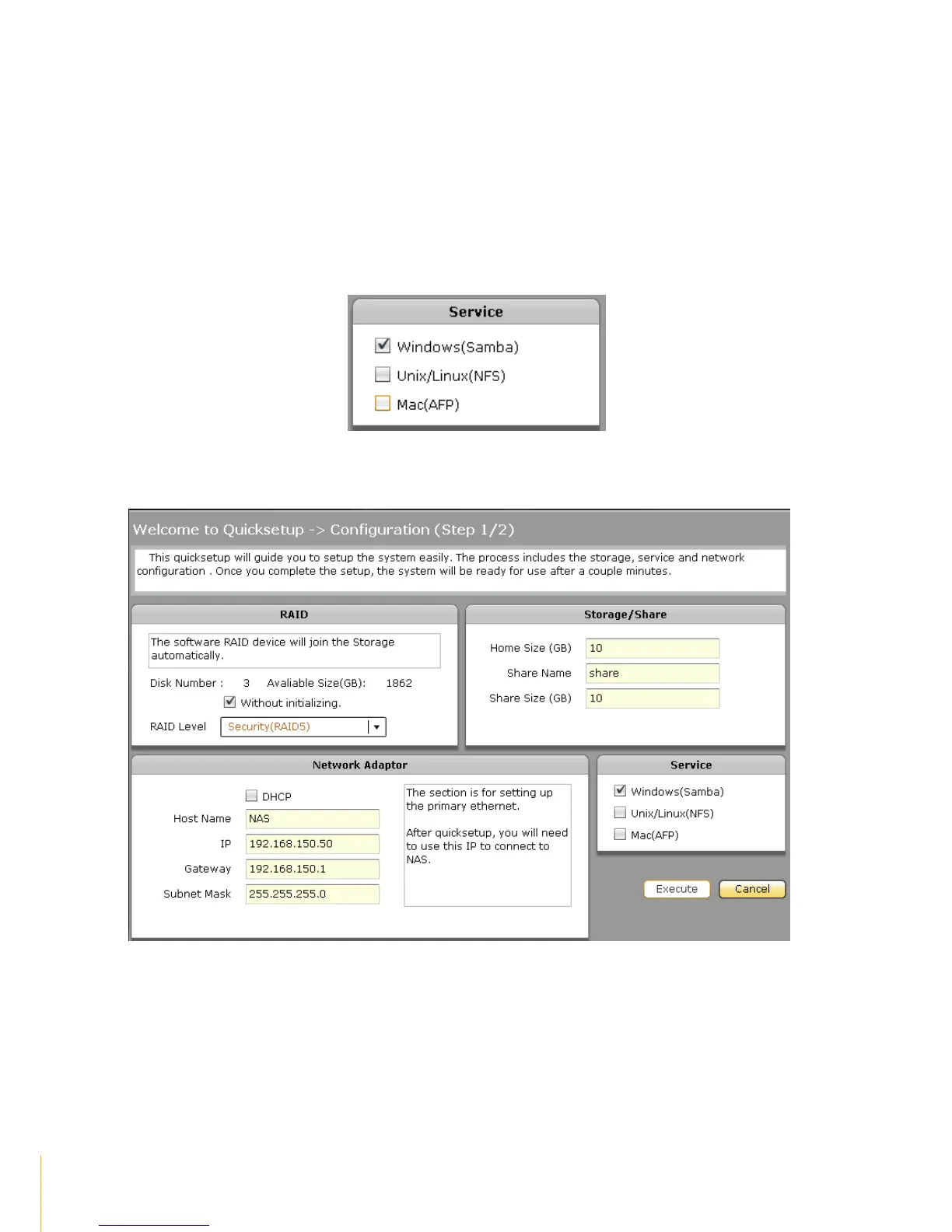
Subnet Mask
The Subnet Mask used. If not set, it will use the default Subnet Mask 255.255.0.0.
Gateway
The Gateway used. If not set, it will use the default Gateway 172.16.0.1.
4. Configure the Service options.
a) Enable the actiNASService options as needed.
5. Click the Execute button.



 To Next Page