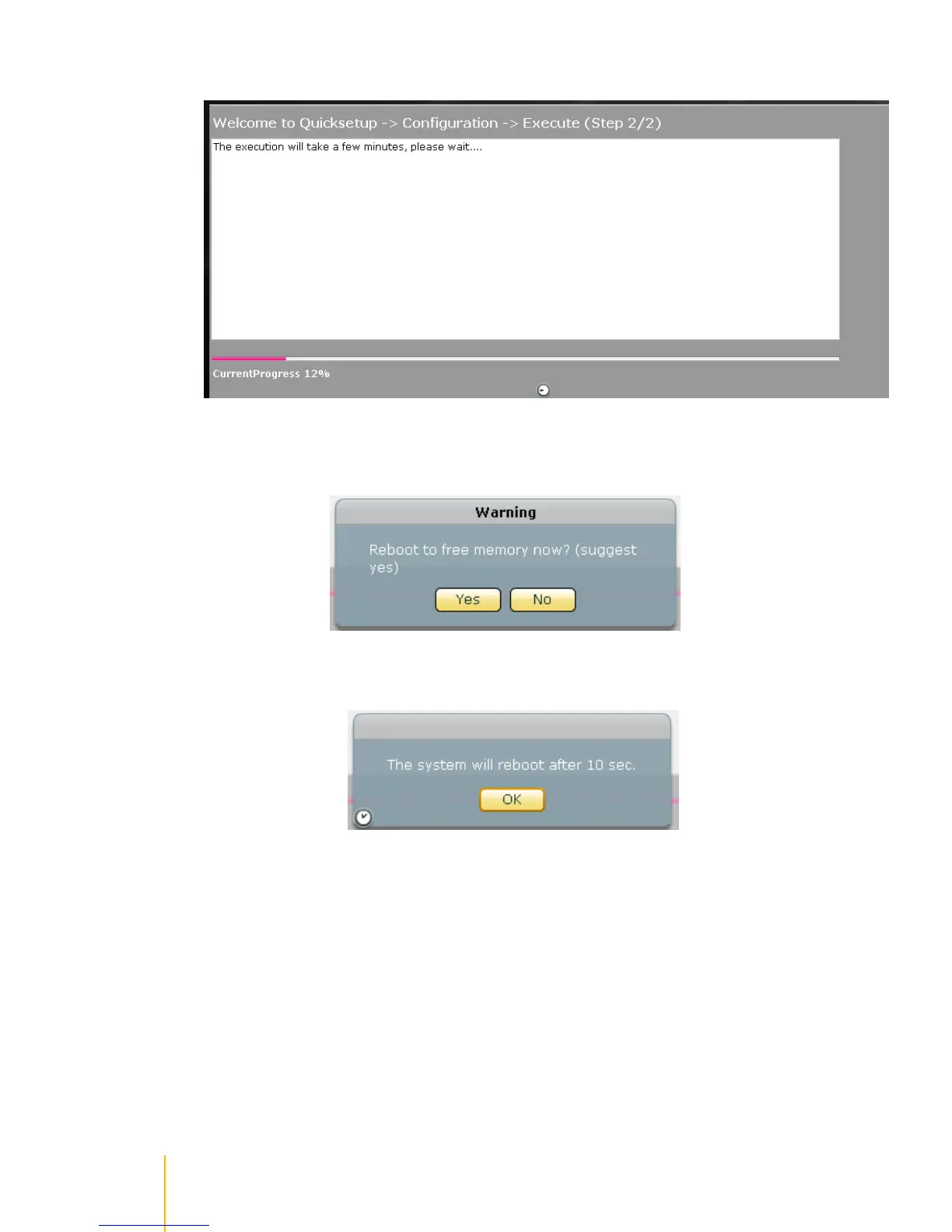
The configurations will be set.
6. A warning message will be displayed. Select Yes to reboot the NAS and free some memory used
by the system.
7. A message will be displayed. Click OK.
8. The NAS will restart. Wait for about 3 to 4 minutes then login again. If IP address was changed in
Network Adapter settings, re-login to actiNAS administration page using the new IP address.



 To Next Page