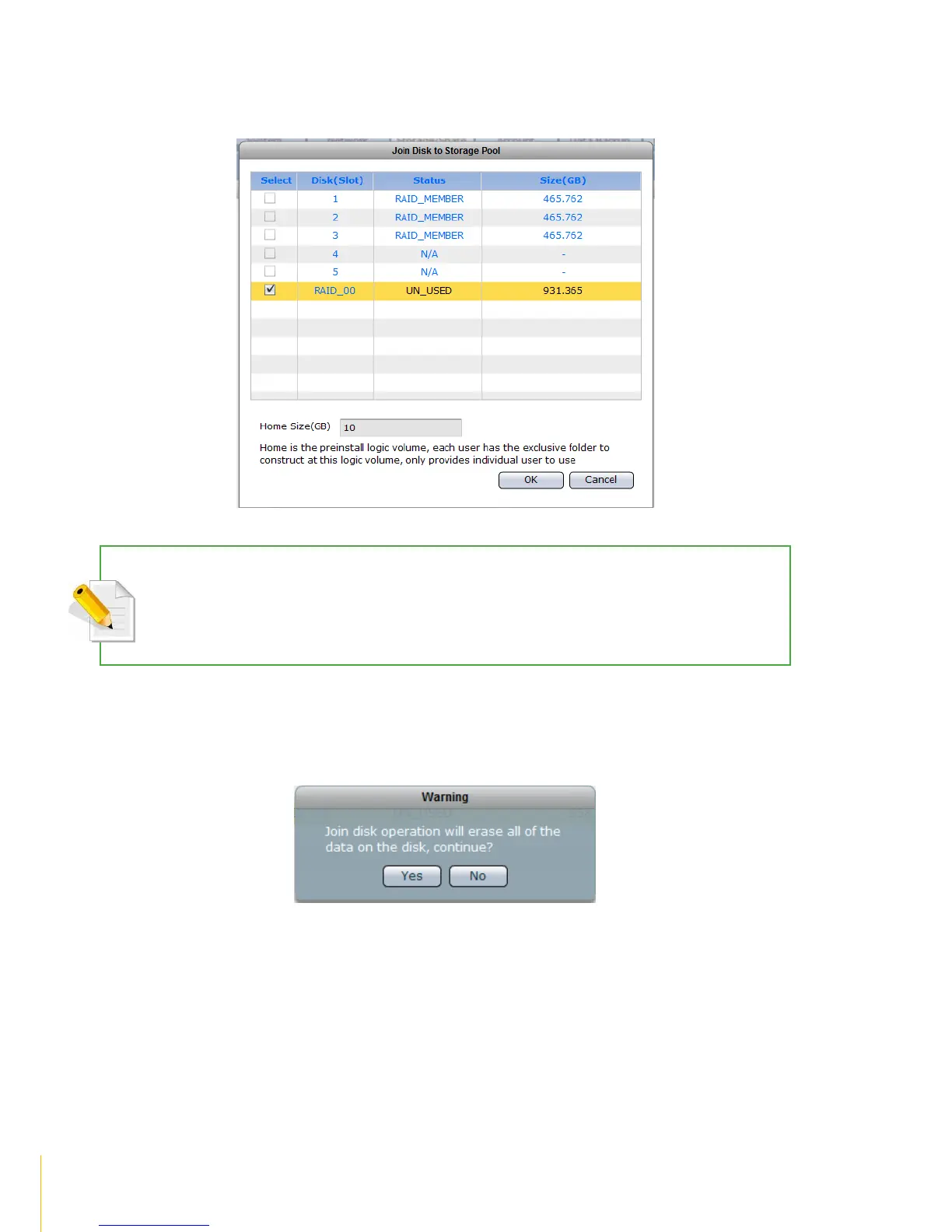
6. Select the disk (must be RAID disk, such as RAID_00) that will be added to storage pool. Click
OK when done.
NOTE: NASVG, which is a Volume Group that holds the NAS configurations, will be created when at least one
disk (RAID disk) is joined to Storage Pool. At the same time, the default Home volume is also created. The Home
volume holds the individual share folders of all user accounts. The default Home volume size is 10GB. If
necessary, change the Home size to a larger size.
7. A warning message will be displayed. Select Yes to proceed.



 To Next Page