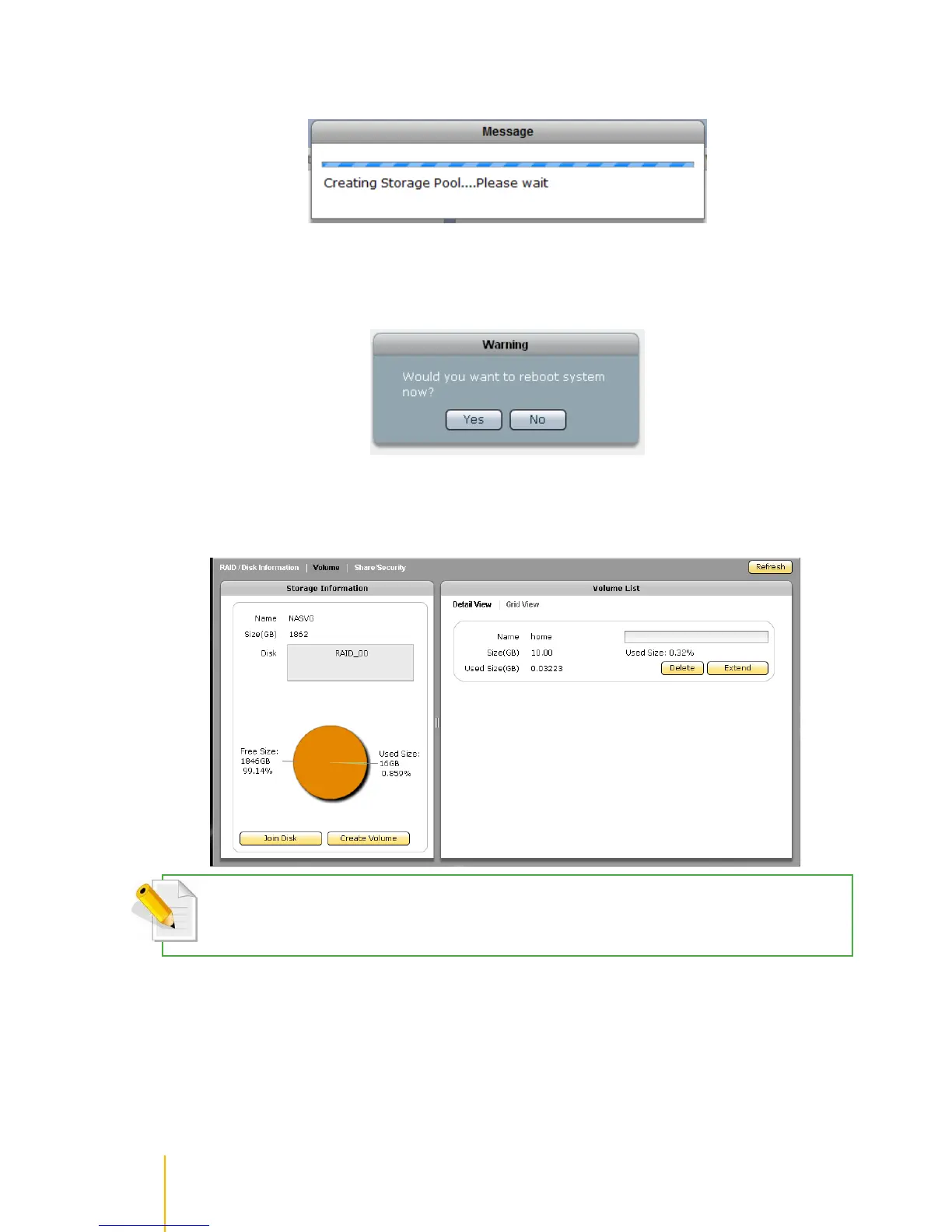
8. A message will be displayed.
9. When warning message is displayed, select Yes to free some memory used by the system. The
NAS system will reboot.
10. Re-login to the system then select Storage/Share. The NASVG and the default Home volume are
created.
NOTE: After NASVG is initialized, the Storage Information screen will show a pie chart with amount of Free Size
and Used Size. Volumes can be created from the NASVG.



 To Next Page