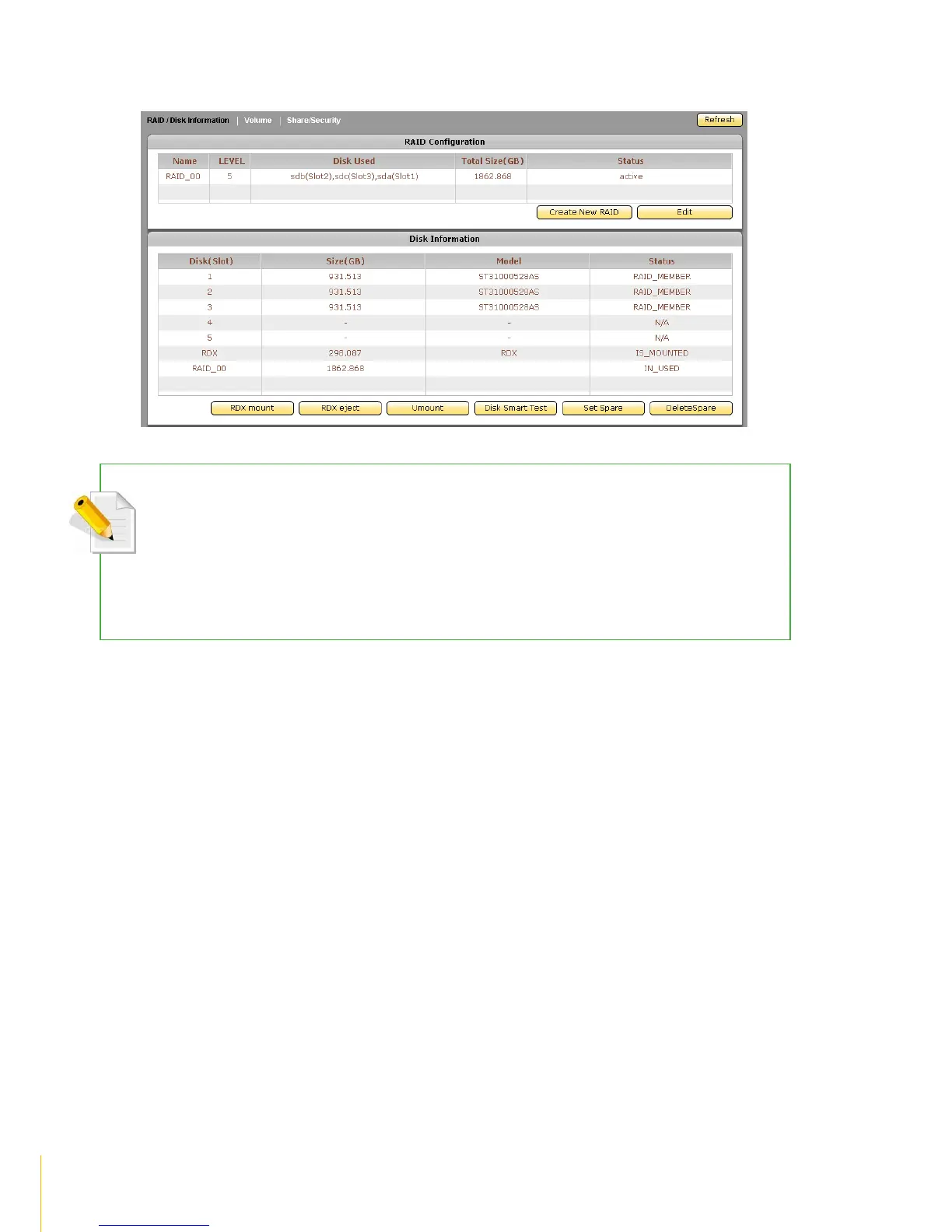
11. After the RAID disk is joined to NASVG, the RAID status in Disk Information will show IN_USED.
NOTE: Once a RAID disk has been joined to the NASVG Storage Pool, the RAID disks can no longer be
deleted using RAID/Disk InformationEditDelete. Once joined, the RAID disk status will be shown as
IN_USED which means the NAS system is already using the RAID disk.
The way to delete existing RAID disks which are already joined to Storage Pool is to reset NAS to factory default
in SystemBoot/ShutdownReboot to Default. WARNING! Using this option will delete all existing RAID
configuration and data, and the NAS will be reset to factory default settings.



 To Next Page