/ actiNAS Manager · Storage/Share
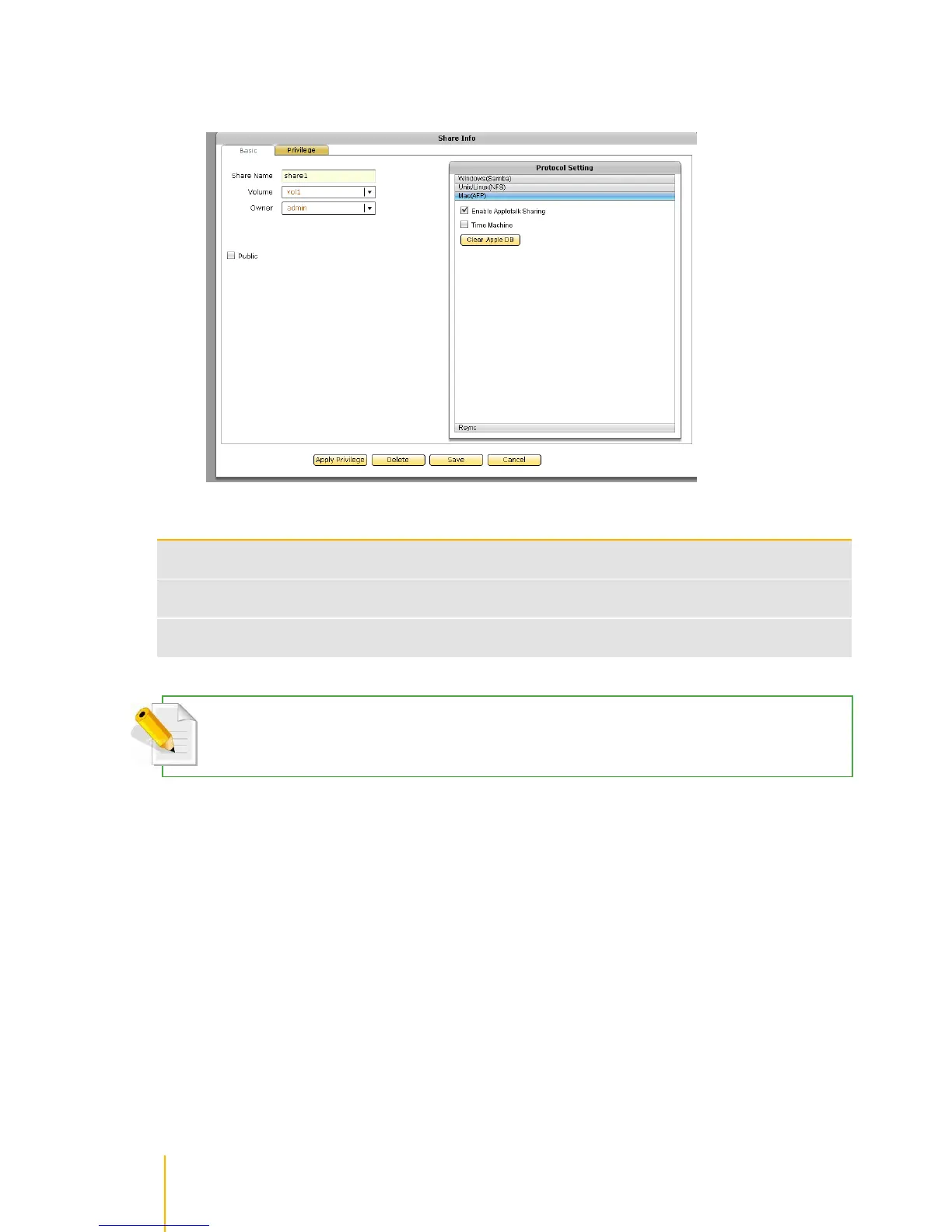
5. Select Mac(AFP) option in Protocol Setting window. The AppleTalk protocol configuration screen
is displayed. If share will be accessed by Mac clients, setup the necessary options.
Mac (AFP) Configuration Options
Used to enable or disable AppleTalk protocol. When enabled, the share folder can be
accessed via AppleTalk protocol
Used this option to enable Time Machine function on the share folder. The NAS share folder
will become Time Machine backup target destination
Use this button to delete the .AppleDB hidden folder (including all files in it) on the share
folder.
Note that newer Mac OS X versions support SMB protocol, and therefore will be able to connect to NAS share
folder using SMB protocol, without enabling Mac(AFP).



 To Next Page