Storage/Share · / actiNAS Manager
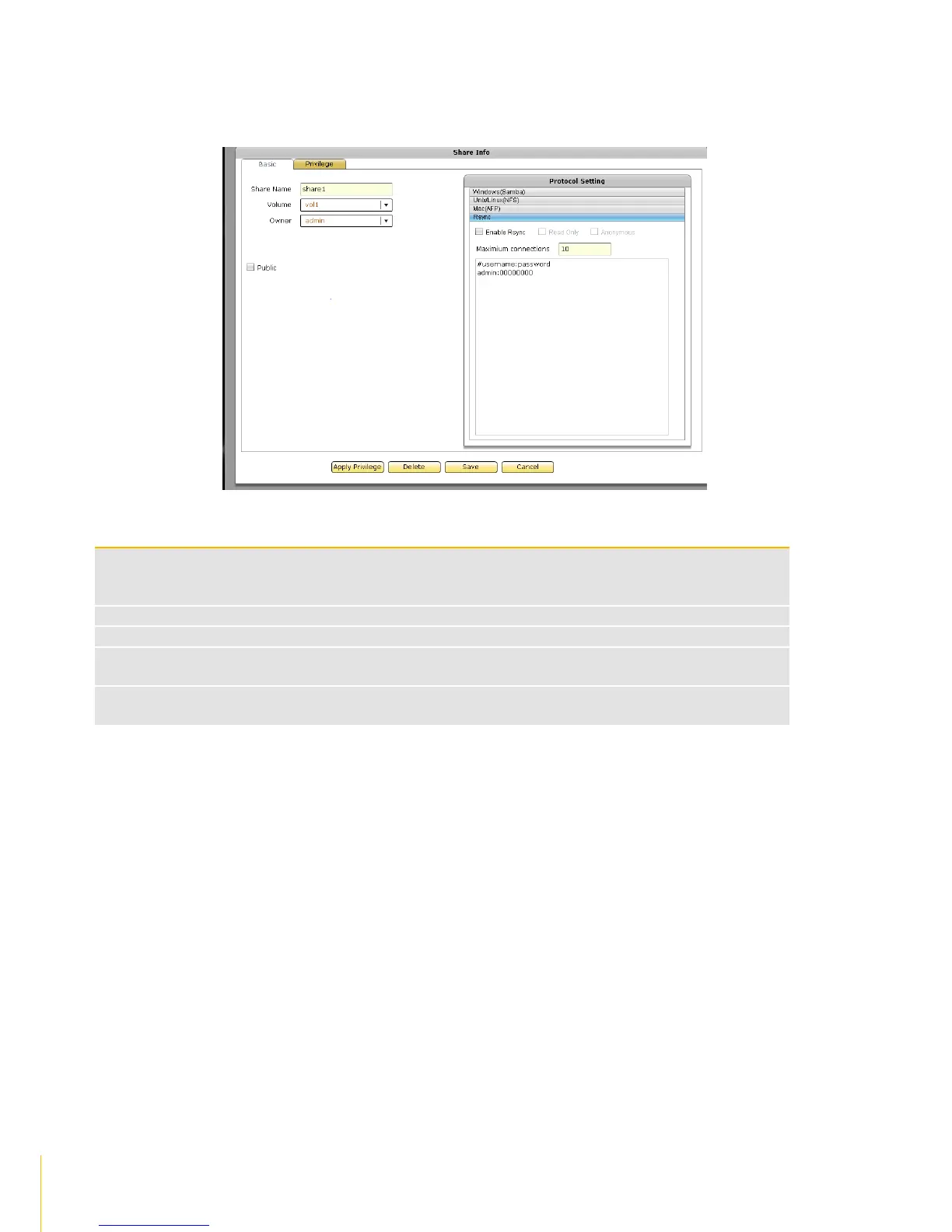
6. Select Rsync option in Protocol Setting window. The Rsync configuration screen is displayed. If
share will be used for Rsync, setup the necessary options.
Rsync Configuration Options
Used to enable or disable Rsync Server function on this share folder. When enabled
(checked), an Rsync client can connect to this share folder and upload or download files via
Rsync.
When checked, all files within this share will be read only to any Rsync client
When checked, anonymous connections will be accepted
This specifies the maximum number of Rsync client that can connect to this share at a
certain time.
Use this option to edit Rsync account and password list. These accounts are the accounts
that will be supplied by the Rsync client when connecting to this server



 To Next Page