Chapter 3: Building Your Storage Space ● 37
The maximum number of supported RAID controllers varies depending on your operating
system. See Controller Support on page 17 for more information.
To continue, see Managing Your Storage Space on page 41.
Custom Configuration (Advanced)
Custom configuration helps you build your storage space manually by stepping you through
the process of creating logical drives, setting RAID levels, and configuring other settings.
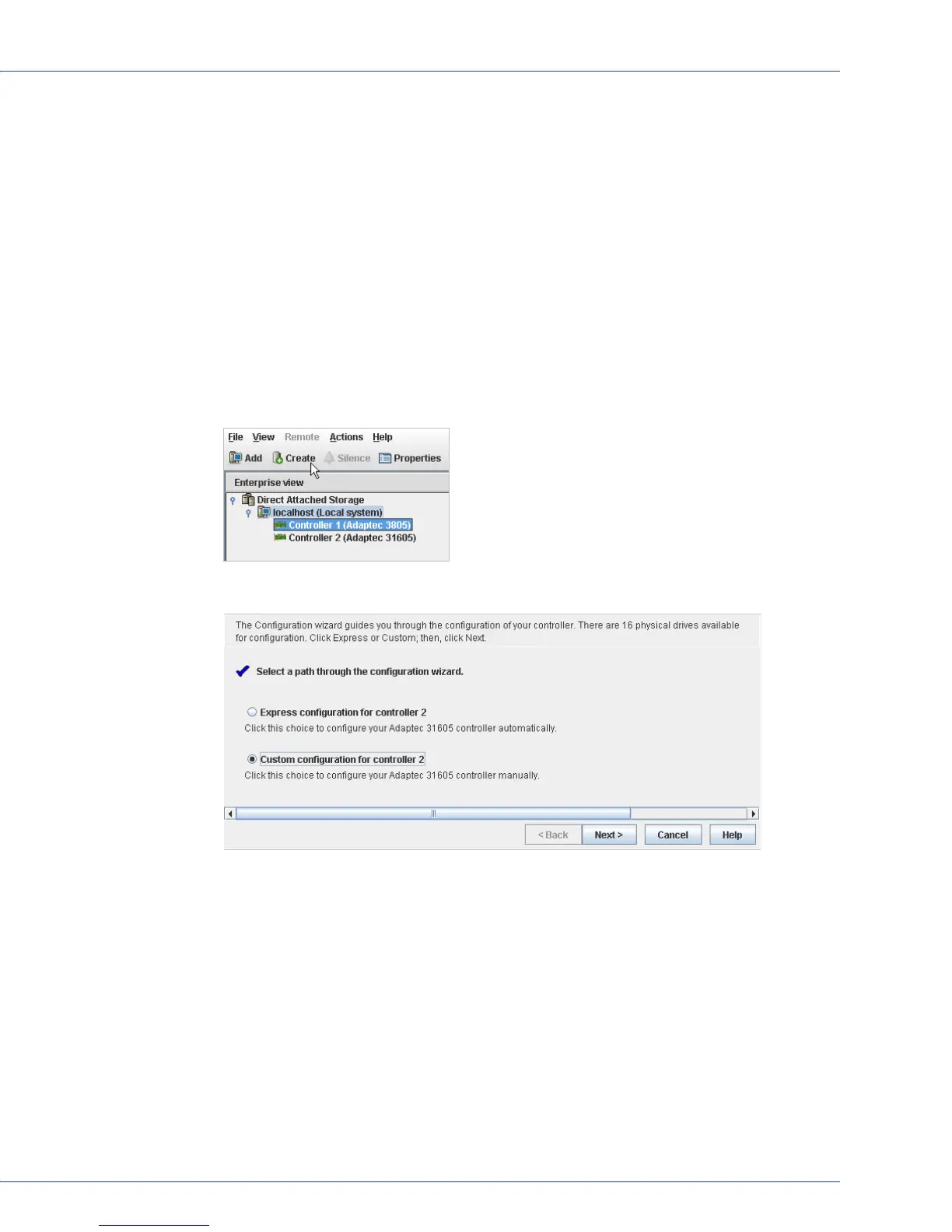
To build your storage space with custom configuration:
1 In the Enterprise View, select the system you want, then select the controller you want.
Note how many available disk drives are connected to the controller; this information will
be helpful as you create logical drives.
2 On the toolbar, click Create.
3 When the wizard opens, select Custom configuration..., then click Next.



 To Next Page