iFT Series Hardware Installation Manual ADPRO
12 27817_08
HDD capacity
Reference number
Disk only Disk with mounting kit for ADPRO device
4TB 19150270 39544262
6TB 19150280 39544263
8TB 19150290 39544264
10TB 19150300 39544266
Note
Notallharddisksarecompatiblewithallfirmwareversions.Upgradeyourdevicetofirmwareversion
XOa3.02.0033oraboveforfullcompatibility.
3.3 Reusing Used Hard Disks
Itispossibletomountaharddiskcomingfromanotherdeviceintoanewdevice.However,youmustformat the
used hard disk toerasealldataonthedisktopreventanyconflictsordatadamage.Inaddition,ifyouinstalla
useddiskinanXOdevicethatrunsfirmwareversionXOa3.00orabove,thesystemmayenterthehard disk
lockdown mode:recordingisthennotpossible.Thefollowingmessagewillappear:
Ifyouwanttoinstalladiskfromanotherdevice,andyouneedtorecovertherecordingsthatareontheuseddisk,
followtheinstructionsintheTechTipRecovering Recordings from Used HDDs(29160).
3.4 Retrieving Hard Disk Information
YoucanretrieveharddiskinformationandidentifypossiblyfaultyharddisksusingtheTelnetta,smartcommand,
orusingtheXOclientsoftware.
3.4.1 Using the ta,smart Command
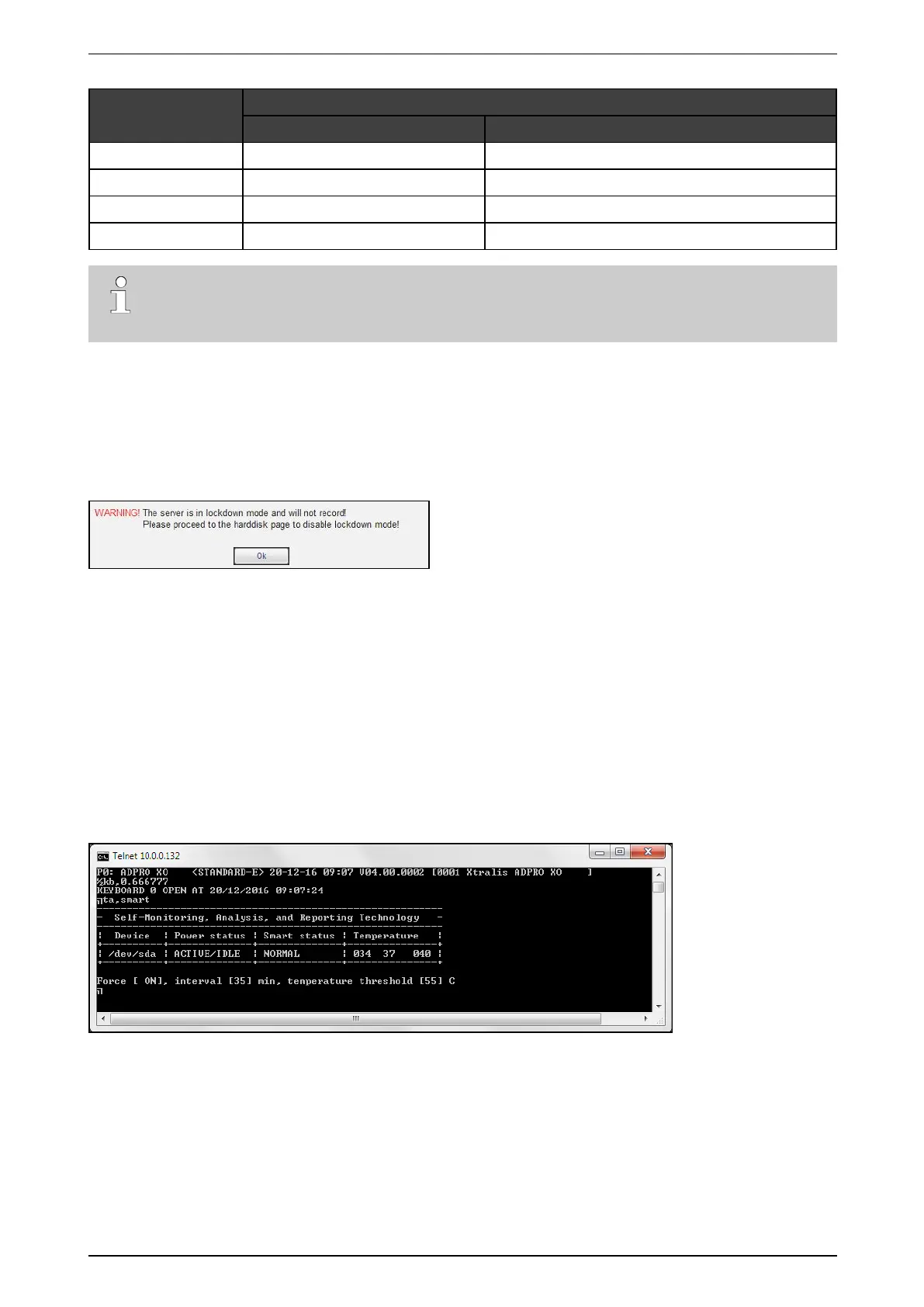
SMARTstandsforSelf-MonitoringAnalysisandReportingTechnology.Executetheta,smart commandina
TelnetsessiontoobtaintheSMARTinformationforallharddisksintheXOdevice.



 To Next Page