ADPRO iFT Series Hardware Installation Manual
27817_08 63
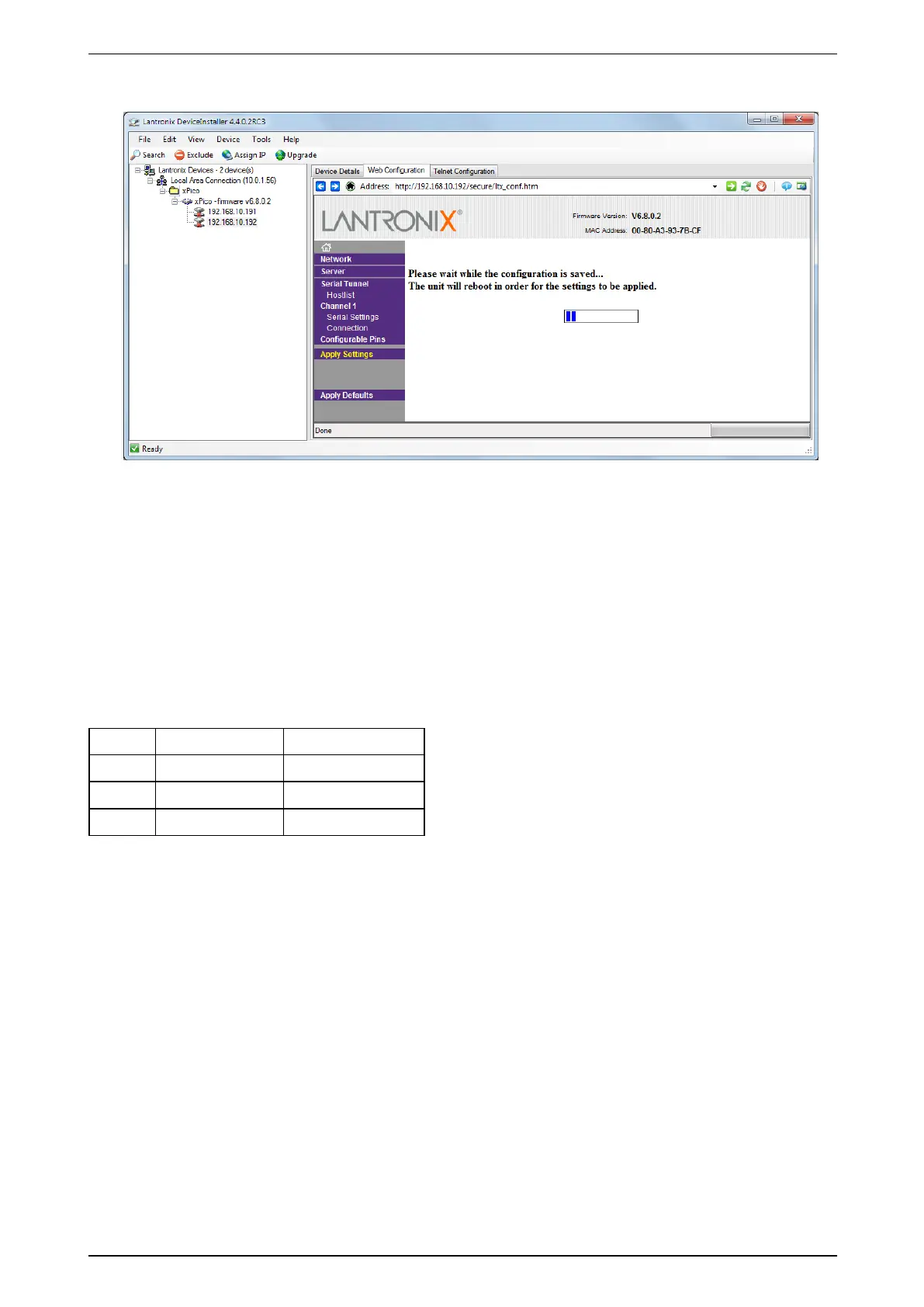
13. ClickApply Settings.
Themodulewillrestart,andwillthenbecomeavailablewiththenewIPsettings.YoucanchangetheIP
addressintheaddressbar,oryoucanusethesearchfunctionasbefore.
14. Repeatsteps4to13forotherIPmodules.
NowyoucanconnecttheIPmodulestothePIRdetectors.
14.8.3 Connecting the IP Modules to the PIR Detectors
FordetailsonconnectingtheIPmodulestothePIRdetectors,seethedocumentADPRO PRO E-IPM Legal
Disclaimer & Intended Use of Product(27556).
Takeintoaccountthatthewirecoloursmaybedifferent:
A Blue Red
B Black Orange
+ Brown Yellow
GND Red Green
AfterconnectingtheIPmodulestothePIRdetectors,youcanaddtheIPmodulesintheXOclient.Fordetails,
seetheXO Client Software User Manual(21796).



 To Next Page