iFT Series Hardware Installation Manual ADPRO
70 27817_08
18 Web Pages
ThereareseveralwebpagestoconsultwiththeXOdevice.Toopenthesewebpagesinyourinternetbrowser:
typetheIPaddressintheaddressbar,followedbytheextensionsasdescribedinthetablebelow.
Web page Description
index.php ThisisthemainpageoftheXOdevice.IftheXOclienthasbeeninstalled,thispage
automaticallyopenstheXOclientapplication.Iftheapplicationhasnotyetbeeninstalled,you
willberedirectedtothesetuppage(setup.php).
setup.php OnthispageyoucandownloadtheXOclientapplication.
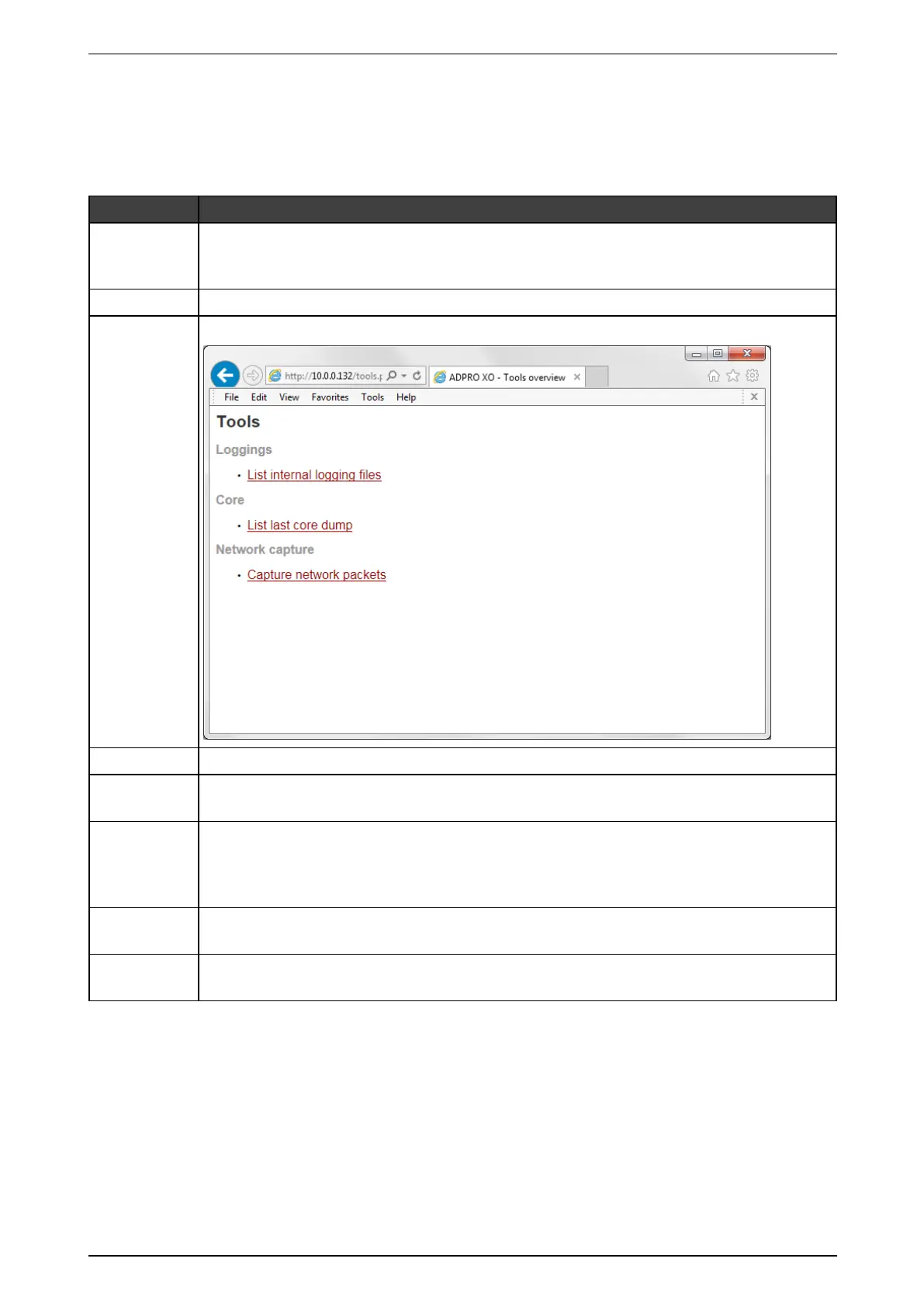
tools.php Thispagecontainsthelinkstotheinternallogging,thecoredumpandthenetworktrace:
log.php Hereyoucandownloadthelogfiles(seeRetrieving Log Filesonpage66).
report.php Hereyoucanconsultessentialinformationontheconfiguration(seeRetrieving Reportson
page68).
core.php Hereyoucandownloadthecoredump(crashinfo)andwatchdump(hanginfo)whenyou
encounterthesespecificproblems.TheHoneywellSupportDivisionmayaskyoutosend
thesefilestothemforfurtherinvestigation.Alwaysmentiontheversionwhenprovidingacore
dump!
phpshell.php ThisisaLinuxconsolethroughawebbrowser.Youneedausernameandpasswordtousethis
tool.ThisisbydefaultonlyaccessiblefortheHoneywellDevelopmentTeam.
net.php Hereyoufindanetworksnifferfornetworktracing.Youcanuseitforcheckingwhyacertain
clientcannotconnecttotheXOdevice.



 To Next Page