iFT Series Hardware Installation Manual ADPRO
42 27817_08
8. Ifyouaremappingadoublemodule,repeatforthesecondmodule:connectittotheXOdeviceusingthe
USBcable,clickRefresh intheconfigurationtool,andmapthemoduletothecorrectsetnumber.
9. IftheProduct columnsshowsanyotherdevices(intheexamplescreenabove,theFT232USBSerial=an
RS-485-to-USBconverter),makesurethatthesedevicesarealsomappedtoasuitableUSBport.
10. ClickLogout.
11. RestarttheXOdevice.
TheXOclientwillnotdiscovertheI/Ocardsuntilyouhaverestartedthedevice.
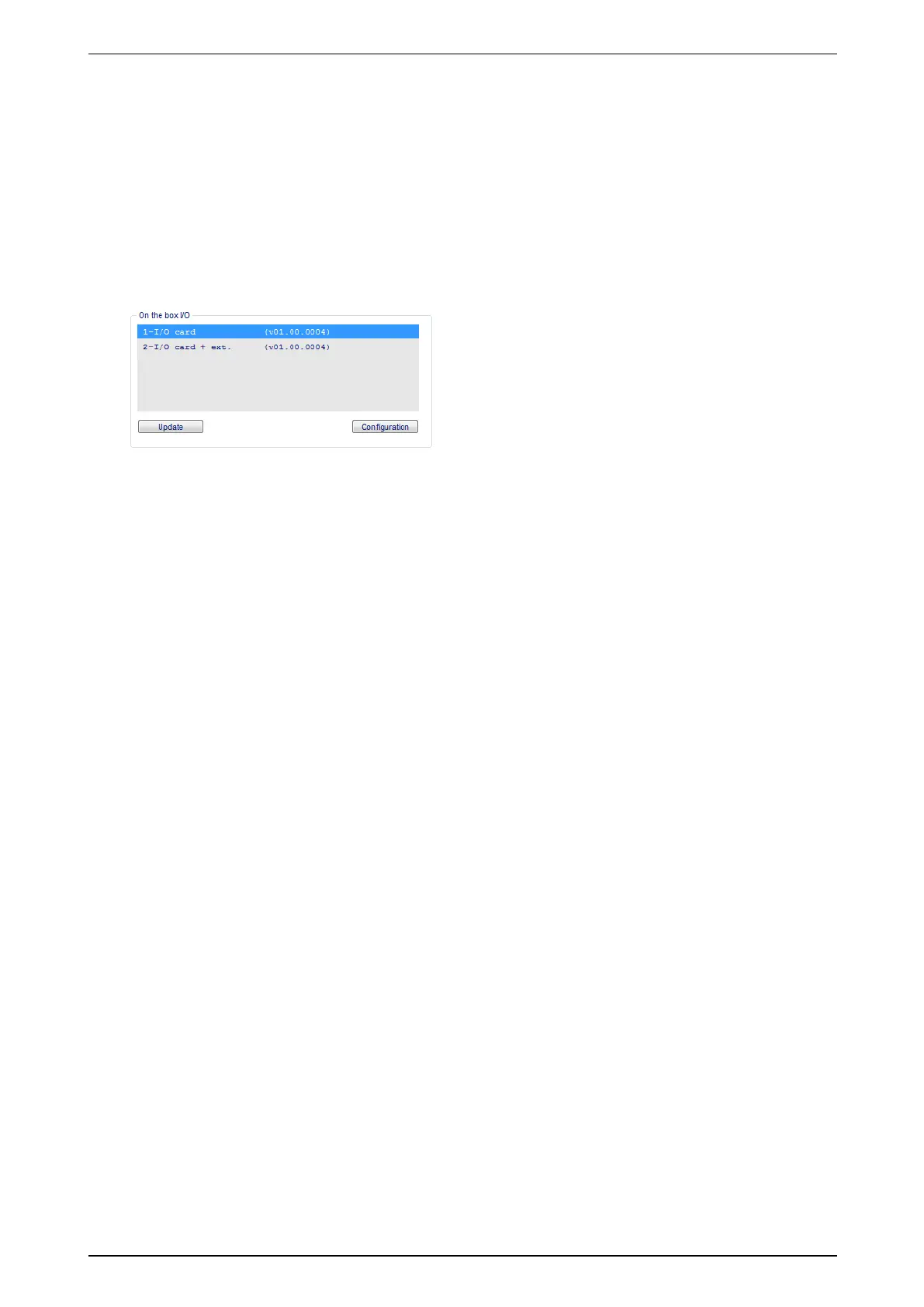
12. OpentheXOclientandcheckiftheaddedmoduleisvisibleintheI/O window:chooseSystem >
Connections >I/O.Forexample,ifyouhaveaddedasinglemoduletoserveasasecondsetofI/Ocards,
youwillseeasecondlineindicating2-I/O card + ext.
13. Iftherewereotherdevicesinthehardwaremappinglist,then:
o
Checktheirserialportssettings(System >Connections >Serial Ports / PTZ).
o
Testallrelatedfunctionality(PIRdetectors,analoguePTZcamera,modem…).
YoucannowusetheMIO/EIOcardsinthemoduleinthesamewayastheMIO/EIONextGenerationcards.The
LEDsontheXOI/OInterfaceUSBmodulefollowtheLEDsonthefrontoftheXOdevice.
8.4 Resetting the Hardware Mapping
WhenyouuseXOI/OInterfaceUSBmodules,thesystemreconfigurestheUSBportsandtheynolongerhave
thedefaultnumberingasdescribedinthehardwaremanuals.
Ifyouhaveremoved all theXOI/OInterfaceUSBmodulesfromyourXOdevice,youcanresettheUSBport
configurationbacktothedefaults.Fordetails,seetheXO I/O Interface USB Module Technical Manual (32688).



 To Next Page