iFT Series Hardware Installation Manual ADPRO
44 27817_08
10 Monitor
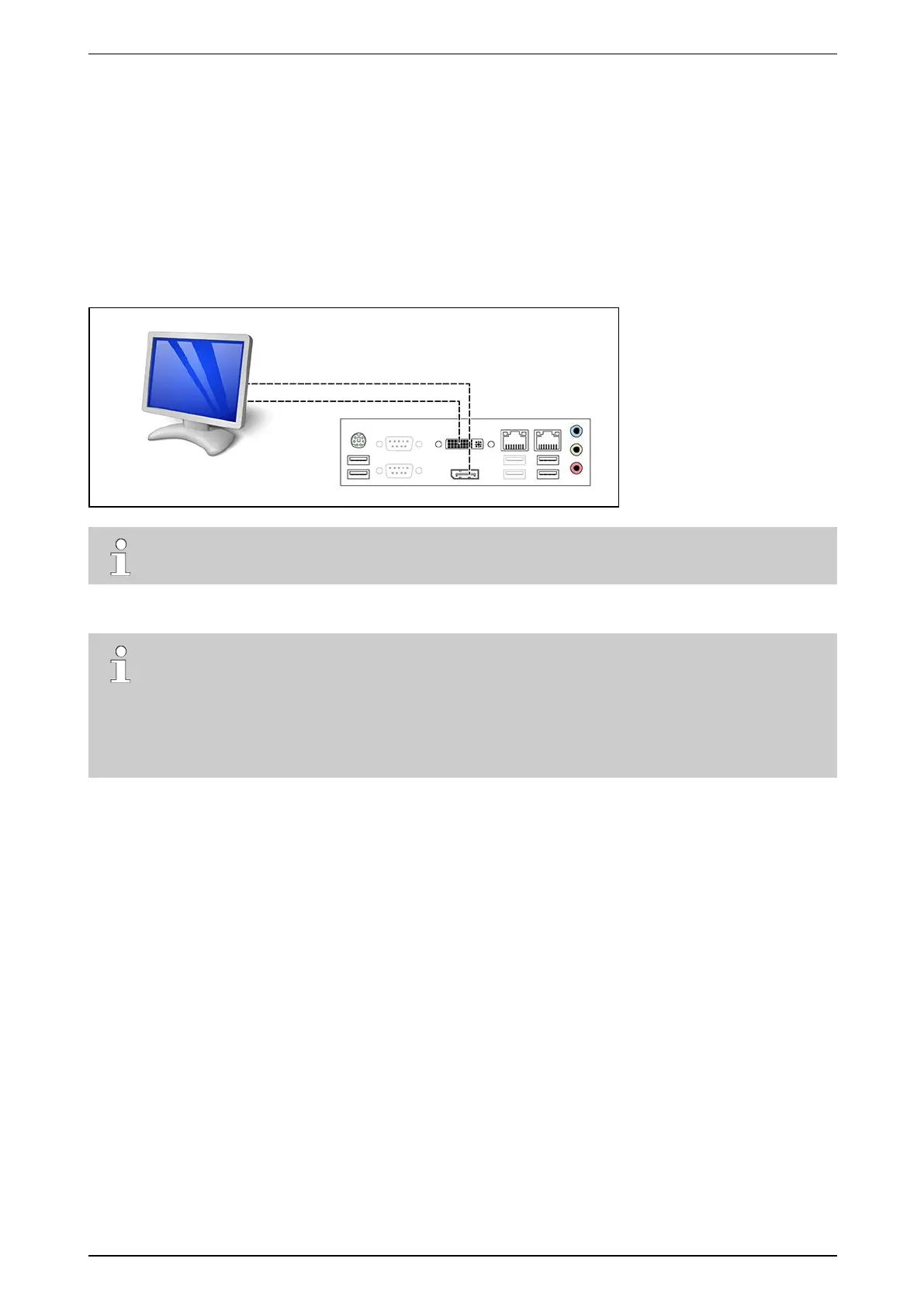
YoucanconnectamonitordirectlytotheXOdevice,anduseitfor:
l Liveviewinginamatrixview
l ConsultingbasicsysteminformationintheXOwelcomescreen
l AccessingtheXO Installer menuforadvancedhardwaresetup.
ConnectthemonitortotheDVI-IportortheDisplayPort.UsetheincludedDVI-I-to-VGAadaptertoconnecta
VGAmonitor.Notethat4Kmonitorsmaynotwork.
Note
Foravideomonitor,youcanuseanexternalVGA-to-PAL/NTSCconverter.
Tosetupliveviewingonthemonitor,seetheXO Client Software User Manual(21796).
Note
l FortheiFTmodelwith32IPvideochannels:foroptimalperformance,disablethemonitoroutputif
youareusingmorethan16IPchannelsonyouriFTdevice.Thisrestrictiondoesnotapplytothe
iFT-Emodel.
l Ifyouwanttoviewmorethan16camerasonamonitor,orifyouwanttocombinecameraimages
fromdifferentXOdevicesinonematrixview,thenusetheVideoManagertoolinstead.



 To Next Page