iFT Series Hardware Installation Manual ADPRO
28 27817_08
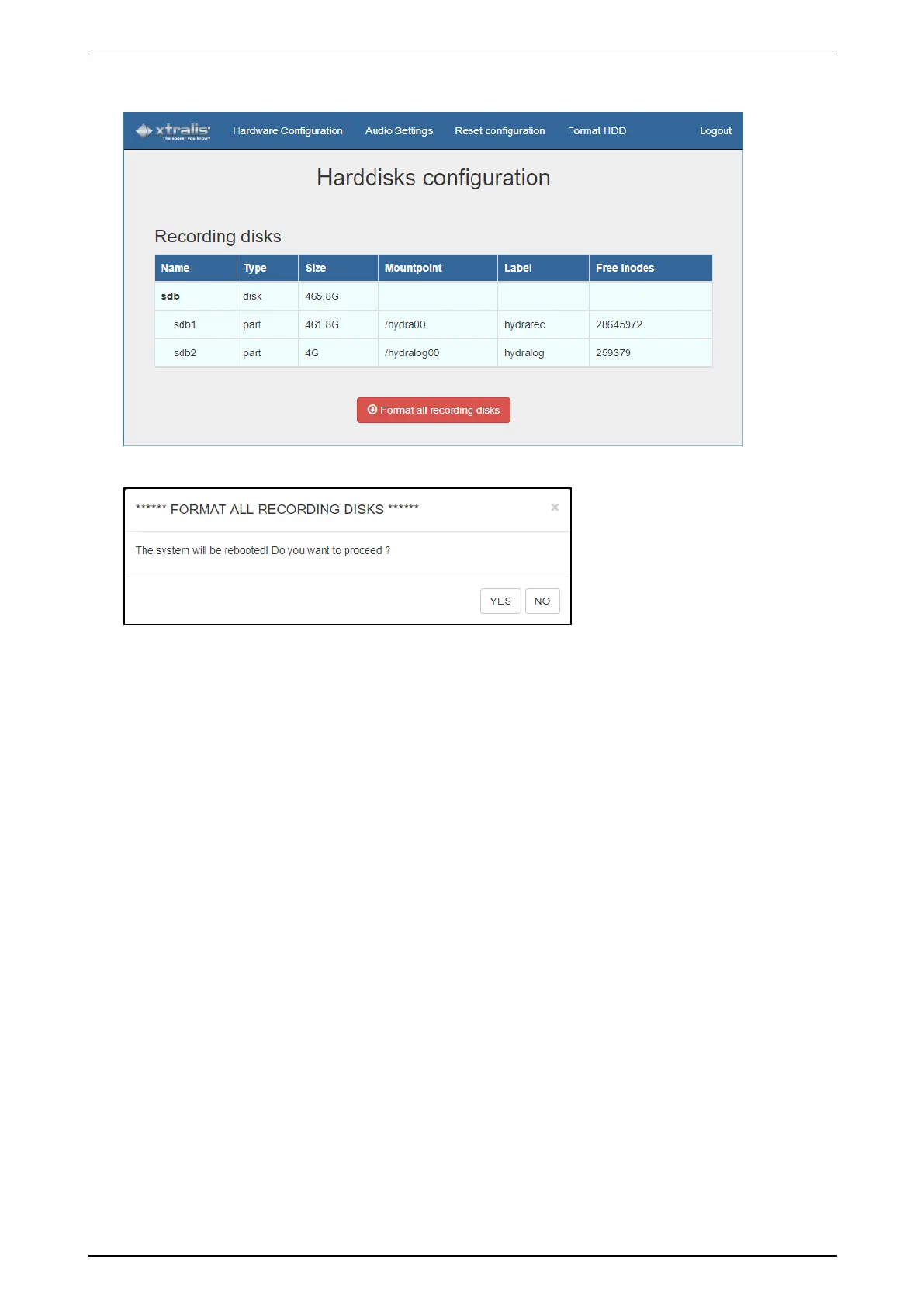
3. Inthetopmenu,clicktheFormat HDD tab.
4. ClickFormat all recording disks.Thefollowingmessageappears:
5. ClickYes toconfirm.
Thedevicewillrestart,formattheharddisks,andthencontinuerestarting.
6. Closethehardwareconfigurationtoolandwaitfortheprocesstofinish.



 To Next Page