ADPRO iFT Series Hardware Installation Manual
27817_08 73
7. ClickSystem halt.
8. ClickYes toconfirm.Thesystemshutsdownallprocessesandconnections.Thismaytakeaminute.
9. WaitforalltheLEDsonthefrontpaneltogoout.
10. Switchoffthepowerusingtheon/offswitchatthebackofthedevice.
Note
Youhave20secondstoswitchoffthedevice.After20secondsthedevicerestartsagain
automatically.
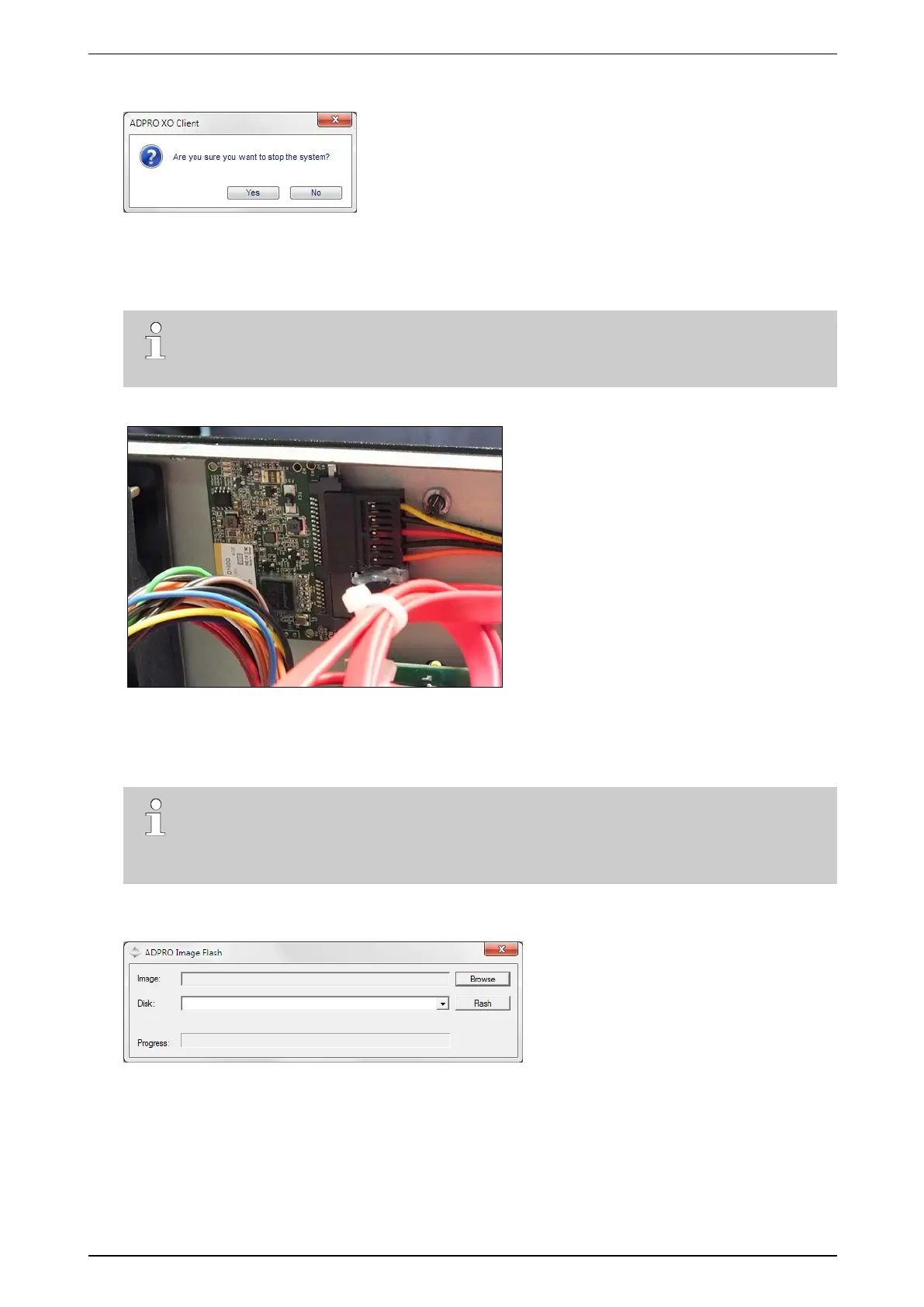
11. Unplugthepowercord,andopenthecover.TheDOMislocatedatthebackofthefrontpanel:
12. UnplugtheSATAcablethatconnectstheDOMtothemotherboard.
13. UnplugtheDOM’spowercable.
14. InserttheSATA-to-USBcableintotheDOM,andplugtheotherendintoyourPC.
Note
Ifyouareusinganew,unusedDOM,youmustformatitfirst.WhenyouconnecttheDOMto
yourPC,thesystemwilldisplayamessage,askingtoformattheDOM:clickYes orOK to
formattheDOM.
15. OnyourPC,double-clicktheFastTrace2ImageFlash.exefiletostarttheImageFlashtool.Thefollowing
screenappears:
16. ClickBrowse andbrowsetothefolderwheretheiFTimagefileislocated.
17. SelecttheimagefileandclickOpen.
18. IntheDisk box,selecttheDOM.
19. ClickFlash.
20. Waitforthetooltocompletetheflashprocess.
21. UnplugtheSATA-to-USBcablefromtheDOM.



 To Next Page