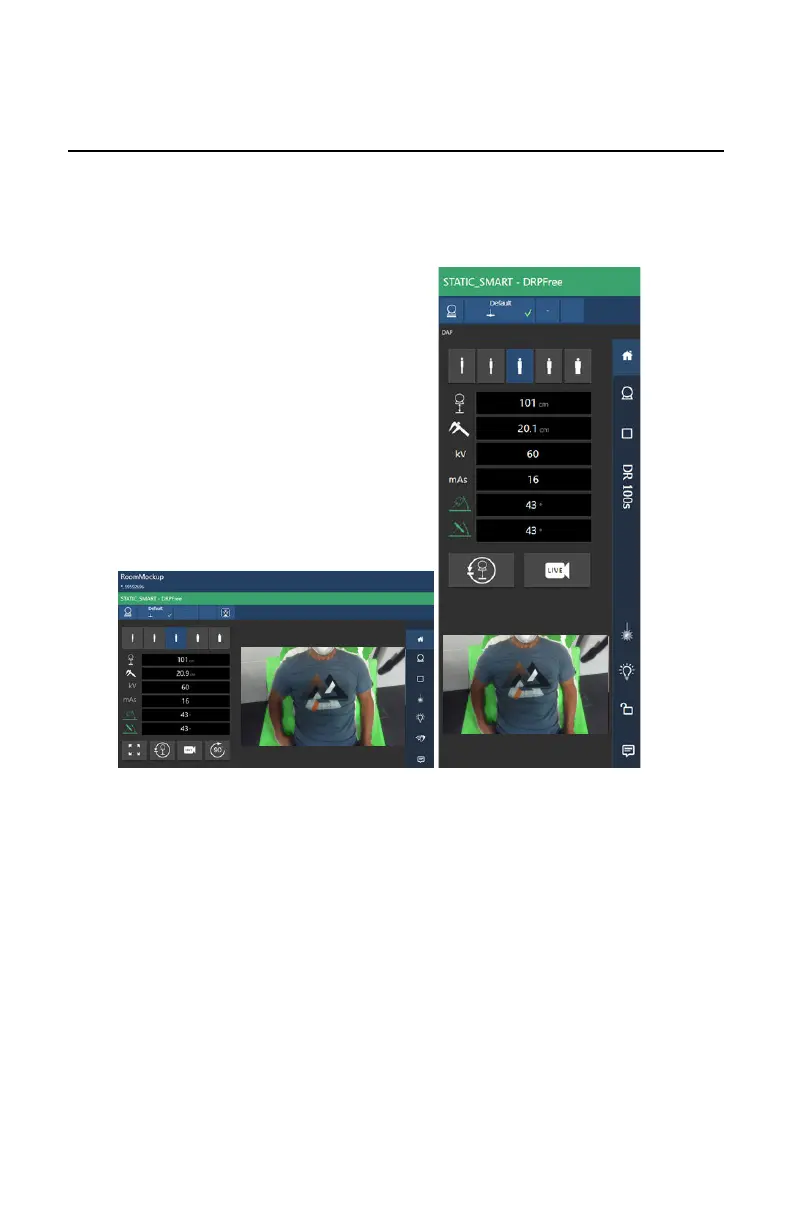
Live camera image
By clicking an empty thumbnail in the Image Overview pane of the
Examination window, the live camera image is displayed on the tube head
display and on the software console.
To display the live camera image, push the live camera button.
Figure 47: Live camera image on the tube head display and on the NX
workstation
Topics:
• Measuring the source-image-distance (SID)
• Dose adaptation guidance
108 | DR 100s | Software Console
0411D EN 20220627 1040



 To Next Page