Adding an RFID key card to the configuration of the RFID
reader
Only users who have a Windows administrator account can perform this task.
1. On the NX workstation, go to the Main Menu.
2. Click the Show Desktop action button.
The Windows desktop is shown.
3. Go to the Windows Start menu > Agfa and click RFID Config Tool.
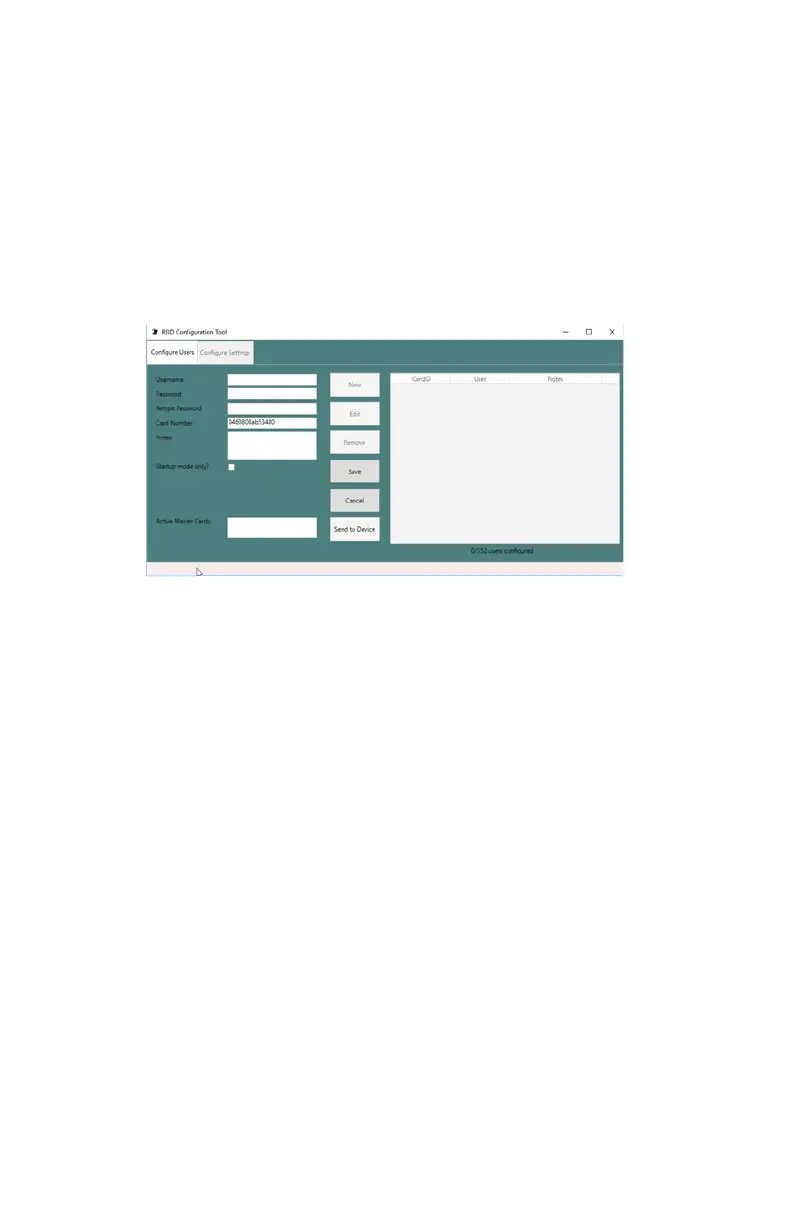
The RFID Configuration Tool dialog is displayed.
Figure 63: RFID Configuration Tool
4. Select the tab Configure Users.
5. Put the new RFID key on the RFID reader.
The serial number of the RFID key is filled in.
6. Enter the Windows username.
Add the domain prefix if needed.
7. Enter the password.
8. Enter the password again.
9. Click Save.
A new line is added to the list of configured RFID keys.
10. Click Send to Device.
The card can be used for starting the DR 100s.
11. Close the RFID Configuration Tool.
140 | DR 100s | Advanced Operation
0411D EN 20220627 1040



 To Next Page