Modality Position
The modality position is automatically selected, based on the selected
exposure.
To modify the position on the mode in which the exposure will be made,
navigate to the X-ray modality controls screen and select the modality
position.
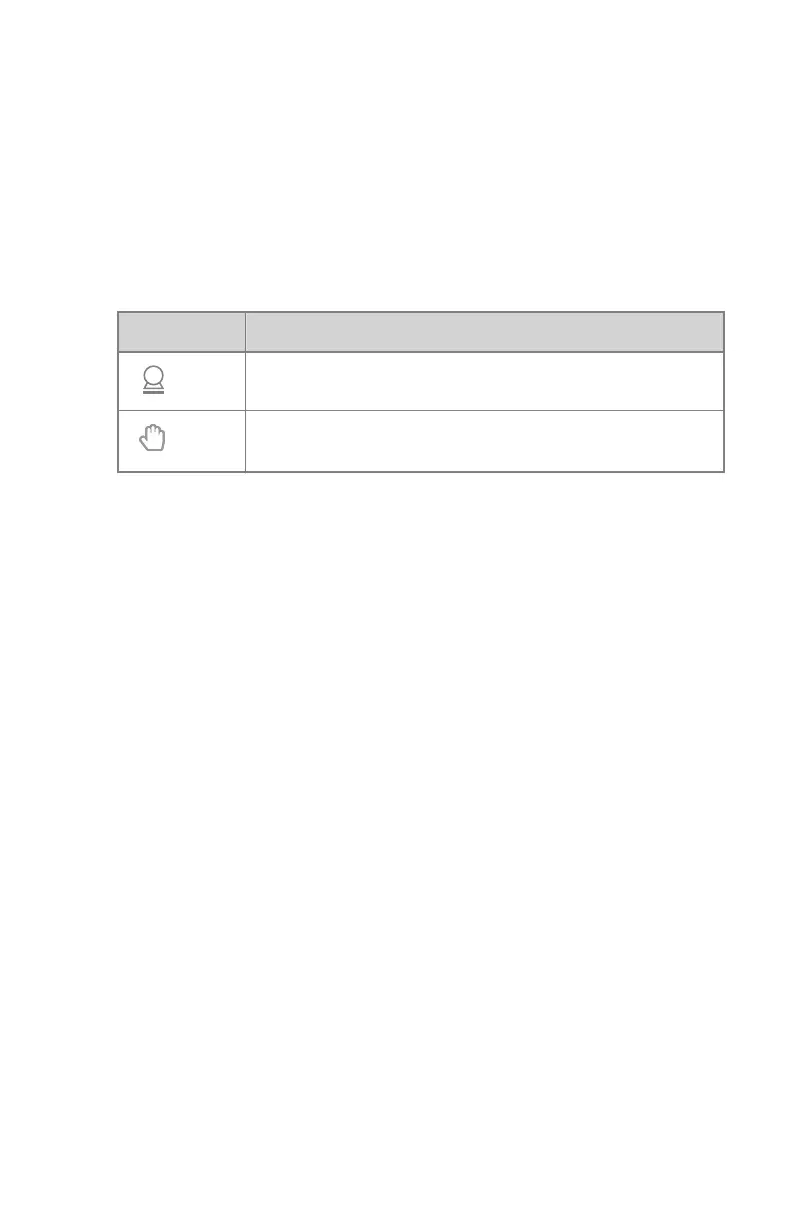
Table 19: Modality Position
Icon
Description
The image is planned as a free exposure.
A manual X-ray exposure can be made. No image will be ac-
quired on the NX workstation.
116 | DR 100s | Software Console
0411D EN 20220627 1040



 To Next Page