Virtual keyboard not closing
Details The virtual keyboard reappears right after it's closed.
Cause When an editable field is selected, the virtual keyboard cannot be
closed using the close button in the top right of the keyboard.
Solution
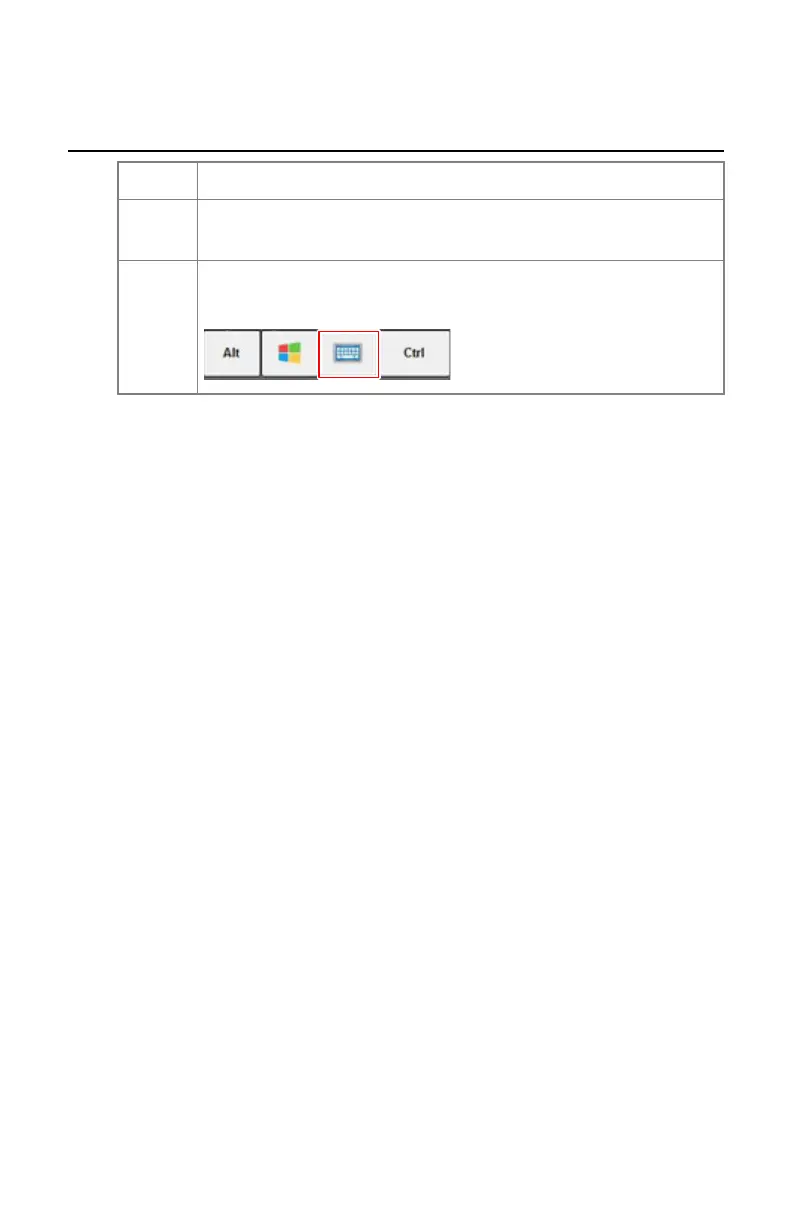
Press the key with the keyboard icon in the bottom row of the vir-
tual keyboard.
156 | DR 100s | Problem solving
0411D EN 20220627 1040



 To Next Page