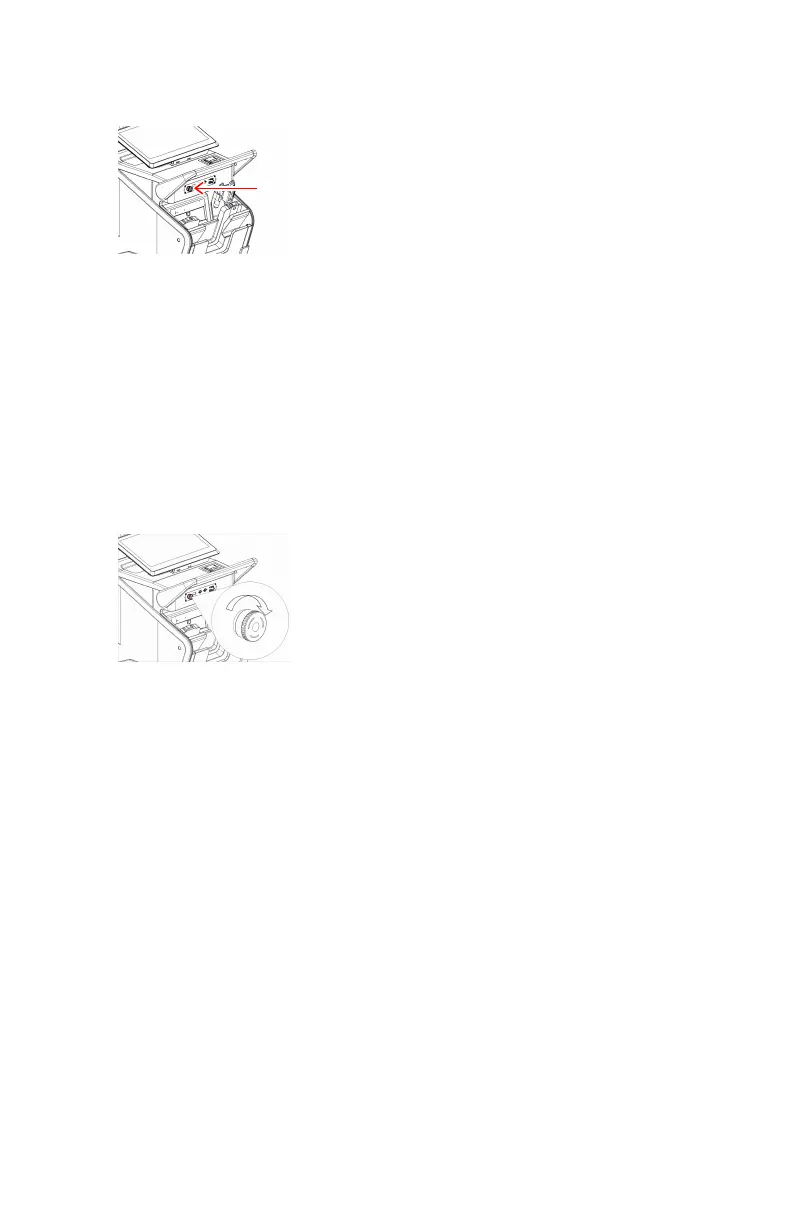
Emergency stop button
Figure 6: Emergency stop button
If a system malfunction causes an emergency situation involving the patient,
operating personnel or any system component, activate the emergency stop.
All motor driven movements will be stopped.
The performing of X-ray exposures is not impacted by the emergency stop
button, but the active examination thumbnail is unselected. An examination
thumbnail has to be explicitly selected before a new exposure can be
performed.
To allow motorized movements again, turn the cap of the emergency switch in
clockwise direction (default position).
Figure 7: Releasing the emergency stop button
DR 100s | Introduction | 25
0411D EN 20220627 1040



 To Next Page