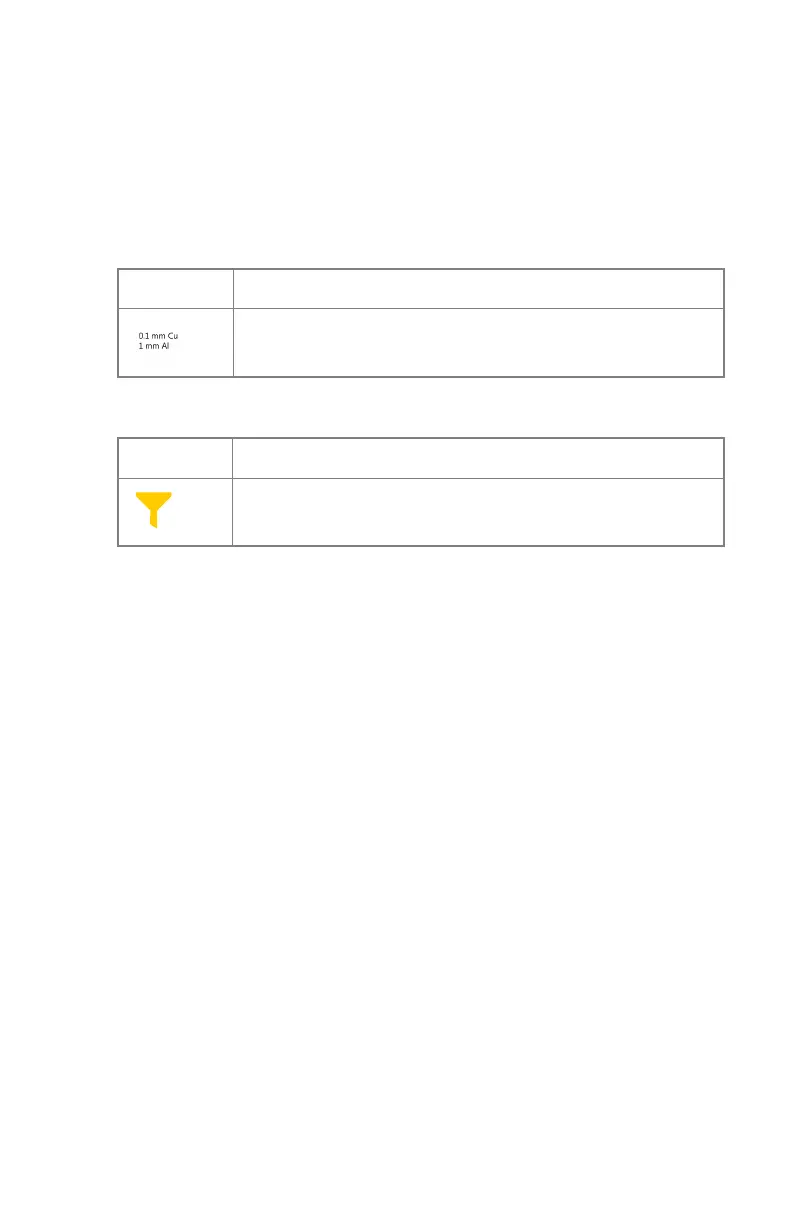
Filter Status
On systems with automatic filtering, the filter is automatically set, based on
the selected exposure.
The filter setting can be modified on the software console.
Table 20: Collimator with automatic filter
(no icon)
No filter is used.
A filter is used. Material and thickness of the filter are speci-
fied.
Table 21: Collimator with manual filter
(no icon)
No filter is required.
A filter is required. Insert the filter manually.
120 | DR 100s | Software Console
0411D EN 20220627 1040



 To Next Page