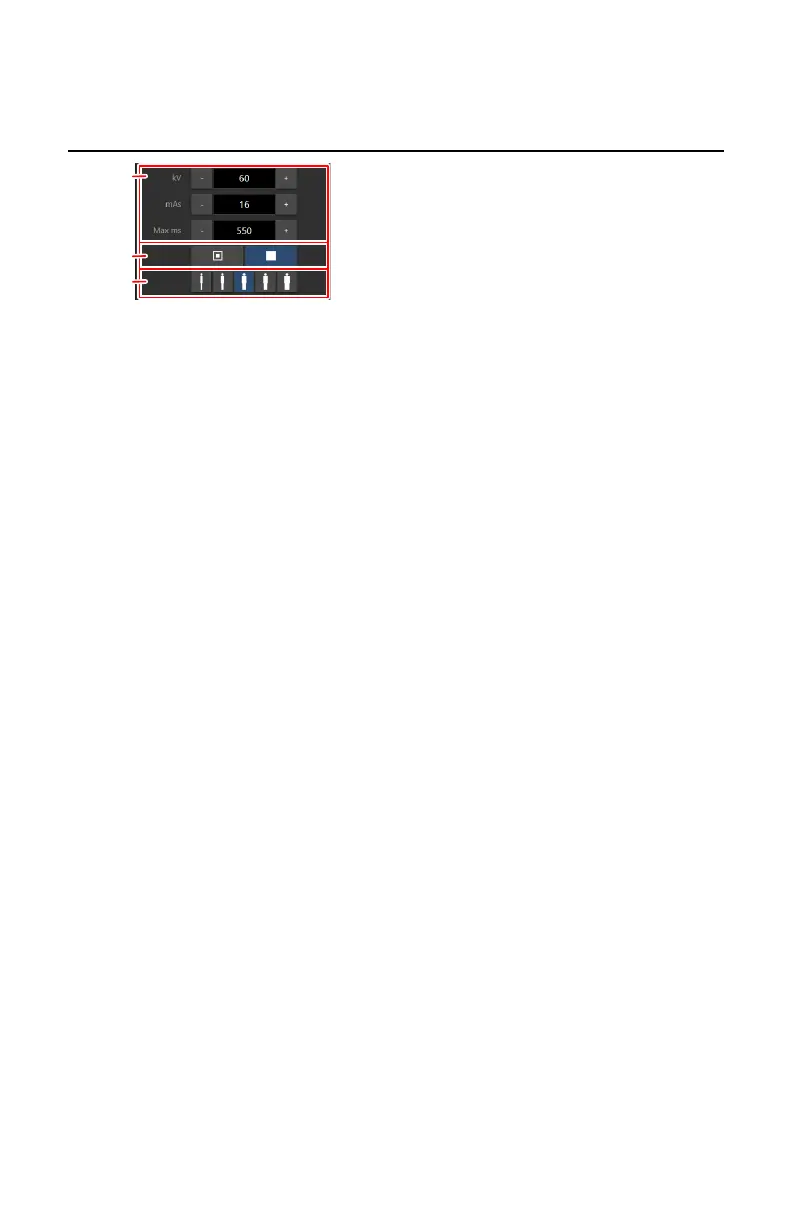
Generator controls
1.
Radiographic parameters
2.
Focal spot indicator
3.
Patient size
Figure 57: Generator controls
To change a value, use the + and - buttons. The values increase or decrease
step by step each time the corresponding button is pushed. To change a value
without repeatedly pushing the buttons, push the value twice. The buttons
change into fast-forward and fast-backward buttons. Push and hold the
button to change the value.
After exposure all values reflect the settings actually used by the generator.
Topics:
• Radiographic Parameters
• Focal Spot Indicator
• Patient Size
DR 100s | Software Console | 125
0411D EN 20220627 1040



 To Next Page