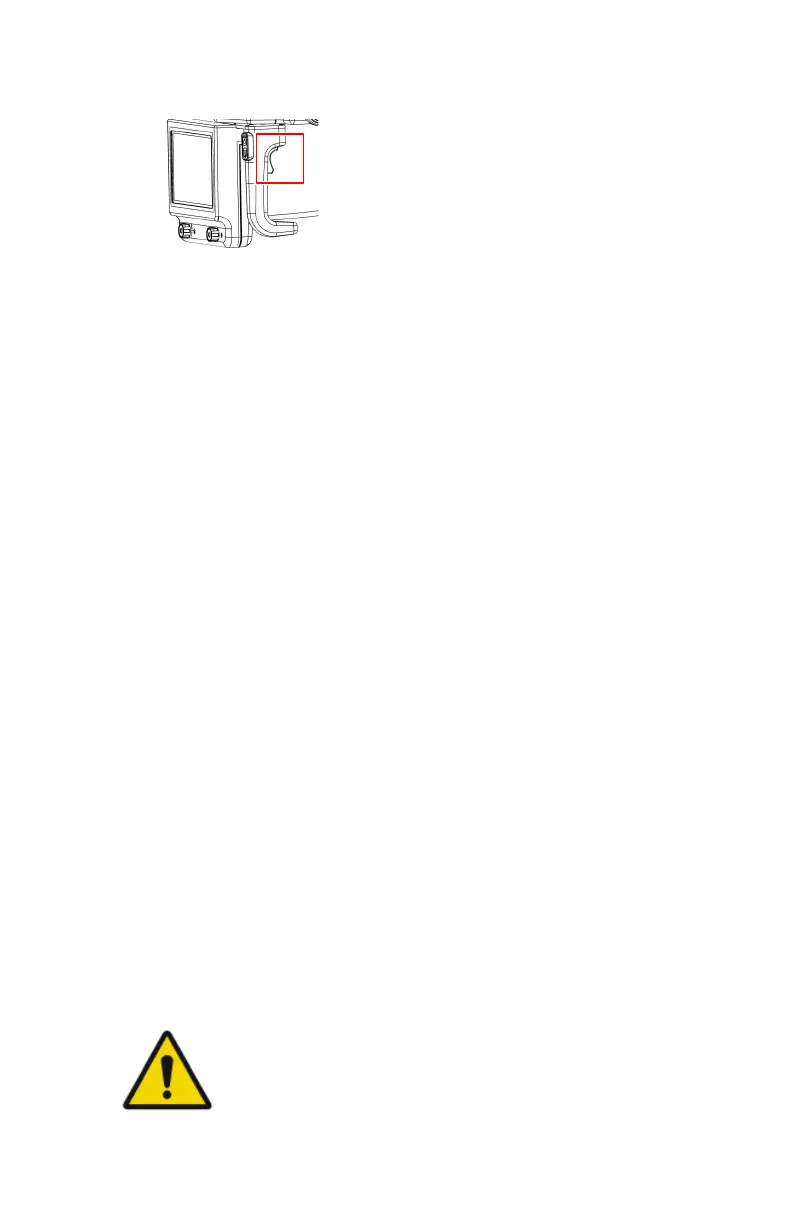
3. Press the brake control at the tube-collimator handles and move the X-ray
tube head upward.
The arm is released from secured position. The NX workstation can be
operated.
4. Log in to Windows.
• After unlocking the device using your personal RFID key, leave the
RFID key on the RFID reader to log in to the user account that is linked
to the RFID key.
• To log in using your password, enter your user name and password and
click OK.
The NX application and the software console become available on the
control console and on the tube head display.
For detailed information about starting up NX, refer to the MUSICA
Acquisition Workstation User Manual, document 4420.
5. On the control panel, check the battery levels.
If the battery charge level is too low to make further exposures, it is
necessary to charge the batteries.
6. In a configuration with a wireless DR Detector, power on the DR Detector:
• attach a fully charged battery pack to the DR Detector.
• turn on the DR Detector.
• if needed, register the DR Detector to the DR 100s X-Ray System.
7. Perform the X-ray tube warm-up.
The X-ray tube needs to be warmed-up before making X-ray exposures at
the start of each day and when the X-ray tube has not been in use for more
than an hour. This extends the X-ray tube lifetime.
The DR 100s can be operated in two different ways: connected to a wired
network or using a wireless network.
In the basic workflow described below, the situation using a wireless network
is described. Whenever the situation with a wired network requires an
exception this is clearly indicated.
CAUTION:
Monitor the battery status. If the charging level of the battery is
low, the battery has to be charged.
Related Links
82
| DR 100s | Basic Workflow
0411D EN 20220627 1040



 To Next Page