42
MT- S
2.4GHZ FH4T RADIO SYSTEM USER'S GUIDE
Telemetry System with Sanwa Synchronized Link Support
Section Continued on Next Page
CODE AUX MENU
CODE AUXILIARY
AUX
Changing the CODE Auxiliary Values, Continued:
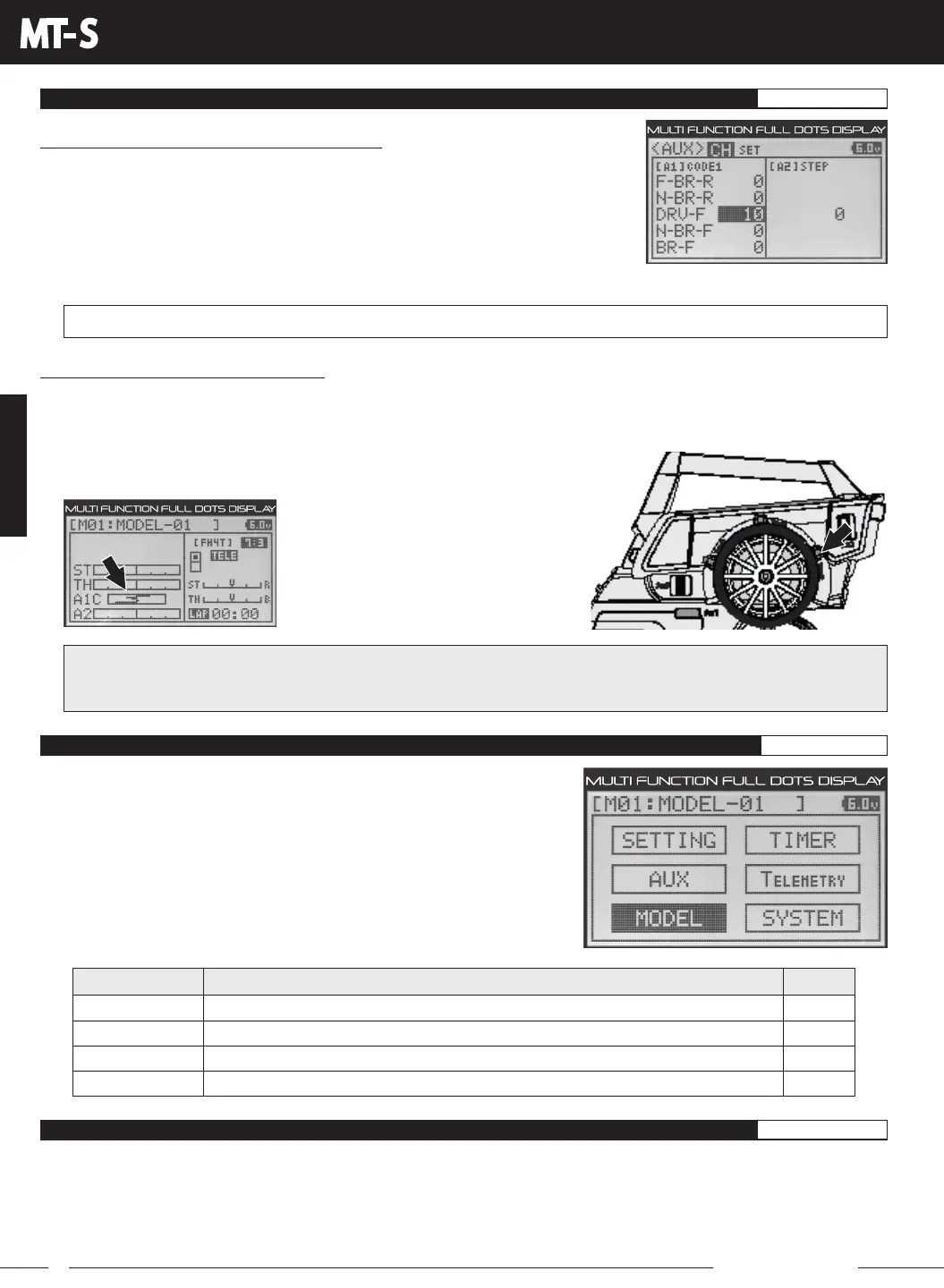
3) Press the UP or DOWN keys to highlight which CODE Auxiliary value you want to
change.
4) Press the ENTER key, then press the UP or DOWN keys to change the desired CODE
Auxiliary value. Refer the User's Guide of the SSL-compatible product you're controlling
to know what CODE Auxiliary values to use.
AUX CH CODE setting range is -100 to 100. The default setting for all CODE Auxiliary functions is 0.
5) Press the ENTER key, then repeat steps 3 and 4 to change any other desired CODE Auxiliary values.
Controlling the CODE Auxiliary Function:
YoucancontrolindividualCodefunctionswhileyou'redriving,suchasTimingAdvanceorBoost,byusingTrimSwitchTrm3to
control AUX1 CODE2 or AUX1 CODE3, etc. The Auxiliary Switches are not suitable for controlling the CODE Auxiliary function,
so we don't recommend using them.
IMPORTANT: The Trim Switch Step value can be Increased or Decreased to change the amount the CODE Auxiliary
valuechangeswhentheTrimSwitchispressed(TrimResolution).Formoreinformation,seetheKEYASSIGNMenu
section on pages 55 through 56.
1) Press Trim Switch Trm3 back and forth to variably adjust the programmed
CODE Auxiliary value on the fly.
Up to five currently programmed
CODE Auxiliary values are displayed on
the STATUS screen, so you can quickly
see their basic values.
MODEL SELECT
MODEL NAME
MODELCOPY
MODEL CLEAR
PG. 42
PG. 43
PG. 44
PG. 45
MENU
PAGE #
MENU DESCRIPTION
Select Saved Model Programming Data
Name or Rename the Selected Model
Copy Model Programming Data From One Model to Another Model
Clear Model Programming Data From the Selected Model
The following Programming Menus are available within the MODEL menu:
To access the various MODEL menu Programming Menus, turn the transmitter
ON, then press the ENTER key to open the PROGRAMMING screen.
Press the UP or DOWN keys to highlight the MODEL menu, then press the
ENTER key to open the MODEL menu.
MODEL MENU OVERVIEW MODEL
The Model Select function allows you to load the Programming Data for the particular model you wish to drive. The MODEL
SELECT menu displays the currently selected model, along with a list of available models that can be selected. The
Modulation Type for each model is also displayed. The transmitter can store Programming Data for up to 20 different models.
When a model is selected and loaded, the Programming Data for that model will be loaded immediately. Modulation Type,
Channel Response Mode, Key Assignments, Trim, Auxiliary Type and Throttle Type options, in addition to all Programming
Menu function options are model-specific.
MODEL SELECT MENU
MODEL SELECT
MODEL



 To Next Page