59
MT- S
2.4GHZ FH4T RADIO SYSTEM USER'S GUIDE
Telemetry System with Sanwa Synchronized Link Support
Section Continued on Next Page
KEY ASSIGN MENU
KEY ASSIGNMENTS
SYSTEM
SYSTEM MENU
Trim Switch Function Assignments
The Trim Switch Assign function allows you to Assign various functions to the three Trim Switches Trm1, Trm2 and Trm3. This
allows you to use the Trim Switches to control those functions while you're driving. In addition, the Trim Resolution (Step value)
and the Direction of Travel (REV) of each Trim Switch can be changed to suit the
programmed function and your specific requirements.
Changing the Trim Switch Function Assignments:
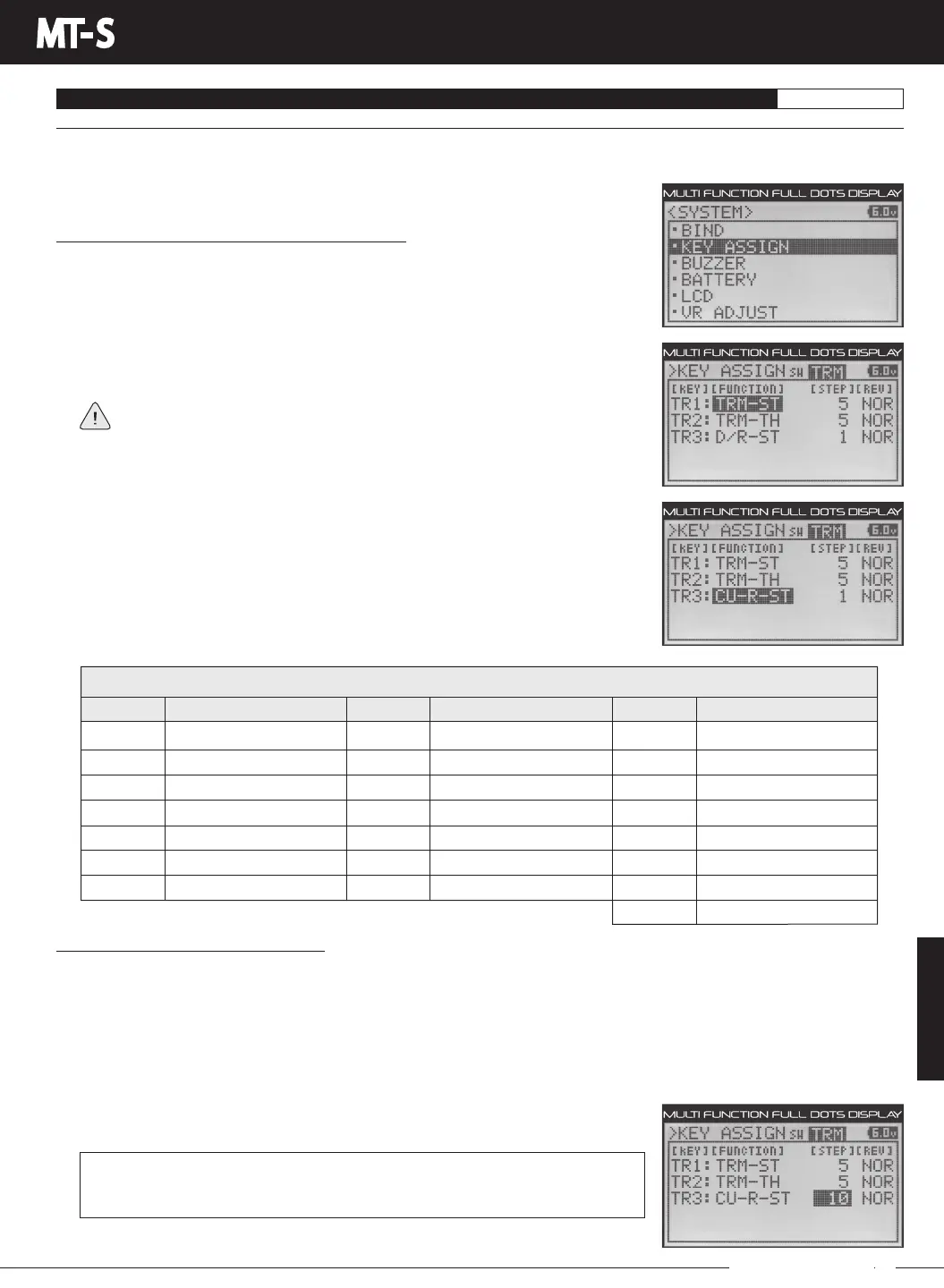
1) From within theSYSTEM menu, scrollUP or DOWNto highlight theKEY ASSIGN
menu.
2) PresstheENTERkeytoopentheKEYASSIGNmenu.Thecursorwillbeflashingover
Channel/Options.
If the cursor isn't flashing over Channel/Options, press the BACK key.
3) PresstheUPorDOWNkeystohighlightKEYASSIGNTRM,thenpresstheENTERkey
toopentheKEYASSIGNTRMmenu.TR1:TRM-STwillbehighlighted.
4) Press the UP or DOWN keys to highlight the function you would like to change for
either TR1, TR2 or TR3.
5) Press the ENTER key, then press the UP or DOWN keys to choose the desired function
for the selected Trim Switch.
Changing the Trim Switch Step Value:
TheStepfunctionallows you to adjust how faraservotravelsorafunction moves when a TrimSwitchispressed.You
can Increase the Trim Resolution by Decreasing the Step value, so that the amount of travel is less when you press the Trim
Switches. This makes it possible to fine-tune travel extremely accurately. Alternately, you could Decrease the Trim Resolution by
Increasing the Step value, so that the amount of travel is more when you press the Trim Switches. This may not be as accurate,
but it allows you to command large amounts of travel or function movement at a time.
1) FromwithintheKEYASSIGNTRMmenu,presstheUPorDOWNkeystohighlighttheTrimSwitchNumberyouwouldlike
to change the Step value for. Choose from TR1 STEP, TR2 STEP or TR3 STEP.
2) Press the ENTER key, then press the UP or DOWN keys to choose the desired Trim
Switch Step value.
KEYASSIGNSWSTEPsettingrangeis1to100.ThedefaultsettingTR1is5,the
default setting for TR2 is 5 and the default setting for TR3 is 1. The Step value is a
percentage of travel.
*Varies by programmed Auxiliary function, either STEP, CODE, etc.
The table below shows the different functions that can be Assigned to the Trim Switches.
Inhibited
Trim-Steering
Trim-Throttle
Trim-Auxiliary 1
Trim-Auxiliary 2
Dual Rate-Steering
Dual Rate-Throttle
OFF
TRM-ST
TRM-TH
TRM-A1
TRM-A2
D/R-ST
D/R-TH
MENU FUNCTION
TRIM SWITCH SW1, SW2 and SW3
Dual Rate-Brake
Curve-Rate-Steering
Curve-Rate-Throttle
Curve-Rate-Brake
Speed-Steering-Forward
Speed-Steering-Return
Speed-Throttle-Foward
D/R-BR
CU-R-ST
CU-R-TH
CU-R-BR
SP-ST-F
SP-ST-R
SP-TH-F
Speed-Throttle-Return
Anti-Lock Brake-Point
Anti-Lock Brake-Stroke
Anti-Lock Brake-Lag
Anti-Lock Brake-Cycle
Throttle Offset
Auxiliary 1 (Channel 3)*
Auxiliary 2 (Channel 4)*
SP-TH-R
ALB-PO
ALB-ST
ALB-LG
ALB-CY
OFFSET
AUX1
AUX2
MENU FUNCTION MENU FUNCTION
3) Press the ENTER key, then repeat step 2 to change any other desired Trim Switch Step values.



 To Next Page