A
L
B
E
D
O
T
e
l
e
c
o
m
-
J
o
a
n
d
’
À
u
s
t
r
i
a
,
1
1
2
-
B
a
r
c
e
l
o
n
a
-
0
8
0
1
8
-
w
w
w
.
a
l
b
e
d
o
t
e
l
e
c
o
m
.
c
o
m
User Guide
46
3. From the Home panel, go to CONFIG,
The port setup panel is displayed.
4. Go to Reference clock.
5. Configure Force holdover to No
Oscillator lock status will go to Warm up or Fine locking, depending on how far is
the clock reference from the current local oscillator frequency and phase.
Holdover is important when accurate timing is required to run a test but the reference
is not available in the location where the test is to be run. Typical examples are data
centres in basements or in rooms without windows. These conditions make it difficult
to use GNSS, which is the most universally available reference. The holdover mode
has to be used carefully, however. Some oscillators can be set to “remember”
frequency and phase for a period of time once they have been disconnected from the
reference but sooner or later they will drift to their natural oscillation frequency and the
holdover will resemble more and more to the free running operation. xGenius users
must be aware of the performance level they could expect from the test unit to decide
which tests are feasible and which are not.
For example, an xGenius with an internal Rubidium oscillator, is configured in holdover.
The specification is that the phase error will be less than 1000 ns after 24 hours, which
corresponds with an average frequency offset of1.2 x 10
-11
for the 24 hour
measurement period. If the holdover period is extended for longer, then the frequency
will drift and the offset will increase to approach the oscillator natural frequency. This
frequency depends on factors such as the aging.
1000
10
MTIE (ns)
101
100
10
2
10
3
10
4
10
5
10
6
1.3
10
-1
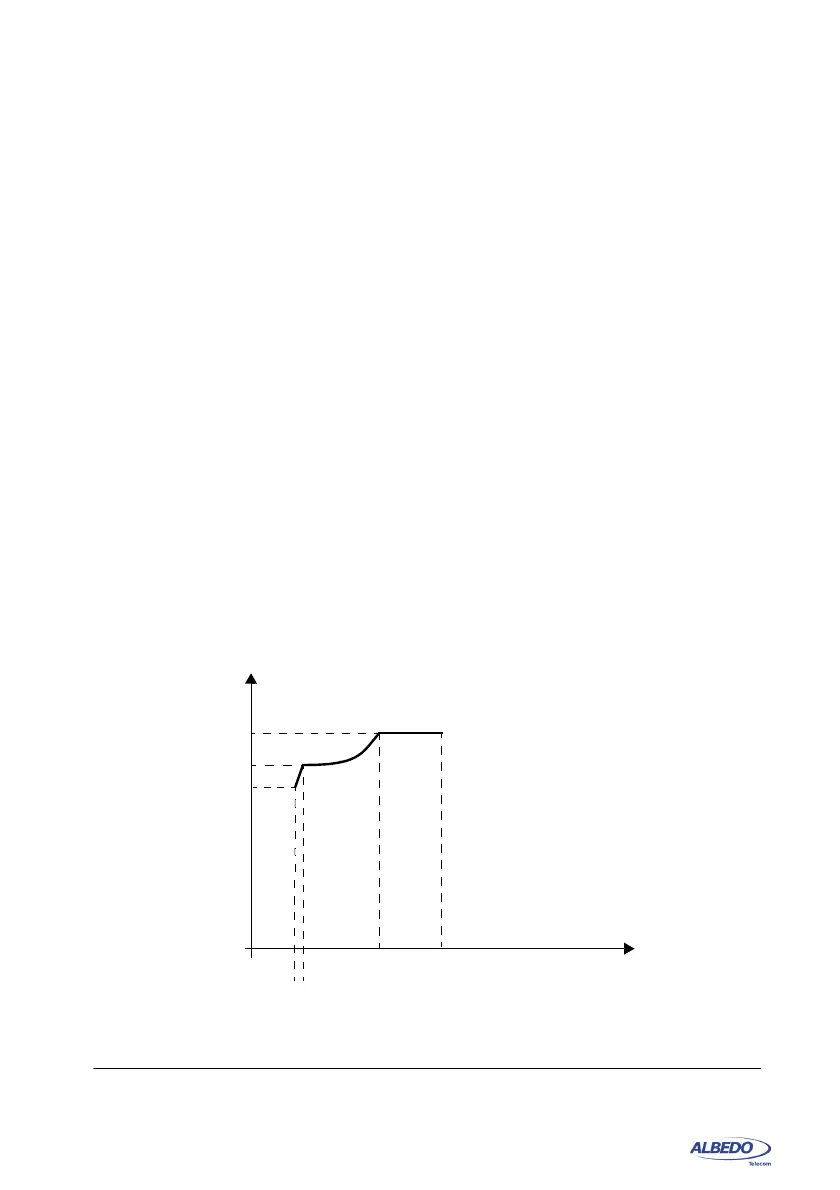
(a) ITU-T G.8271.1 reference point C MTIE limit
10
7
10
8
580
2.4
280
200
Figure 2.5: ITU-T G.8271.1 MTIE mask to be verified at the input of the T-TSC
Observation interval
(s)



 To Next Page