Chapter 2 Faxing with Microsoft Outlook Forms
14 OmniTouch Fax Server User Guide - 8AL_90216_USAA ed.01
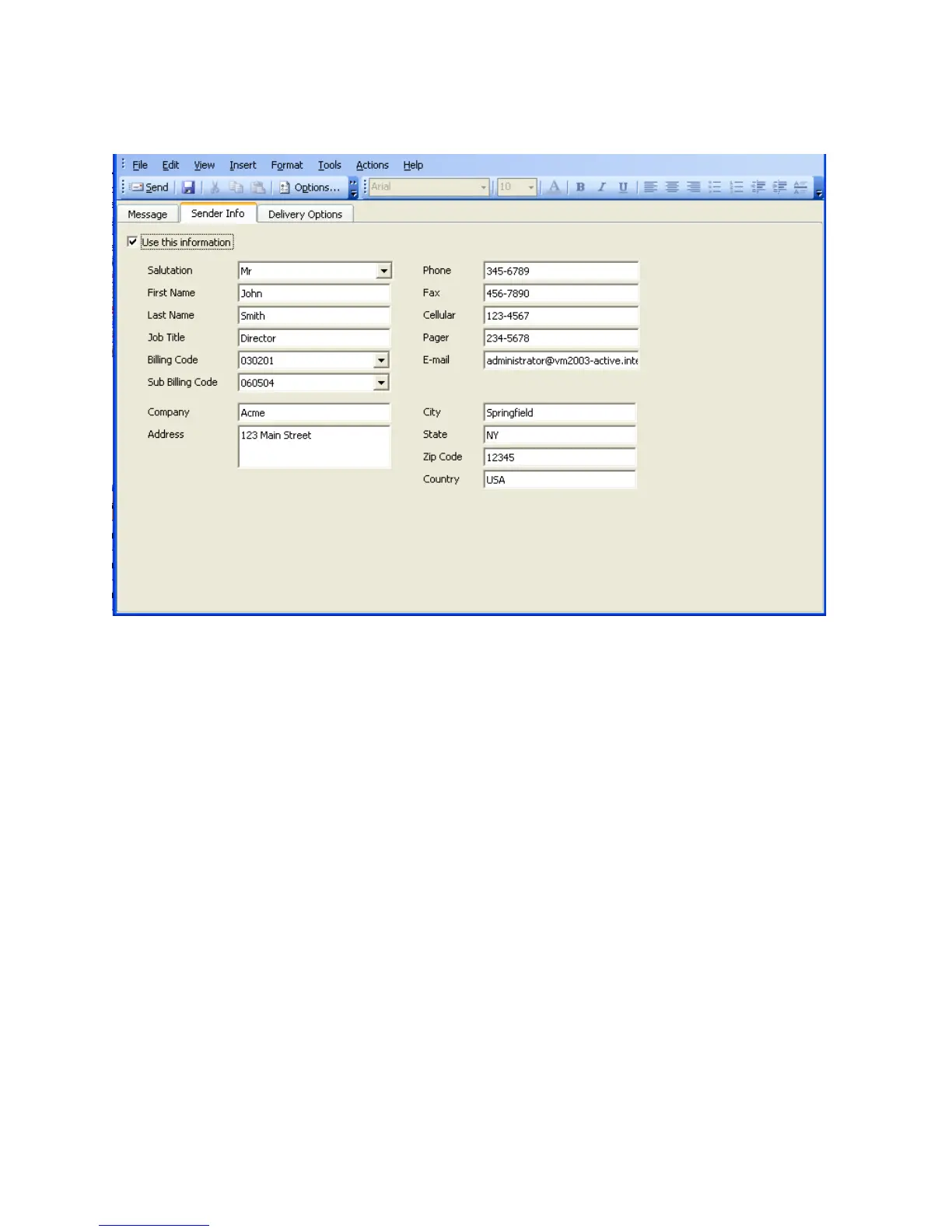
Note: This option cannot be selected if your administrator has
denied you the right to change sender information.
Note: The entries you make here appear in the cover sheet sent with
your fax. Please note that the variables in a cover sheet must
correspond to the fields in the Sender Information form. That
is, some cover sheets may include variables for the name and
address of a company, while others include only the sender’s
name, e-mail address, and phone number. If you are using a
cover sheet in the second category, the company information
you enter here will not appear in the cover sheet.



 To Next Page