Chapter 4 Web Access
OmniTouch Fax Server User Guide - 8AL_90216_USAA ed.01 33
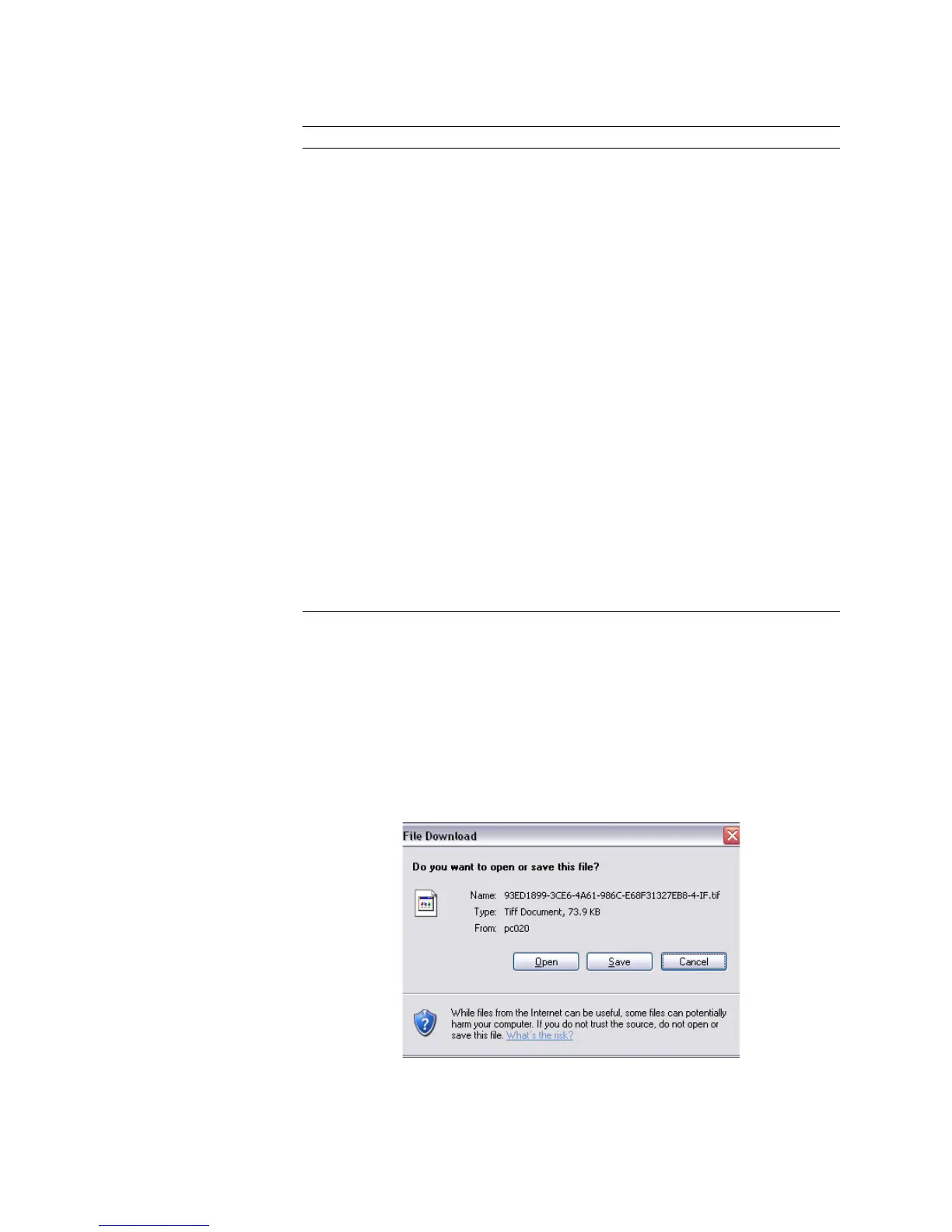
Viewing inbound faxes
To display the content of a received fax in a browser window:
1 Click on any fax entry in the Inbound History window.
2In the appearing File Download dialog, select Open.
3Click OK.
The TIFF Imaging Preview window appears.
DNIS/DID
indicates the recipient’s Dialed Number
Identification Service/Direct Inward Dialing
number.
DTMF
indicates the recipient’s number for dual-tone
multi-frequency inbound routing. By default, this
column is not visible.
Duration (sec.)
indicates the amount of time for transmission.
Error Code
error code generated in case of failure and its
description.
Local CSID
indicates the local call station ID, that is, the
recipient’s call station ID.
Pages Received
indicates the number of pages actually received.
Received Time
indicates the time the fax was received.
Remote CSID
indicates the remote call station ID, that is, the
sender’s call station ID.
Sender Name
indicates the originator of the fax.
Speed (bps)
indicates the speed of transmission in baud rate
or in kilobytes.
Status
indicates the status of the fax received.
Submitted Time
indicates actual date and time of fax sent.
Transaction ID
indicates a transaction ID as a unique string
identifying a fax.
Column Heading Description



 To Next Page