Chapter 2 Faxing with Microsoft Outlook Forms
OmniTouch Fax Server User Guide - 8AL_90216_USAA ed.01 15
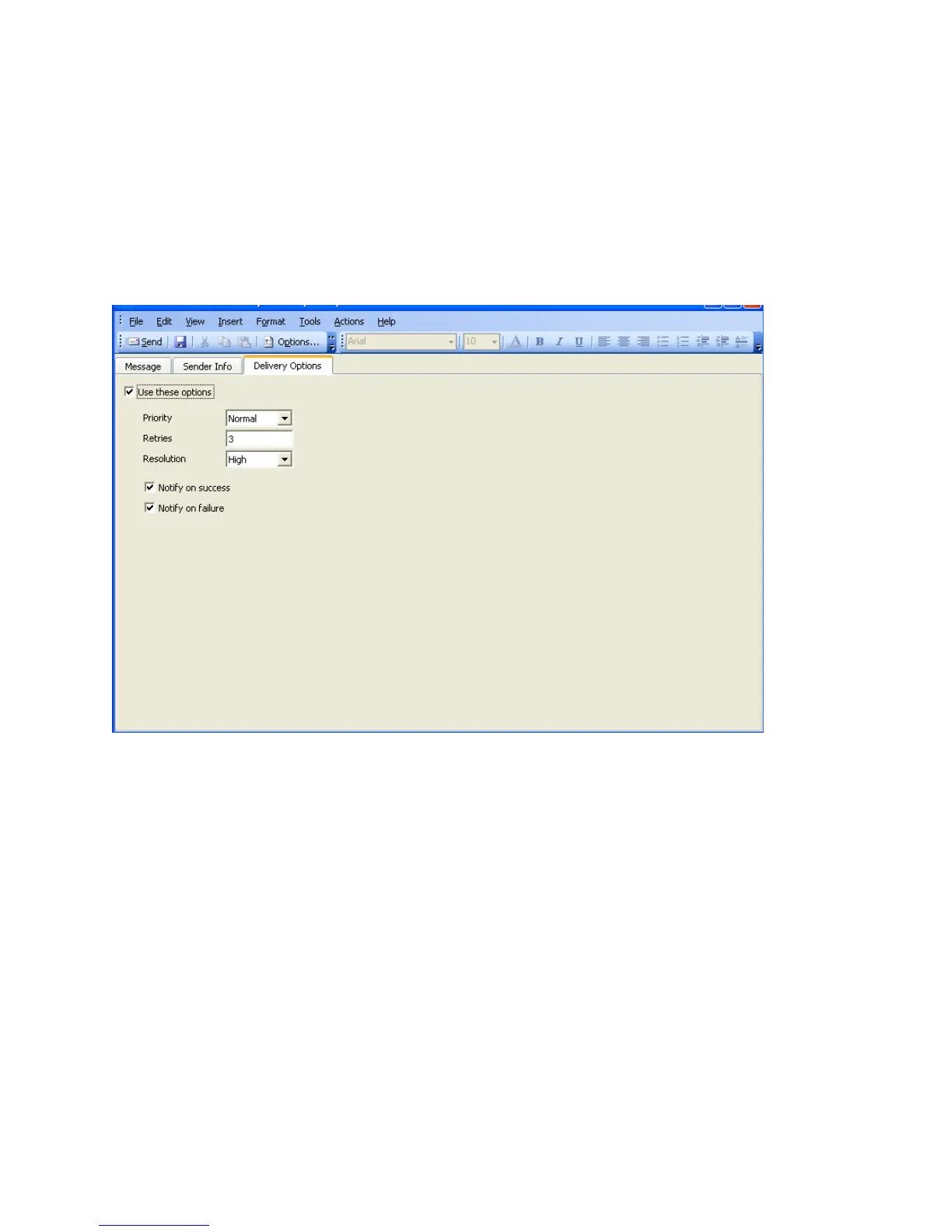
Changing the delivery options
Your administrator sets the default delivery options for you. If the
administrator grants you the right, you can change the delivery
options.
1 Open the fax composition form.
2 Select the Delivery Options tab.
3 Select the Use these options option.
Note: This option cannot be selected if your administrator has
denied you the right to change delivery options.
Priority indicates whose faxes have a higher or lower priority.
Values are High, Normal, and Low.
Retries receives the number of times OmniTouch Fax Server retries
to establish a connection when an error occurs (such as a busy
signal). A default can be set by the Administrator. The minimum is
zero; the maximum 99, however, you cannot exceed the default set
by the administrator.
Resolution specifies the desired resolution at which the fax will be
sent. The attachment(s) that must be sent need not be attached yet.
Possible values are Low, High, Fine and Ultra Fine. The
maximum available Resolution value is set by the Administrator.
Notify on Success and Notify on Failure instruct OmniTouch Fax
Server to send notification when an incoming or outgoing fax is
successfully or unsuccessfully transmitted.



 To Next Page