Chapter 4 Web Access
OmniTouch Fax Server User Guide - 8AL_90216_USAA ed.01 51
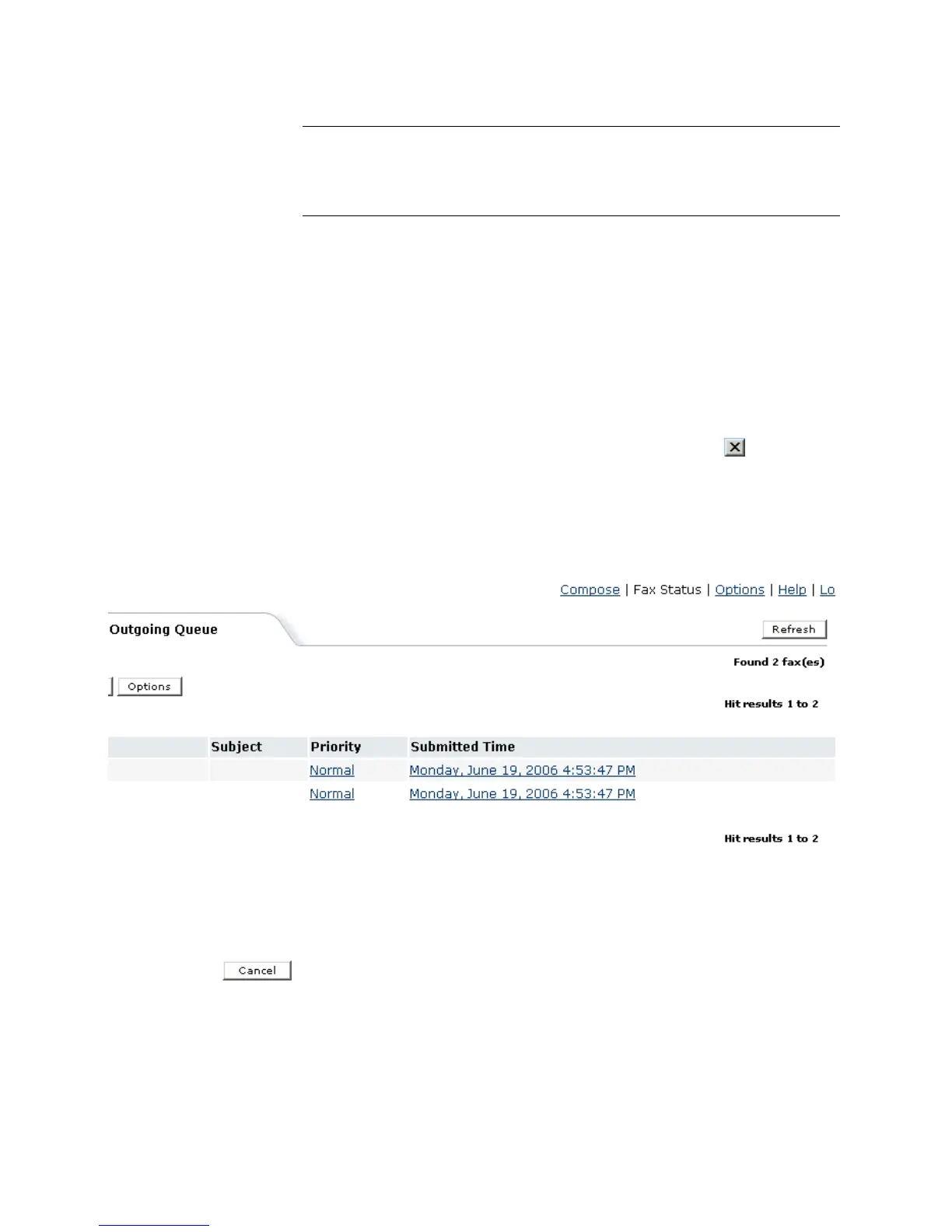
Viewing queued faxes
To display the content of a queued fax in a browser window:
1 Click on any fax entry in the Outgoing Queue window.
2In the File Download dialog that appears, select Open this
file from its current location.
3Click OK. The TIFF Imaging Preview window appears.
4 You can use the menus or buttons in this window, to edit, print, zoom
in or out, or rotate the fax image.
5 Close the window when you’re done, by clicking the button, in
the upper-right corner of the window, or by selecting File > Exit.
Hit results for Outgoing Queue
The Inbound History view also displays statistics of Hit results for
a given user as displayed below:
Cancelling one or several faxes
1 Check the box at the left of all the fax entries in the Outgoing
Queue window, that you want to cancel.
2Click the Cancel button.
Transaction ID
indicates a transaction ID as a unique string
identifying a fax.
UserID
indicates the sender’s SMTP address
Column Heading Description



 To Next Page