Chapter 4 Web Access
52 OmniTouch Fax Server User Guide - 8AL_90216_USAA ed.01
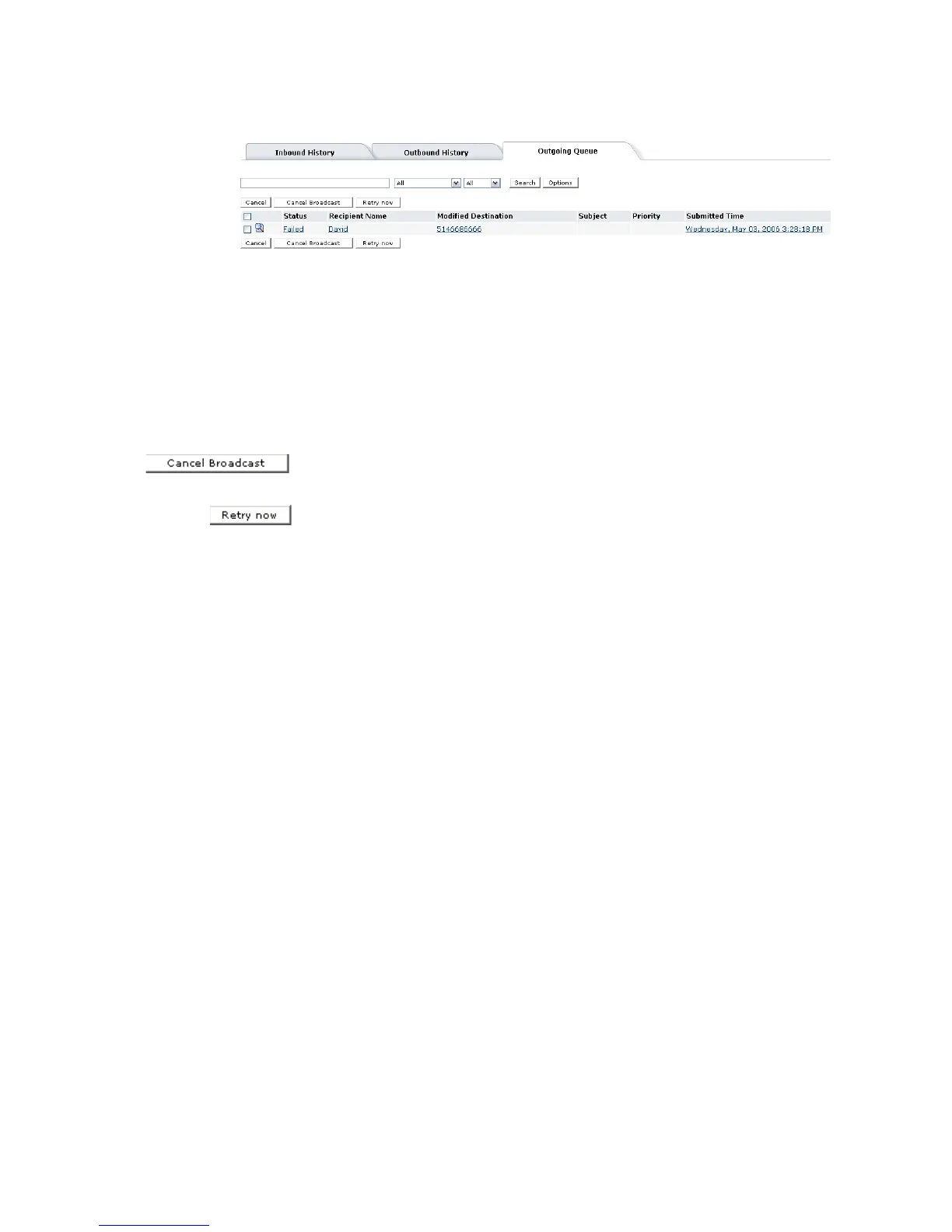
Cancelling a fax broadcast
A fax broadcast occurs when an OmniTouch Fax Server user addresses
the same fax to two or more recipients. Each fax in the broadcast is
listed individually in the outgoing queue. You can cancel one or several
of these faxes as just described, or cancel the entire broadcast.
1 Check the box at the left of any fax entry in the Outgoing Queue
window, that is part of the broadcast that you want to cancel.
2Click the Cancel Broadcast button.
When a fax(es) is in the Waiting to Retry status mode, this can
be caused by a temporary (busy fax line) or permanent error
(hardware or software problems) detected by the XMFaxDriver; as
soon as this error is corrected, the system switches the status mode
to Ready to Send. When the user clicks the Retry now button, the
system executes immediately and bypasses the retry delay mode.



 To Next Page