Chapter 4 Web Access
46 OmniTouch Fax Server User Guide - 8AL_90216_USAA ed.01
selected fax(es). Deleted faxes can be viewed by clicking on the
Deleted button of the search bar.
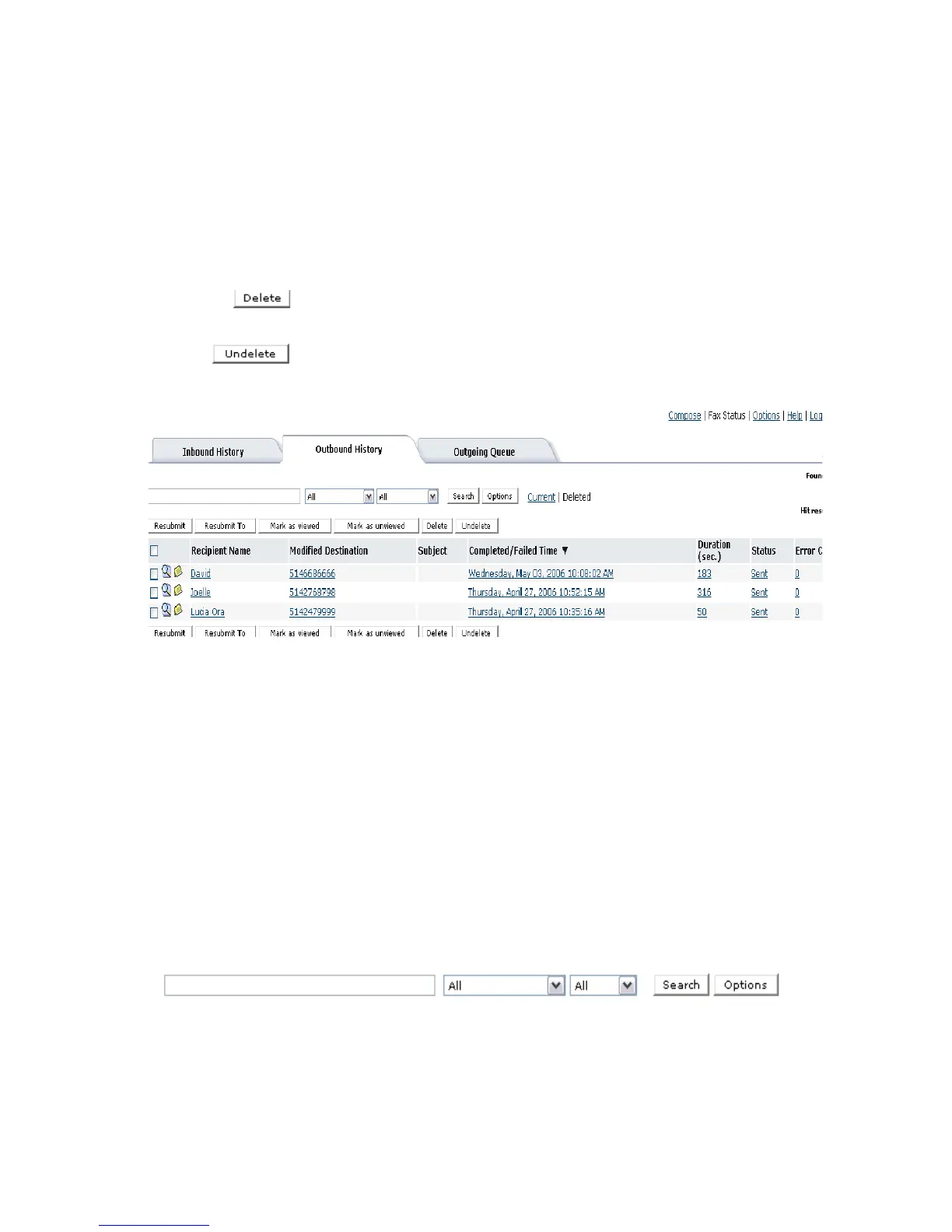
Outbound history delete view
The outbound history Delete View displays the fax status of all
outbound fax(es) that were deleted.The user has the identical button
options as in the Outbound History Current view with the
addition of an undelete feature.
If the user clicks on the Delete button, a permanent delete warning
message is issued.
If the user clicks on the Undelete button, the selected fax(es) are
returned to the Outbound History Current view.
Outgoing queue
The Outgoing Queue tab displays the status of faxes that are
currently being sent or waiting to be sent. Or perhaps a fax machine
has returned a busy signal and the fax remains in the queue until
OmniTouch Fax Server issues a retry.
By default, the Status, Recipient Name, Modified
Destination, Subject, Priority and Submitted Time columns
are displayed.
Searching outgoing queue records
You can display all, or a specific selection of faxes, by using the
search bar at the top of the browser. Leaving the fields of the search
bar empty will result in all of the queued faxes being displayed.
The fields and options in the search toolbar allow you to enter
criteria that can locate a specific set of faxes you suspect are in the



 To Next Page