Chapter 3 Faxing with Lotus Notes Forms
18 OmniTouch Fax Server User Guide - 8AL_90216_USAA ed.01
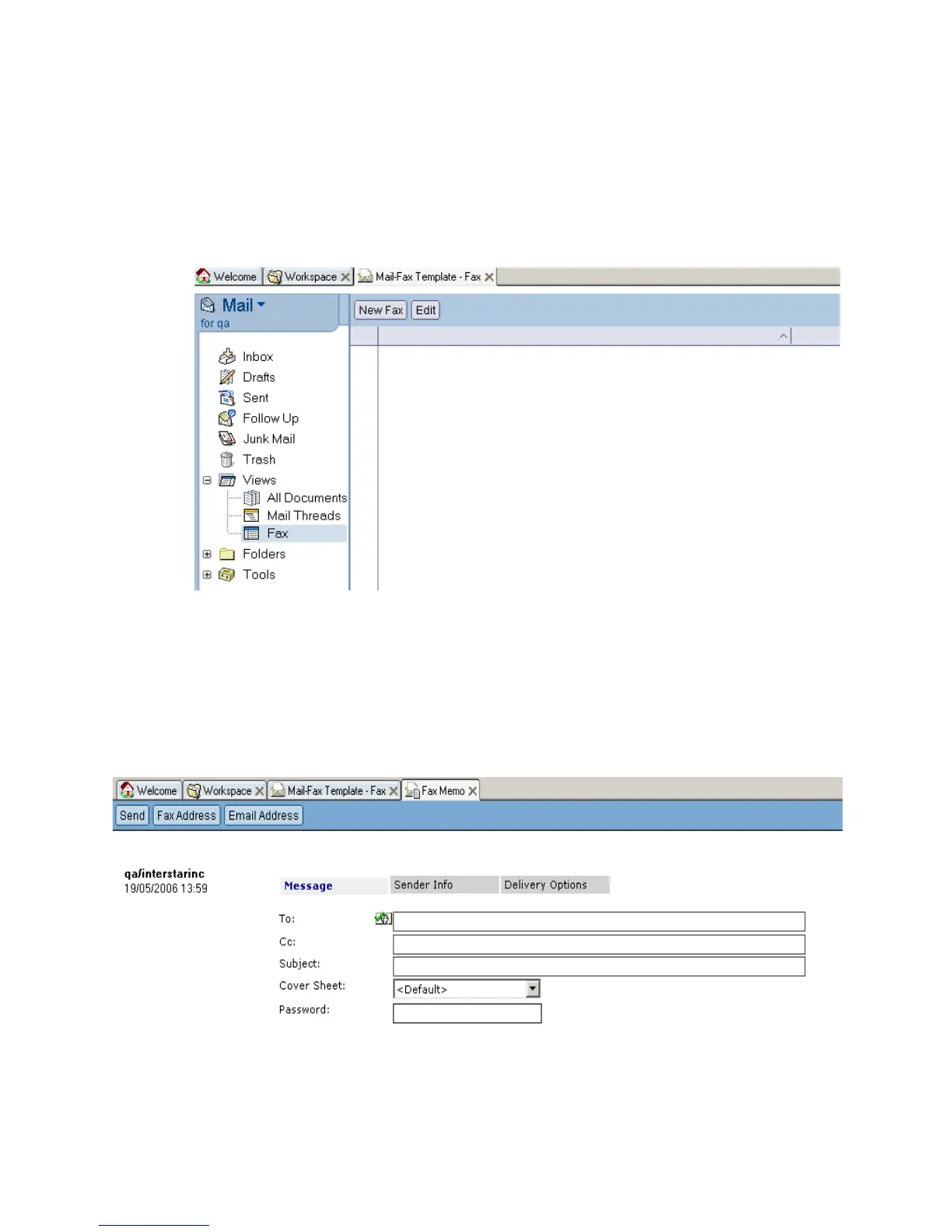
1 Double-click on the Mail Fax Template on server_name icon in
the client workspace.
2 Under the Mail Fax Template - Fax tab that appears
(corresponding to the Fax item in the Views selection of the left-hand
panel), click New Fax.
The Fax Memo tab appears, under which you may enter the
information and contents of your fax.
Form Layout
The form layout is made-up of sender and recipient information and
transmission setting fields, contained in a series of five tabs. Fields are
the basic elements of data capture, storage, and display on forms.
Message Tab



 To Next Page