Chapter 4 Web Access
34 OmniTouch Fax Server User Guide - 8AL_90216_USAA ed.01
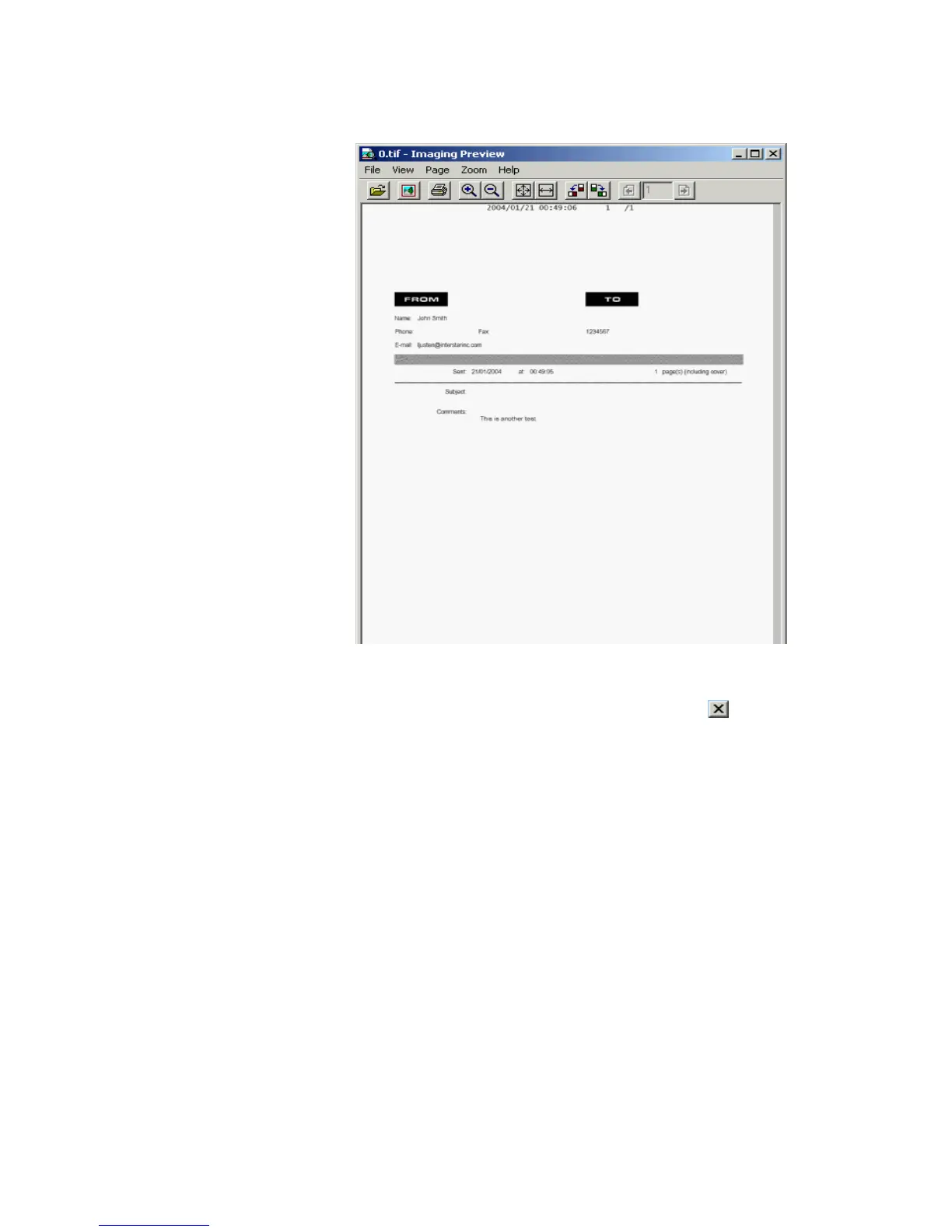
4 You can use the menus or buttons in this window, to edit, print, zoom
in or out, or rotate the fax image.
5 Close the window when you’re done by clicking the button, in the
upper-right corner of the window, or by selecting File > Exit.
Inbound history Current view
The Inbound History Current displays all inbound faxes. This
view offers various options to manage faxes as; Mark as viewed,
Mark as unviewed, Delete, and Forward by clicking on the
respective buttons.



 To Next Page