OmniTouch Fax Server User Guide - 8AL_90216_USAA ed.01 25
4 Web Access
OmniTouch Fax Server provides a browser-based interface for faxing
and displaying the status of sent, received and queued faxes.
Logging into the web access
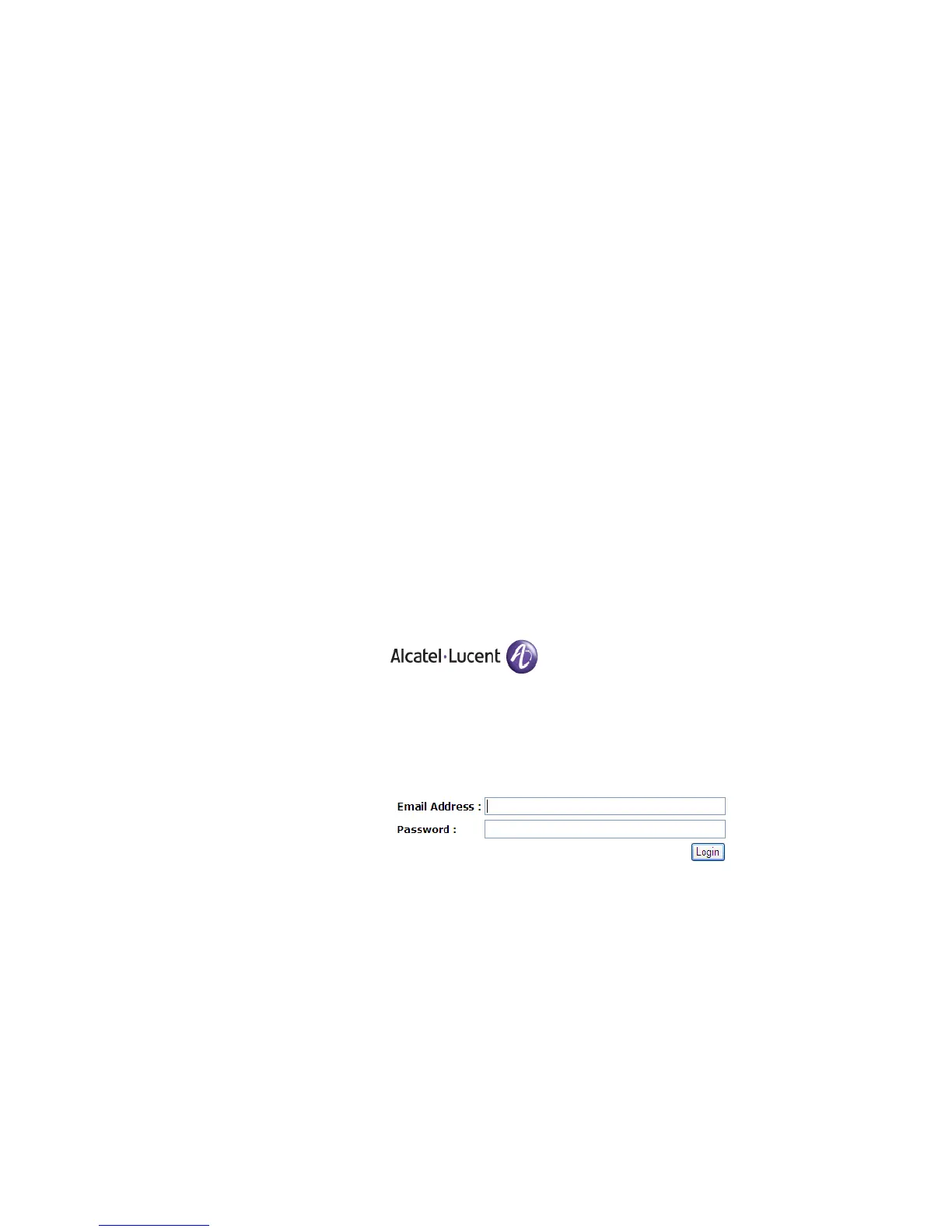
1 Launch Internet Explorer.
The web access login screen appears.
Note: If your system administrator has enabled access with your current NT
account, you will have automatic access to the Fax Status screen.
2 Enter your Email Address, as assigned by the system
administrator.
3 Enter your Password.
4Click Login.
The fax status page of the web access appears (Outgoing Queue
tab).



 To Next Page