Chapter 3 Faxing with Lotus Notes Forms
24 OmniTouch Fax Server User Guide - 8AL_90216_USAA ed.01
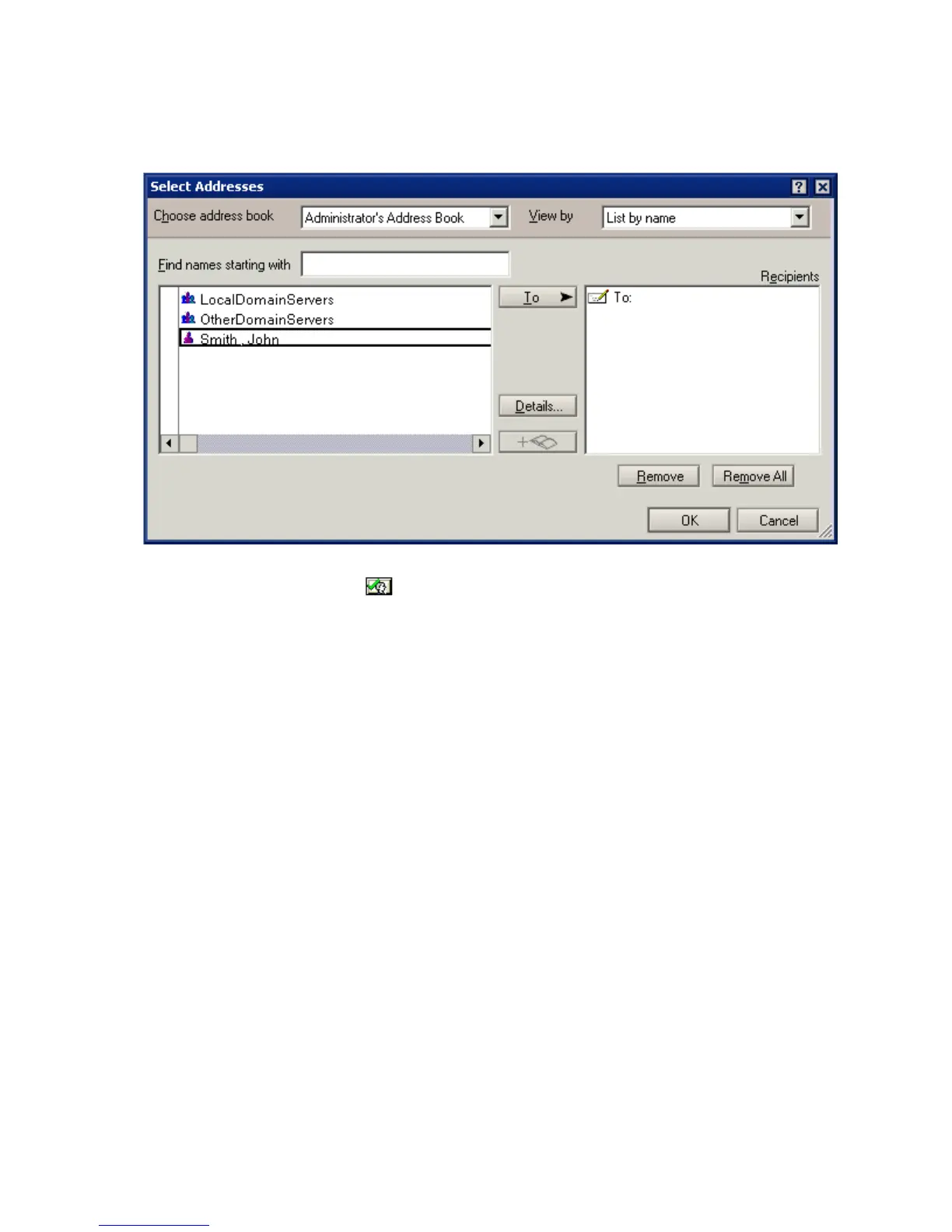
Addresses dialog (or by clicking on them and clicking on the To
button), and clicking OK when done.,
Note: The fax numbers selected are automatically resolved. Click the
button to resolve your selections again.
2 Enter the subject of the fax memo in the Subject field.
3 Select a cover sheet in the Cover Sheet box. The default cover sheet
is set in the User faxing Profile (if configured by the Administrator). If
you do not want to include a cover sheet, select None.
4 Enter the content of your fax memo, in the blank area below the line.
5Click on the Sender Info tab.
6Check the Use these options box to use the parameters selected
from the Sender Info tab.
7 Select a Salutation, First Name, Last Name and Title, as
required.
8 Select a Billing Code and a Sub Billing Code if applicable.
9 Enter the Company name in the Company field.
10 Fill the fields as needed.
11 Click on the Delivery Options tab.
12 Check the Use these options box to Select a Priority,
Retries and Resolution as needed.
13 Check the Notify on success and/or the Notify on failure, if
you want to receive notifications when those events occur.
14 Click Send.



 To Next Page