Chapter 4 Web Access
44 OmniTouch Fax Server User Guide - 8AL_90216_USAA ed.01
Outbound history Current view
The outbound history Current displays the fax status of all
outbound fax(es). This view offers a user various options to manage
faxes sent to destinations.
To display the content of an outbound fax in a browser window:
1In the Outbound History window, click on any fax entry.
2 In the appearing File Download dialog, select Open this file
from its current location.
3Click OK.
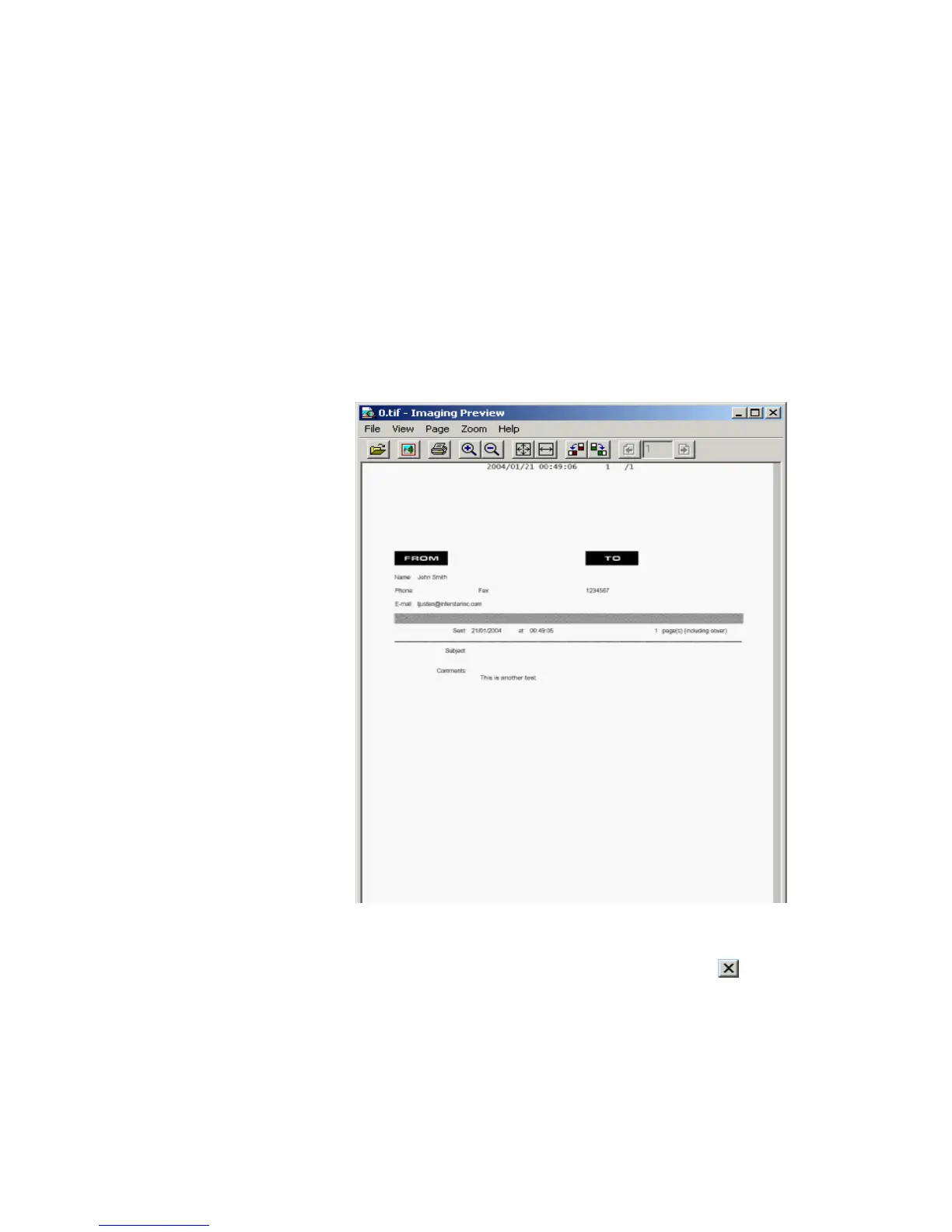
The TIFF Imaging Preview window appears.
4 You can use the menus or buttons in this window, to edit, print, zoom
in or out, or rotate the fax image.
5 Close the window when you’re done by clicking the button
located in the upper-right corner of the window or by selecting File
> Exit.



 To Next Page