Chapter 4 Web Access
58 OmniTouch Fax Server User Guide - 8AL_90216_USAA ed.01
Options
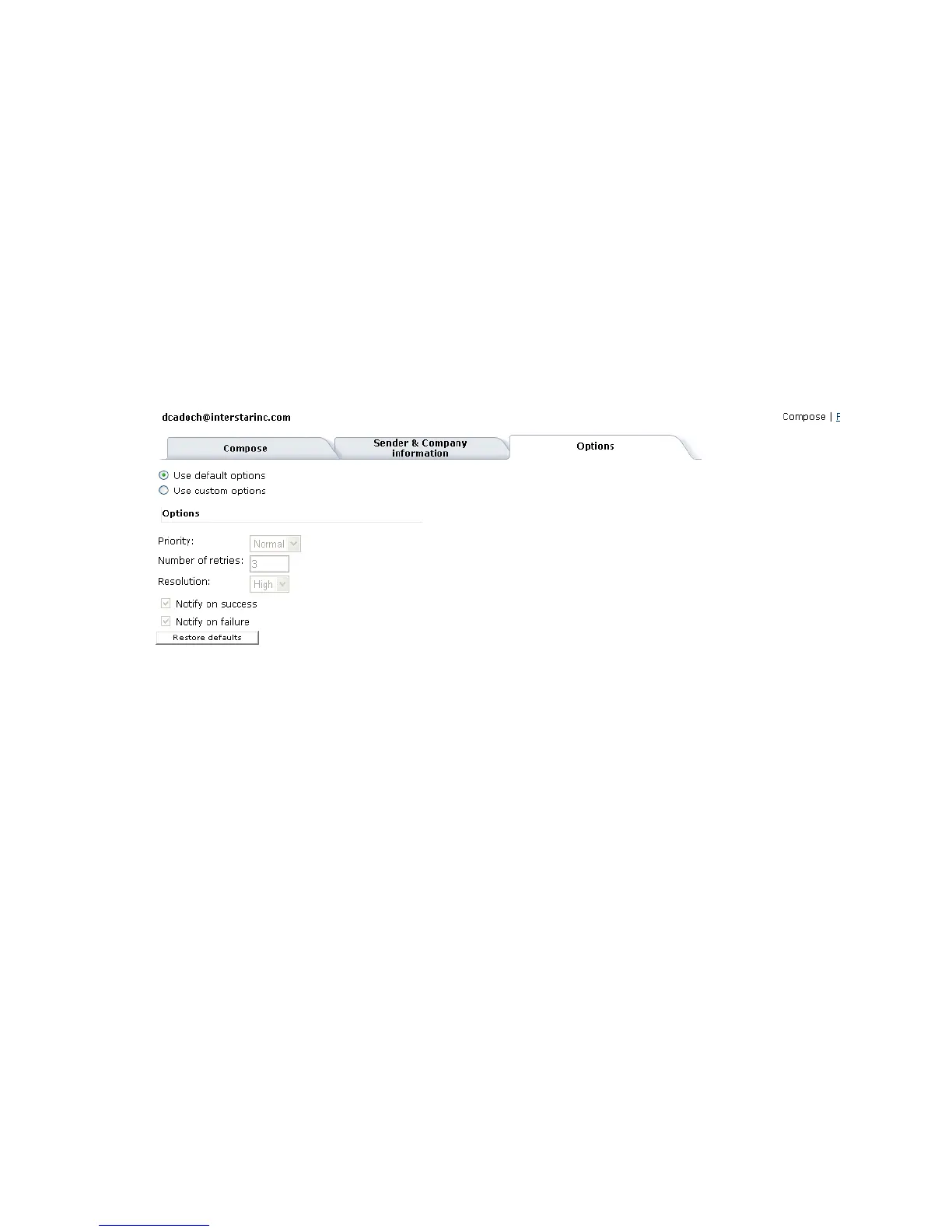
The dialog for the Options tab is where you specify the fax settings
and whether you want to receive notifications. It is possible to use
the information provided in the profile associated with your user
account, or directly specify custom information.
Use default options
Select this option to use the fax settings specified in the profile
associated with your user account;
Use custom options
Select this option to customize the fax settings. The fields below
this selection are then editable.
Options
Clicking the Restore Defaults button restores the fields to the
values taken from the user’s profile. If no value is specified in the
profile, the field is cleared.
Priority Specifies the fax priority (Low or Normal). Default is
Normal.
Number of
Retries
Specifies the maximum number of times the gateway
tries to transmit the fax memo, before failing.
Default is 3. The maximum is 99;
Resolution Specifies the fax resolution (High or Low). Default
is High
Notify on
Success
Check this box to issue a notification after a fax is
sent successfully
Notify on
Failure
Check this box to issue a notification if a fax is cannot
be transmitted.



 To Next Page