Chapter 4 Web Access
26 OmniTouch Fax Server User Guide - 8AL_90216_USAA ed.01
Web access main options
The OmniTouch Fax Server browser-based interface has five available
options in the upper right area of the page.
Compose
The Compose button of the web access opens a page which contains
three tabs: Compose, Sender & Company information,and
Options.
Fax status
The Fax Status button of the web access opens a page which
contains three tabs: Inbound History, Outbound History and
Outgoing Queue.
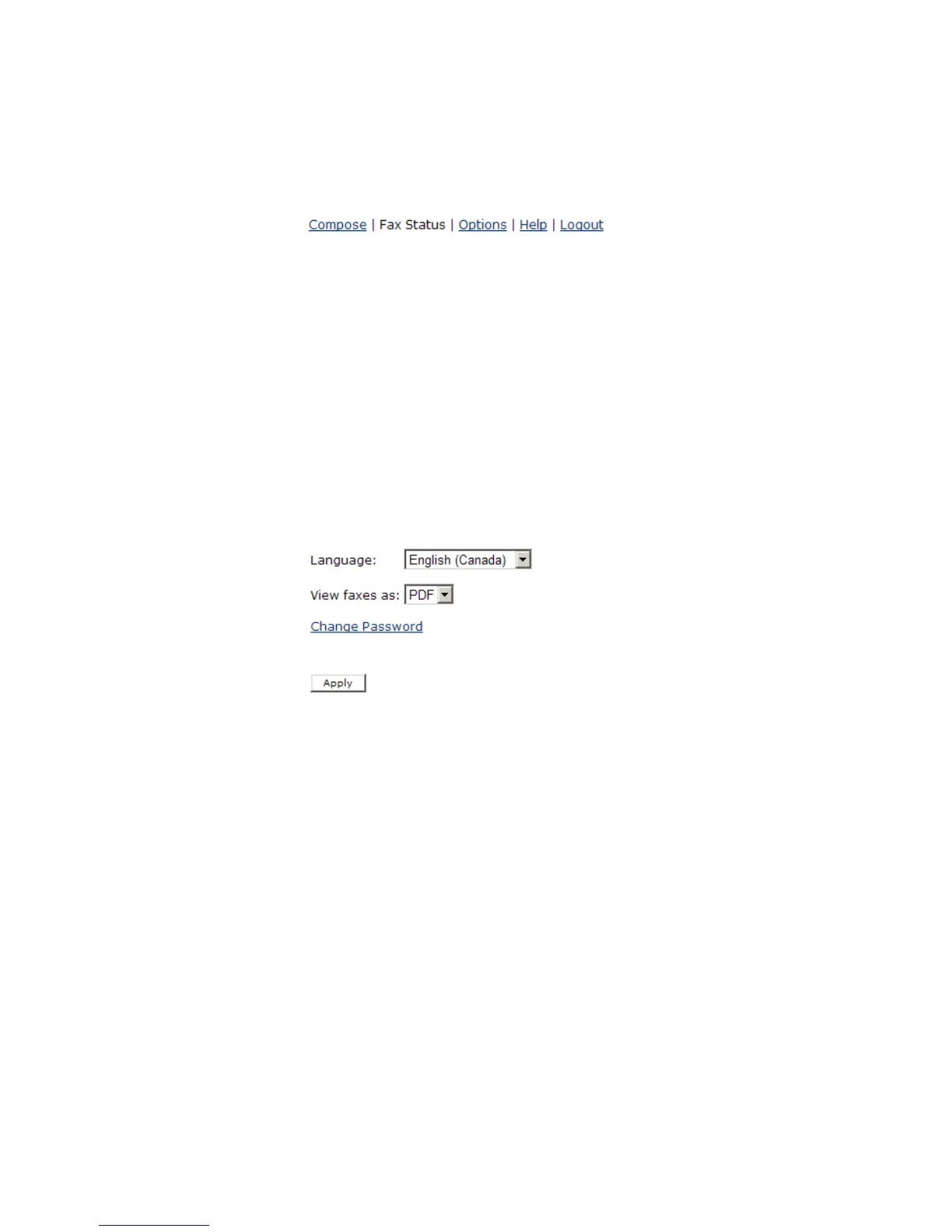
Options
The Options button of the web access opens a page where the
display language, fax format, and password can be changed.
Help
The Help button of the web access launches a related Help file.
Logout
The Logout button of the web access logs the current user out of
the software.
Inbound history
The Inbound History tab Current displays the status of the faxes
you have received. By default, the Received Time, Duration
(sec.), DNIS/DID, Remote CSID and ANI columns are displayed.



 To Next Page