Chapter 3 Faxing with Lotus Notes Forms
20 OmniTouch Fax Server User Guide - 8AL_90216_USAA ed.01
Company: The sender’s company name;
Address: The sender’s company address;
Phone: The sender’s company phone number
(voice);
Fax: The sender’s company fax number;
Cellular: The sender’s cellular phone number;
Pager: The sender’s pager number;
e-mail: The sender’s e-mail address;
City: The city where the sender’s company
is located;
State: The state where the sender’s company
is located;
Zip: The sender’s company ZIP code;
Country: The country where the sender’s
company is located.
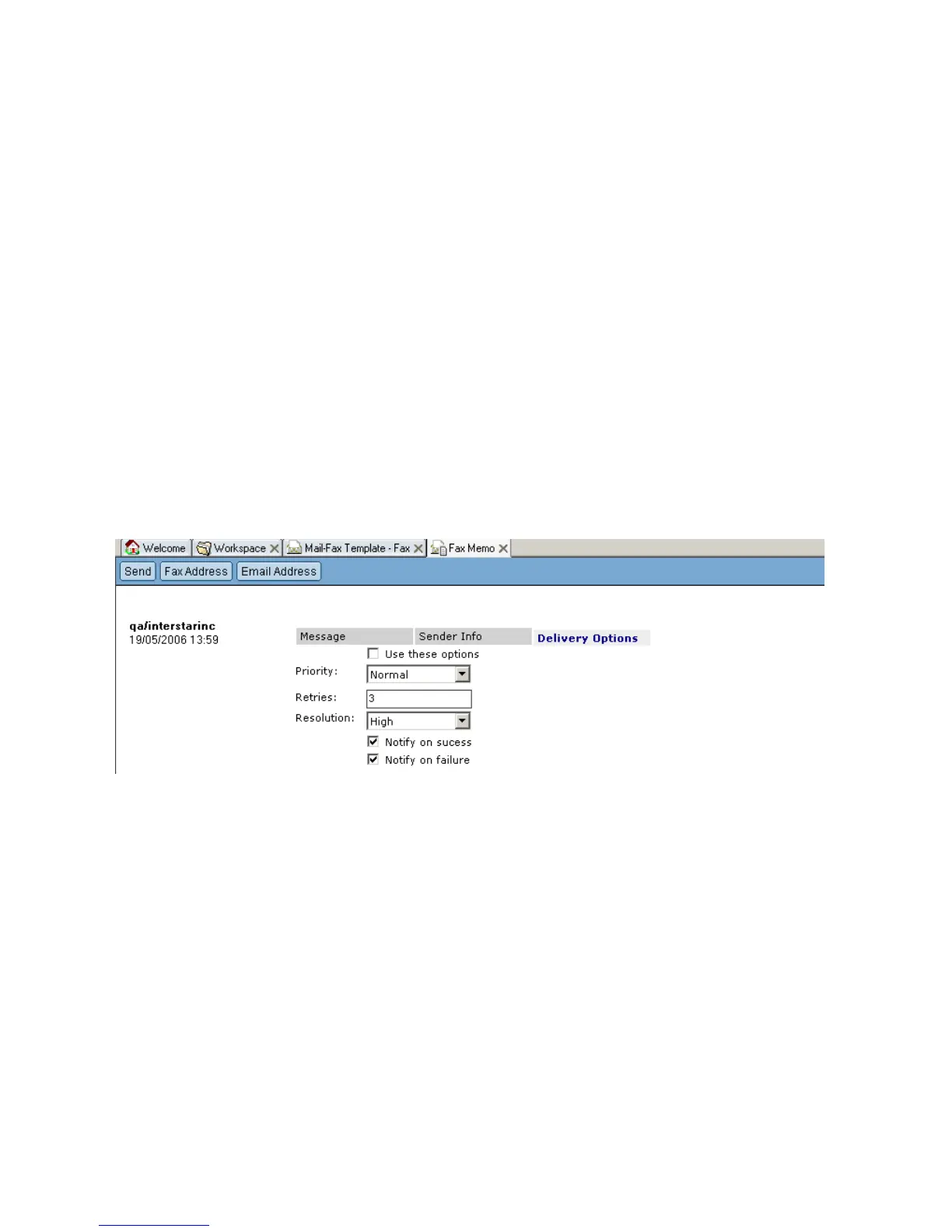
Delivery Options Tab
Priority: Specifies the fax priority. It
ranges from 1, the highest, to 10,
the lowest;
Retries: Specifies the number of retries;
Resolution: Specifies the resolution;
Notify on success
Check this box to issue a
notification after a fax is sent
successfully;
Notify on failure



 To Next Page