OmniTouch Fax Server User Guide - 8AL_90216_USAA ed.01 17
3 Faxing with Lotus Notes Forms
The Lotus Notes forms provide a more detailed format for fax
messages which are sent via Lotus Notes.
Launching the Lotus Notes Client
To launch the Lotus Notes client:
1Click Start > Programs > Lotus Applications > Lotus Notes.
2 Log in, using your Domino account.
Opening the Fax Memo Form
There are two ways to open the form for creating a new fax:
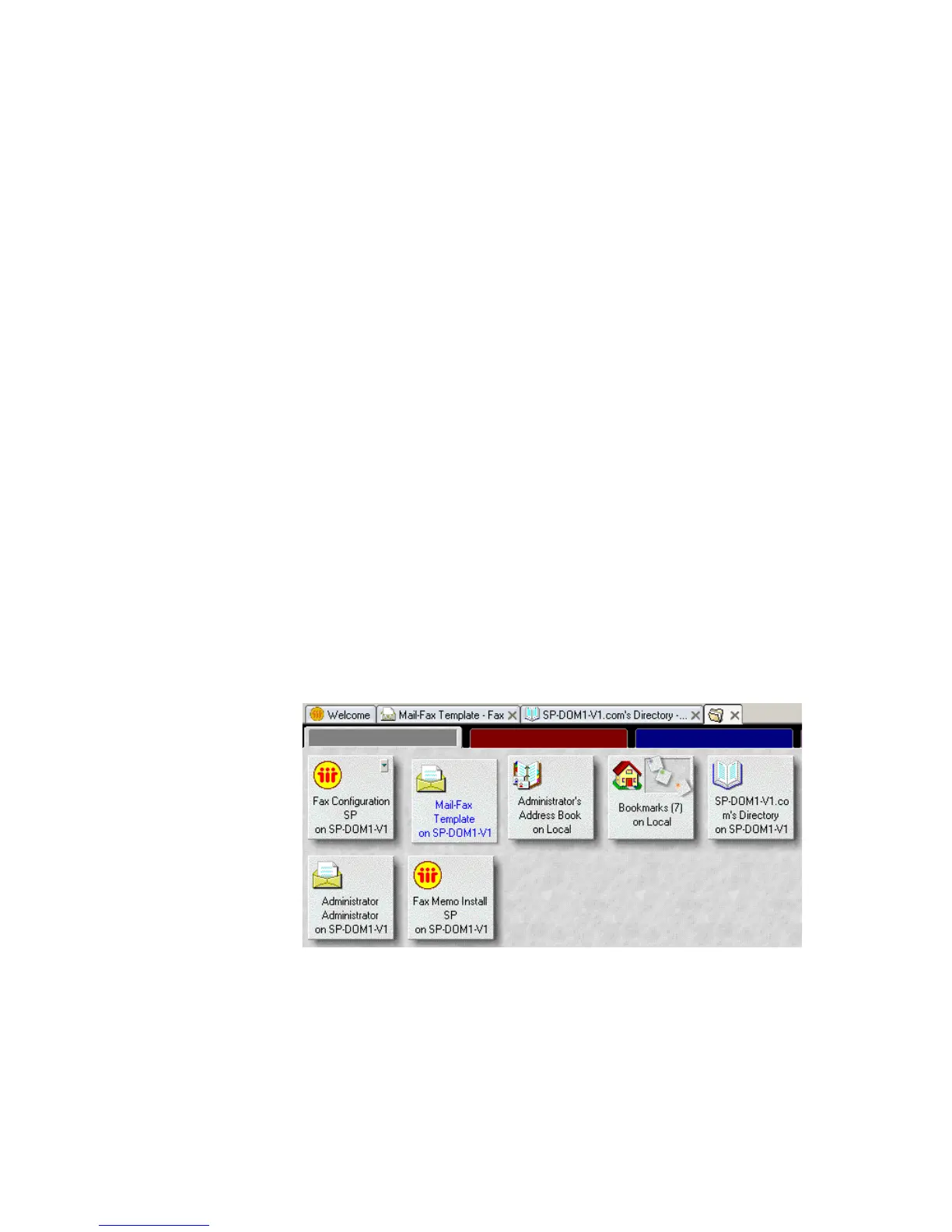
1Click on the Mail Fax Template on server_name icon in the
client workspace (where server_name is the name of the Lotus Notes
server).
2 Select New > Fax.
or



 To Next Page