Chapter 4 Web Access
30 OmniTouch Fax Server User Guide - 8AL_90216_USAA ed.01
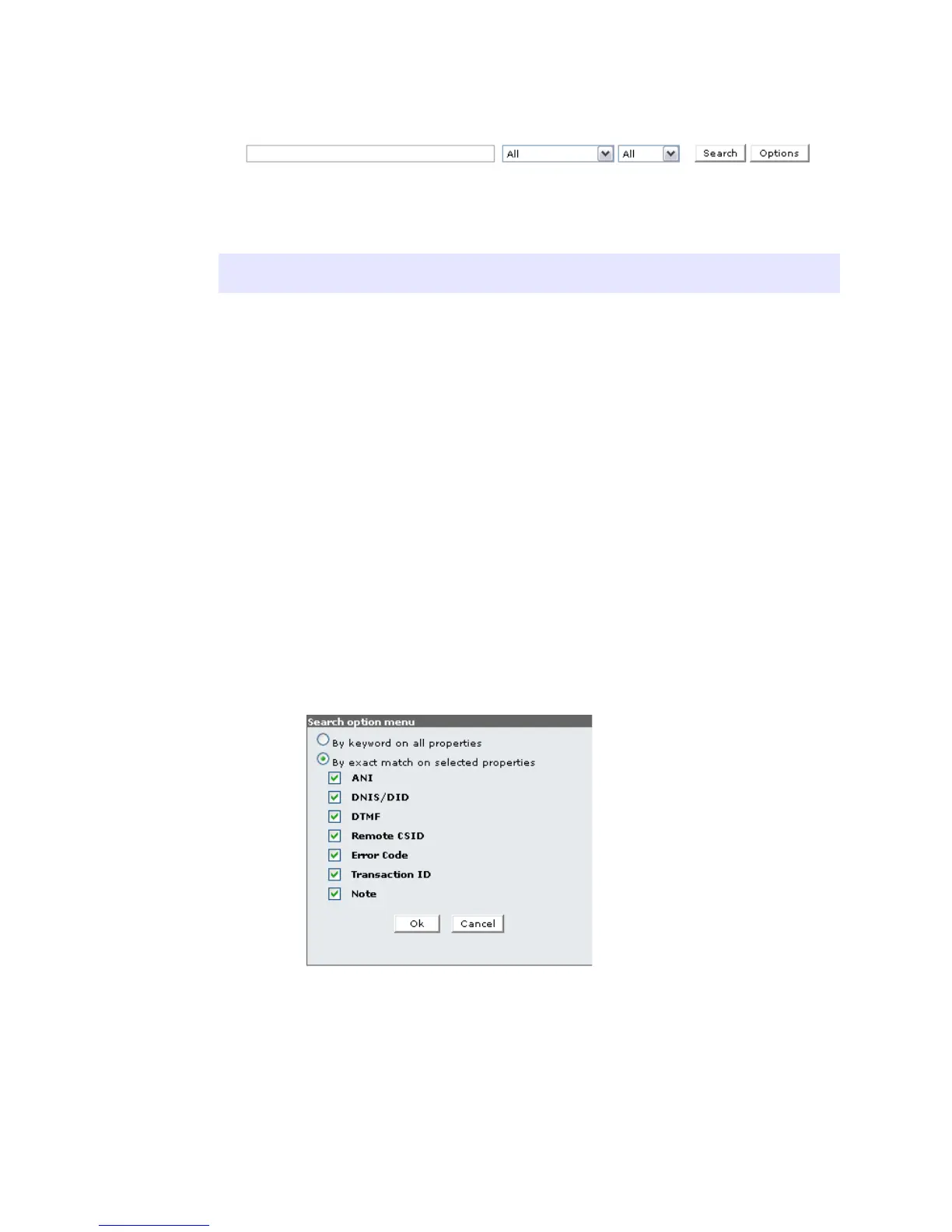
Search Parameters By keyword on all properties:
You can also specify if you want to search By Keyword on all
selected properties or by exact match on selected properties,
and received at any time, or within a certain time range.
Operator Description
+ - The + and - operators indicate that a word is required
to be present or absent, respectively, for a match to
occur.
The operators must be placed before (without a space)
the word. e.g. +xxx -yyy.
* The asterisk serves as the truncation (or wildcard)
operator. It should be appended to the word to be
affected. Words match if they begin with the word
preceding the * operator.
" A phrase that is enclosed within double quote (‘"’)
characters matches only rows that contain the phrase
literally, as it was typed. The full-text engine splits the
phrase into words, performs a search for the words.
Non-word characters need not be matched exactly.
Phrase searching requires only that matches contain
exactly the same words as the phrase and in the same
order. For example, "test phrase" matches "test,
phrase".



 To Next Page