Chapter 3 Faxing with Lotus Notes Forms
OmniTouch Fax Server User Guide - 8AL_90216_USAA ed.01 23
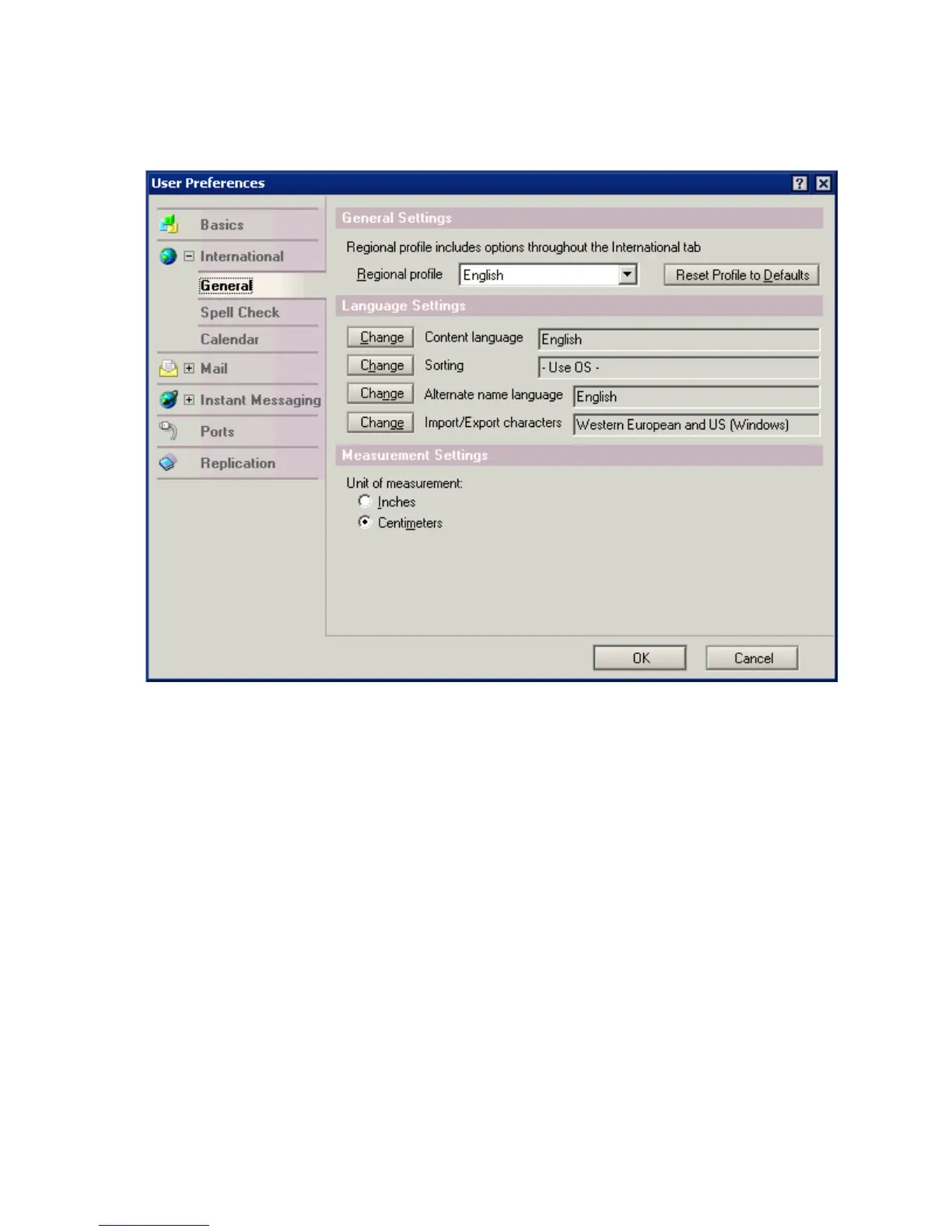
2In the User Preferences dialog that appears, click
International.
3In the Regional profile box, select the desired language.
4 Exit and restart the Lotus Notes client.
Creating and Sending a Fax
1 In the fax memo form, Click the Message tab and enter the name of
the recipient you want to transmit, in the To field.
You may also click on the Fax Address or e-mail Address buttons
respectively to select recipients, by clicking on them in the Select



 To Next Page