Chapter 1 Faxing From Microsoft Outlook
4 OmniTouch Fax Server User Guide - 8AL_90216_USAA ed.01
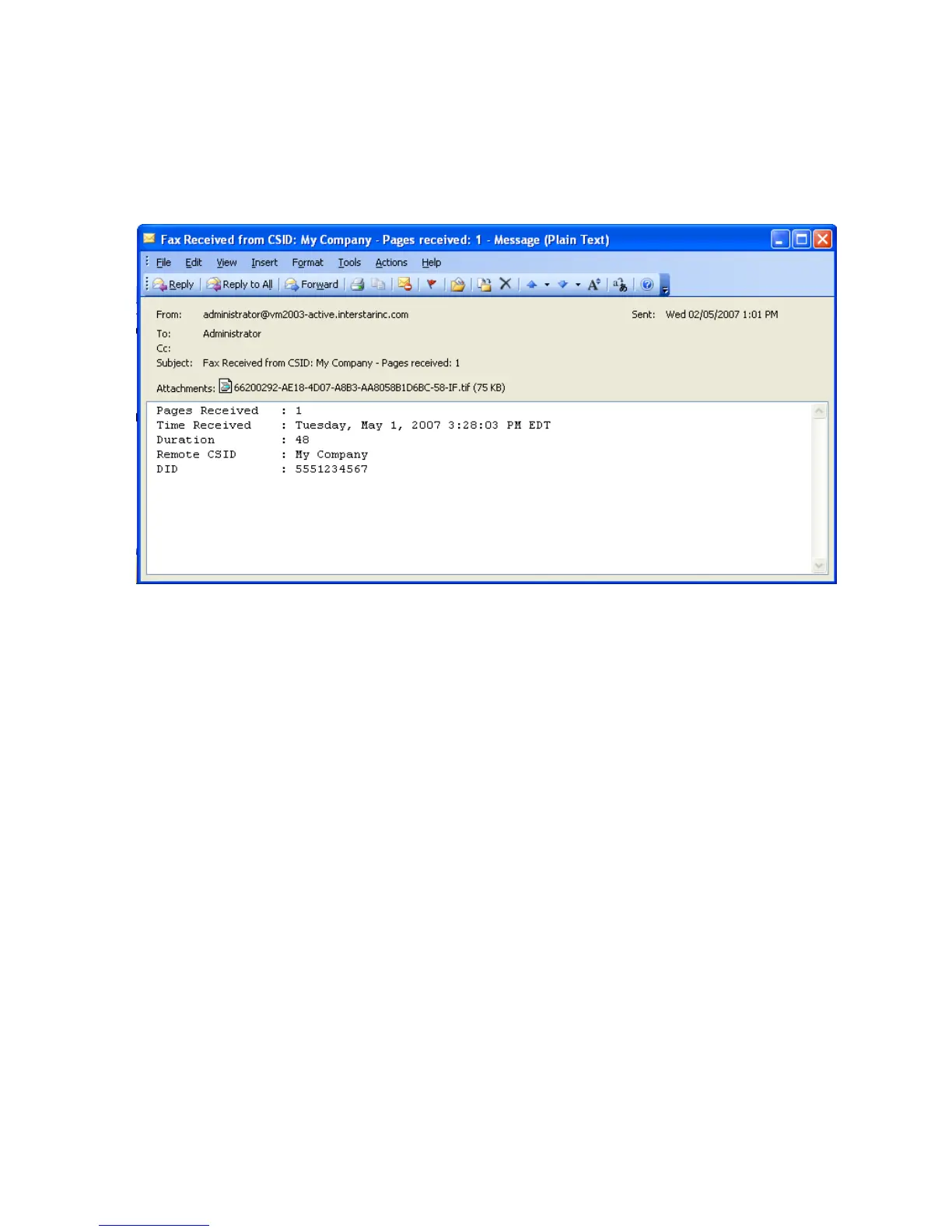
Incoming as well as outgoing fax notifications are sent to your
Inbox. Notification consists of a copy of the fax message you sent
and details about the transmission outcome.
You can also display a list of your incoming and outgoing faxes
through the Web Access section (refer to the Web Access chapter of
this manual), a utility that can be accessed through any internet
browser.
Sending a fax
1 Launch Outlook.
2Click New.
3 There are two ways to address faxes; enter an address manually or
select a recipient from your list of contacts.
The first is to manually enter in the To field a fax number using the
following syntax: [FAX:fax_number], for example,
[FAX:1234567].
Note: The square brackets are required. The term FAX represents
the type of address space used by the connector that connects
Microsoft Exchange and the OmniTouch Fax Server gateway for
Microsoft Exchange. The OmniTouch Fax Server default is FAX,
although an administrator can change that or add another
type of address space. If you are to enter a term other than
FAX, your administrator should inform you.
Manual addressing also allows you to enter recipient
information. See Add recipient information to manual
addressing on page 5 below for further information.



 To Next Page