Chapter 4 Web Access
62 OmniTouch Fax Server User Guide - 8AL_90216_USAA ed.01
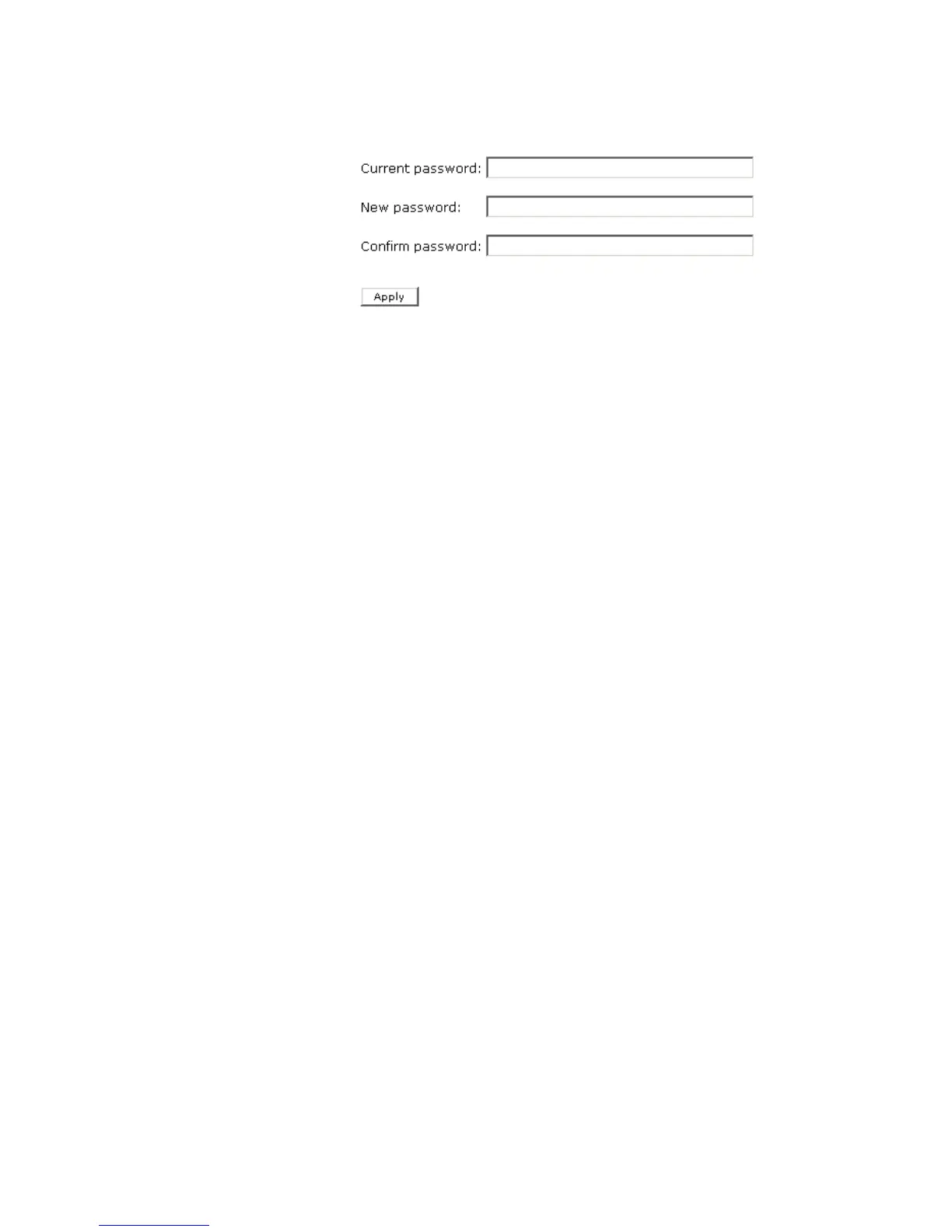
3 In the page that appears, enter your current password in the
Current password field.
4 Enter the new password, in the New password field.
5 Re-enter the new password, in the Confirm password field.
6Click Apply. A message stating Your password has been
changed should appear in the page.
7Click Fax status to return to the fax status page.



 To Next Page