©2019 ALL-TEST Pro, LLC All Rights Reserved 17 Rev 06/20/2019
IND/DYN/INS – AC INDUCTION MOTOR TEST
The Patented & Patent Pending analysis methods and measuring technologies are divided into
two main testing types: “STATIC” and “DYNAMIC”.
After completing a test “path” the instrument will automatically “ANALYZE” the test result of
each parameter and presents the result in a user-friendly format. Analysis results include one of
three possible levels: “OK”, “WARN” or “BAD” based on the preset rules. The user always has
the option to compare the new results with already preloaded or saved record in the memory,
or to save the current test as a baseline reference test.
Saved test records can be uploaded to the optional computer software for further analysis,
trending, data base management and report generation.
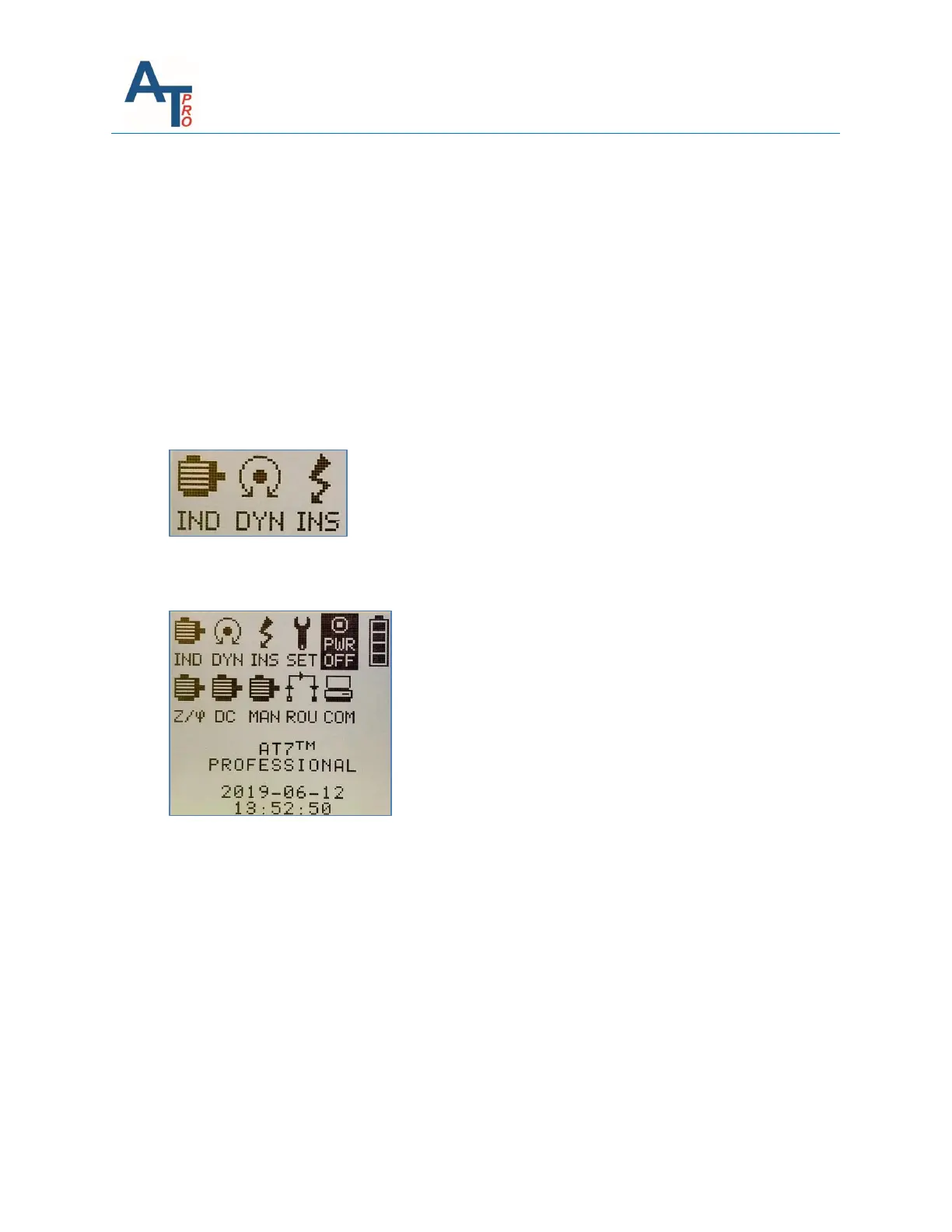
The three icons are used for STATIC and DYNAMIC test. They are located on the very first three
positions on the 1
st
line of icons of main menu, as shown in the main menu below.
IND – Performs tests on AC three phase squirrel cage induction motors with rated voltage less
than 1000 V. It performs the Static, Dynamic, Insulation resistance to ground, DF & capacitance
of winding tests.
DYN – “DYN” means dynamic test and is a part of the “IND” test and “Z/” test. This menu
provides a convenient direct access for dynamic test.
INS – “IND” means insulation resistance to ground test and is part of the “IND” test and “Z/”
test. This menu provides a convenient direct access for insulation test.
Before going into the details on how to perform the test, the general testing theory is presented
first below.



 To Next Page