ALL-TEST PRO 7™ User Manual
©2019 ALL-TEST Pro, LLC All Rights Reserved 27 Rev 06/20/2019
Dynamic Test
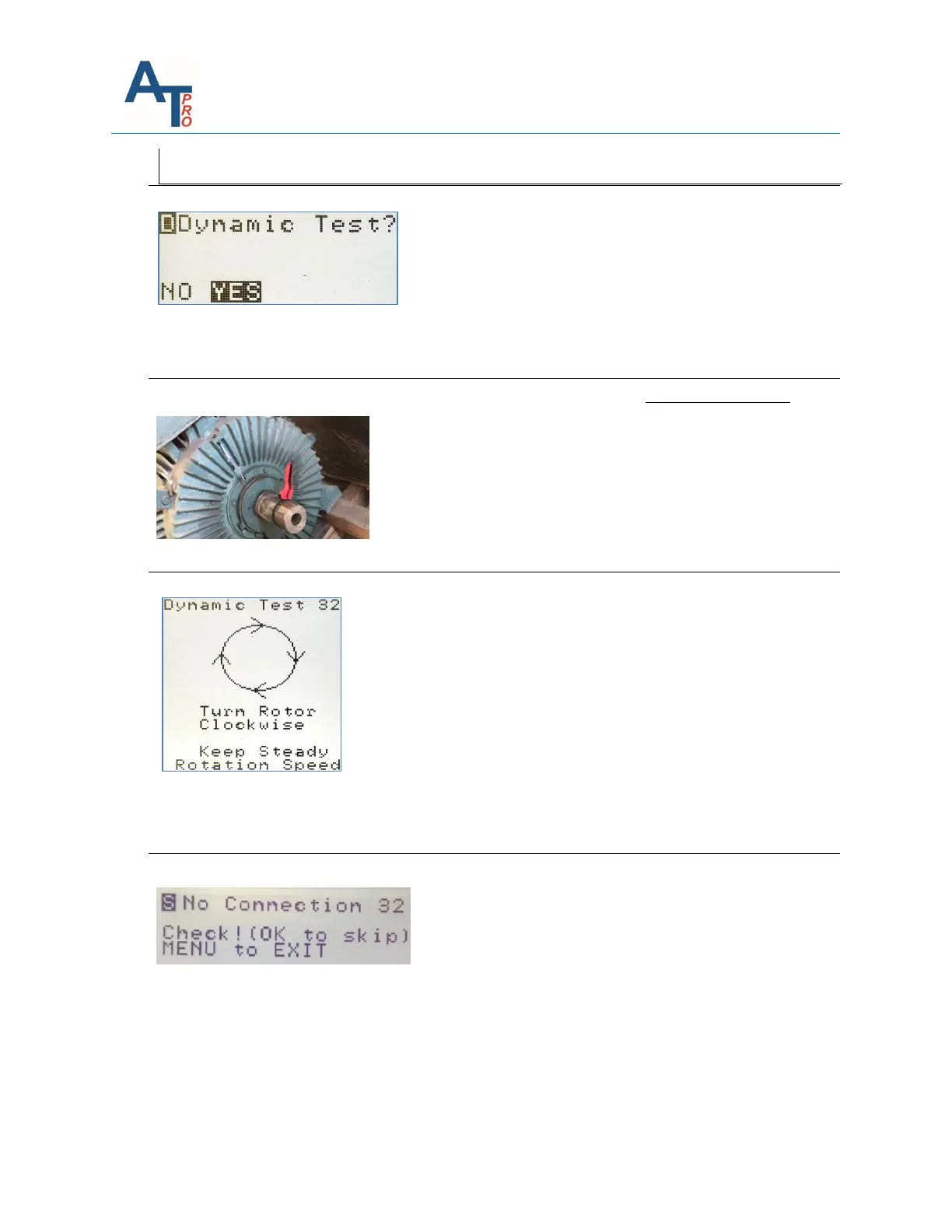
The next step provides the option to select a “Dynamic
Test?”. Select “NO” or “YES” and press OK. If “NO” is
selected, then the instrument will skip the Dynamic
Test and go directly to the “Result Menu Screen”.
Selecting “YES” will start the Dynamic test. The first
phases are 3 to 2 (32) and the instrument’s display will
guide you through the testing process. Use the same
starting position for each phase. Press the OK key to
test phases 32.
Start by turning the Rotor as smoothly as possible and
the instrument will emit a “beep” tone to help the user
turn the shaft at the proper speed. 4 beeps per
revolution = 15 RPM. 8 beeps per revolution = 7.5 RPM.
We suggest using a “shaft strap” as shown in this
picture. Continue turning/rotating the rotor while the
instrument automatically switches to the next “phase
to phase” connection displayed in the following order:
After phases 32 finishes it will then sequence to the
next phases (21). Press the OK key to start the test and
use the “beeps” to set the rotation speed. Phases 13
follows after phases 21.
NOTE: If little (or no) movement occurs then it is
possible it will not sequence to the next phase during
the dynamic test. You can force the instrument to
sequence to the next phase by pressing OK. This does
not mean that the motor is necessarily bad, but
instead may relate to the design/construction of the
motor. It’s always recommended to practice the
dynamic test using the “DYN” menu to find the
optimized turning speed.
NOTE: If “No Connection” is detected by the
instrument you will see the warning message listed
above. If your connection to the motor is correct, then
you can force it to sequence to the next phase by
pressing OK.



 To Next Page