©2019 ALL-TEST Pro, LLC All Rights Reserved 31 Rev 06/20/2019
Test Save and Reference Comparison
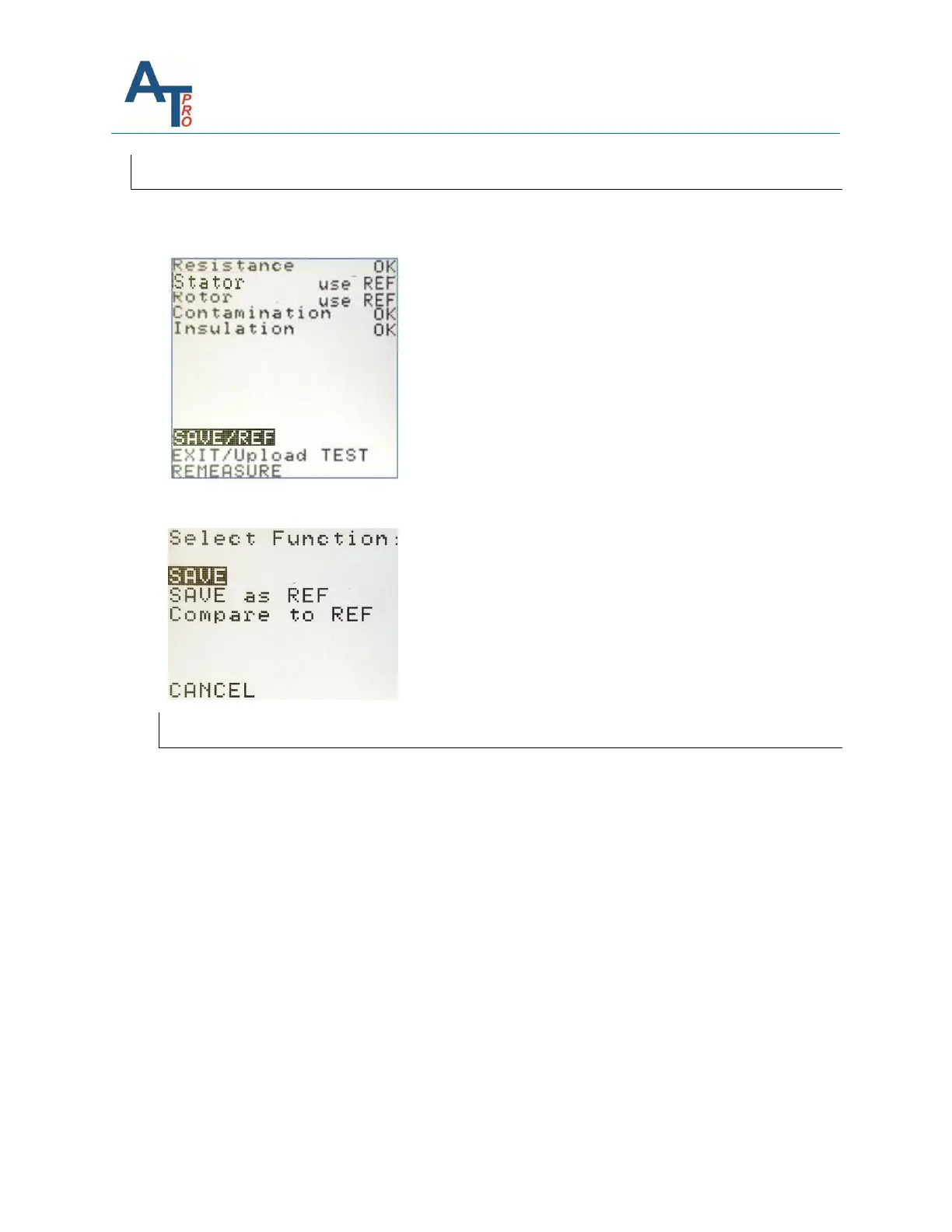
After viewing the test data, if the user wants to save the test, highlight the “SAVE/REF” and then
press “OK” key.
There are three options available.
Letter and Number Input
Before exploring all SAVE options, the method to input the letter or number is described below.
Alpha Characters
The highlighted section in the upper left-hand corner indicates if the keypad is using the alpha
characters or the numeric characters. To switch between Alpha and Numeric keys, press the OK
key while the highlight is in the data entry field variable bar is highlighted.
Alpha characters will be entered when ABC is displayed in the upper left-hand corner of the save
screen. To enter Alpha characters, press the keypad with the desired Alpha character. The first
character of the three or four characters on each key will be entered with the first press of the
button, immediately repressing the button will select the second alpha character, as well as the
third and the fourth. Momentarily pausing after a key stroke will cause the curser to
automatically move to the next blank space. And the new or different Alpha character can now
be entered in that space.



 To Next Page