©2019 ALL-TEST Pro, LLC All Rights Reserved 61 Rev 06/20/2019
10. Press the OK key to continue with the measurement, the screen will display Manual Test
……. please wait. When the measurement is complete the screen will display the results of
the manual measurement.
11. Press the OK key to return to the Select Leads Menu
12. To re-measure the same phase again: Press the key to highlight REMEASURE; then press the
key, this will perform the same measurement and display the measured value.
13. To exit the Setup Menu and return to the Main Menu press the TEST ˅ key to highlight
CANCEL then press the OK key.
Firmware Version Number
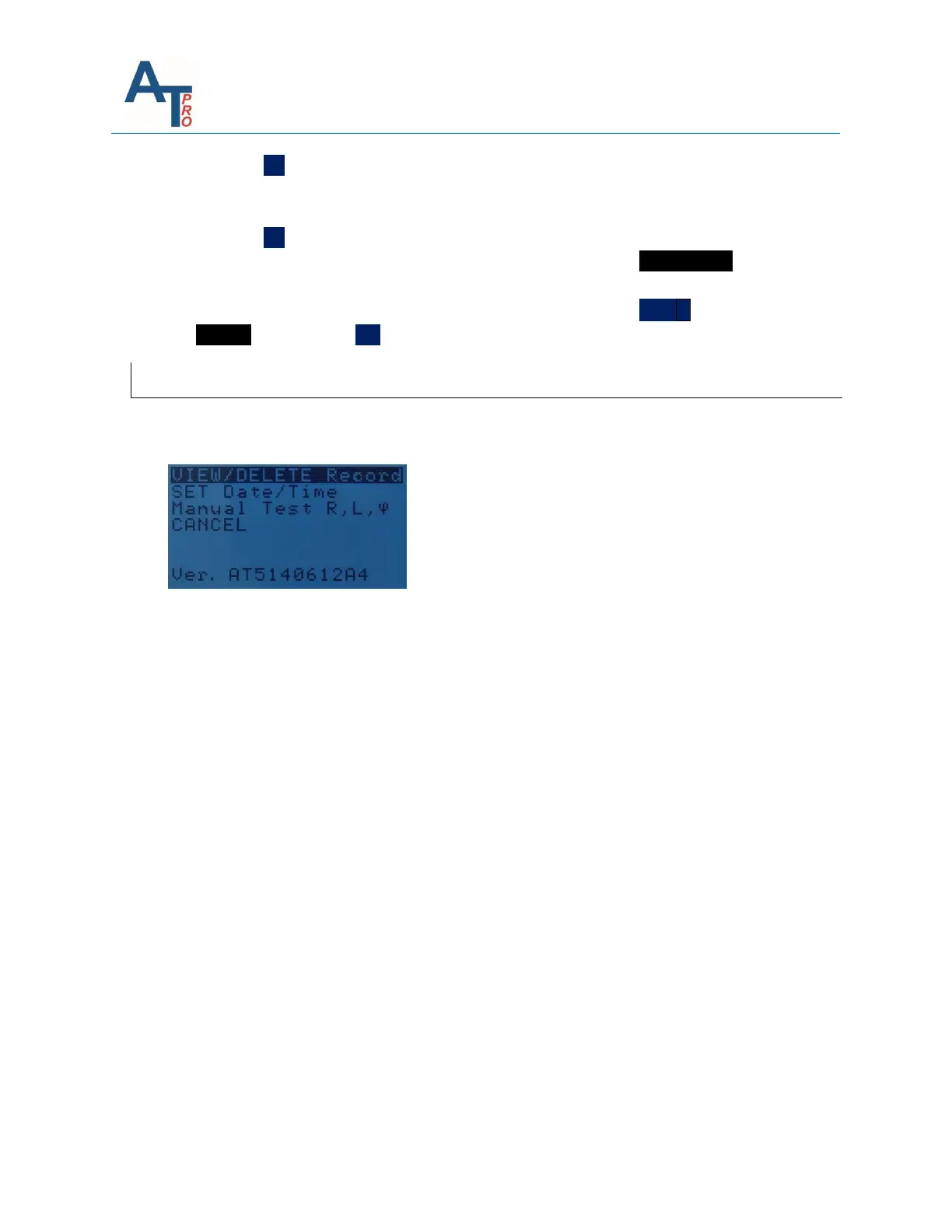
On the bottom of the “SET” menu, the instrument firmware version is displayed. For the
example below, the version number is “AT7P190610D”.
Note: Whenever a problem is reported to tech support, always include the firmware version
number in the communication.



 To Next Page