©2019 ALL-TEST Pro, LLC All Rights Reserved 32 Rev 06/20/2019
Numeric Characters
Numbers will be entered when 123 is displayed in the upper left-hand corner of the save screen.
To enter numbers simply press the key with the desired number. The selected number will be
entered, and the highlight will automatically move to the next available space.
Move to Different Screens
To complete any entry, press the Upward or Downward arrow keys. This will highlight the NEXT
button, and then press OK. This will either display the next selection or move to the next screen.
The function of the three buttons:
PREV: Goes back to the previous steps so that you can modify the information input
NEXT: Goes to next step
CANCEL: Goes back to the test results screen. You still have the chance to save the test data.
SAVE
SAVE provides a quick and easy way to save the test data in just a couple of steps. It is strongly
recommended to use SAVE right after a test.
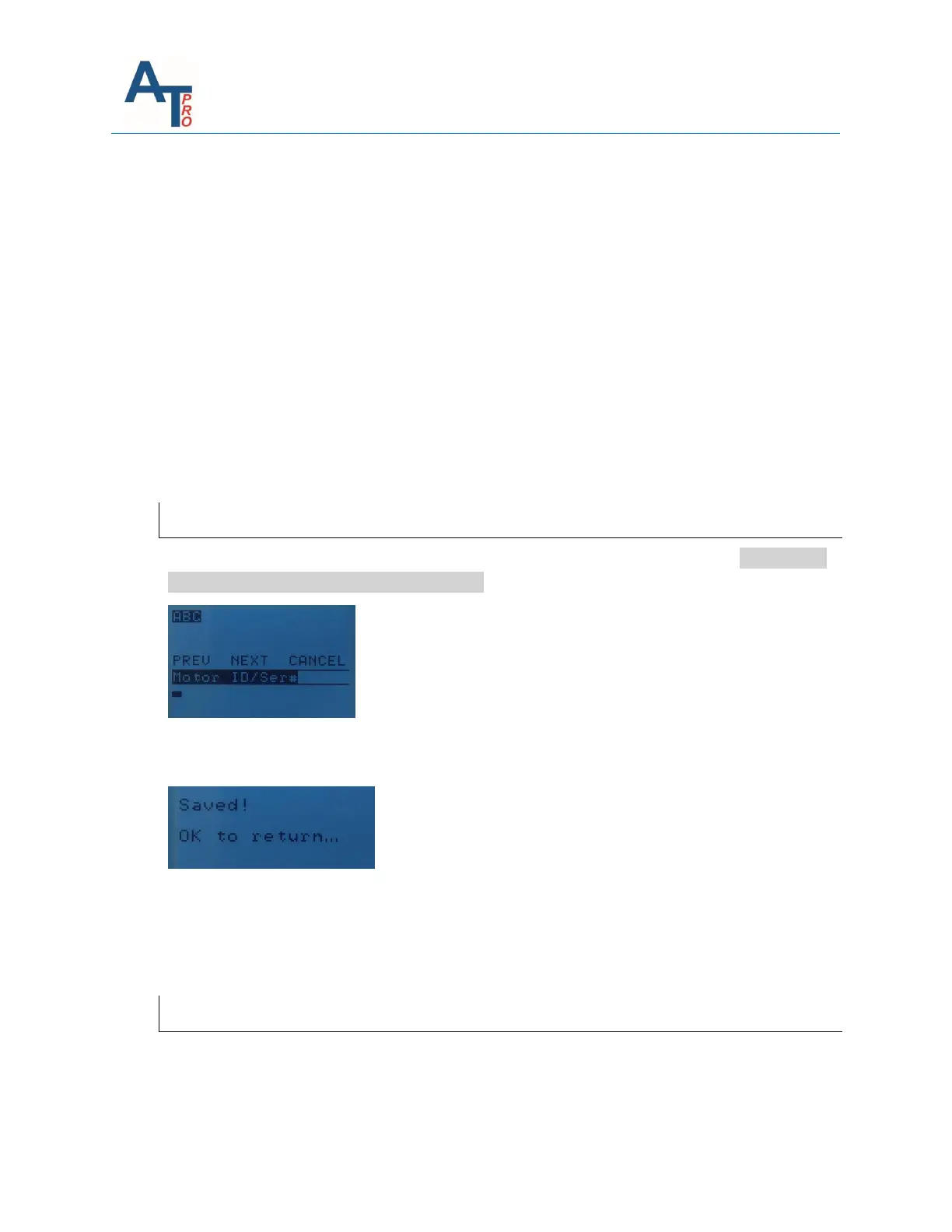
Input the Motor ID or serial number, then use Upward or Downward key to highlight “NEXT”,
pressing “OK” key.
It shows the test has been saved in the memory. Press “OK” key to return to the test results
screen.
To view the test results after exiting the test menu, please refer to Section “Viewing Saved Test
Data”.
SAVE as REF
If you want to save the test data with some specific information about the motor, SAVE or SAVE
as REF is the option to choose. You will go through the same saving steps for either option. The
only difference between SAVE and SAVE as REF is the type of data saved in the instrument



 To Next Page